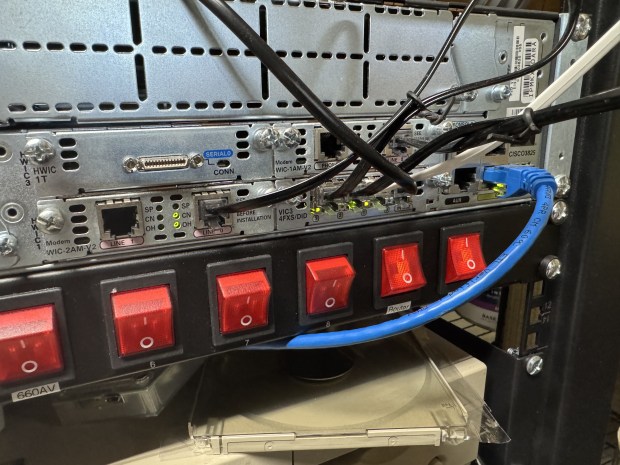
I started mentioning about my LAN Before Time project before. The idea is to have a rack of the most diverse CPU, OS, and Networking technologies I can find. Each computer and piece of equipment bringing something new and unique to the collection. One part of this collection was the network. Coming from a networking background, I also wanted to have the most diverse set of networking technologies that I could. To do this I would need to find a core router that could talk all the different protocols I wanted. Having worked at Cisco in the past, I knew they had gear that went back in time, and could add in some additional fun like AppleTalk. That is where I started my search.
Why the Cisco 3825
I knew I needed a Router and not a switch, because we would be going between several protocols. I could time box the router a bit because I wanted to support AppleTalk and IPX. Support from these no longer exists, and thus would give a cutoff for devices I could get.
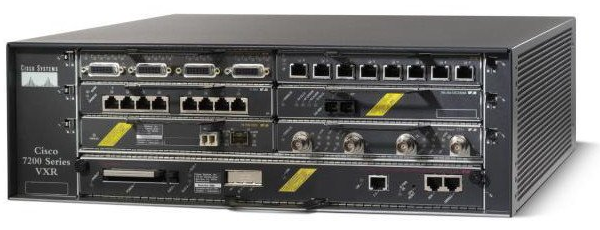
Years ago, I was the Cisco 7200 VXR guy at work. They were great routers, that could go up to gigabit and go in and out of a ton of different connections, including some voice ones. The issue was they could do lines like T1, but they couldn’t host an analog modem, and that was one thing I very much wanted.
Now we are getting down to a select group of Cisco devices. I started making a table of the pros and cons of each. I also was hoping for something slightly newer to have 1gb/s links available, and hoping that it wouldn’t use a 1000 watts at idle.
This is a table I made of all the different options for routers and the features they supported:
| Model (U) | Small Bays | Large Bays | Token Ring | IPX / Appletalk | Dial-Up | Base Speed | EOL Date | Flash |
| 2513 (1) | 0 | 0 | Y | ? | 10mb | Before time | Internal? | |
| 3640 (2) | 0 | 4 | Y | Y / Y | N | 100mb | 2008-12-31 | PCMCIA |
| 3725 (2) | 3 | 3 | Y | Y / Y | Y | 100mb | 2012-03-31 | CF |
| 3745 (3) | 3 | 4 | Y | Y / Y | Y | 100mb | 2012-03-31 | CF |
| 3825 (2) | 4 | 3 | Y | Y / Y | Y | 1000mb | 2016-11-1 | CF + USB |
| 3845 (3) | 4 | 4 | Y | Y / Y | Y | 1000mb | 2016-11-1 | CF + USB |
| 3945 (3) | 3 | 4 | N | N / N | Y | 1000mb | 2022-12-31 | |
| 7206XVR (3) | 6 | 0 | Y | Y / Y | N | 1000mb | 2017-02-28? | CF/PCMICA |
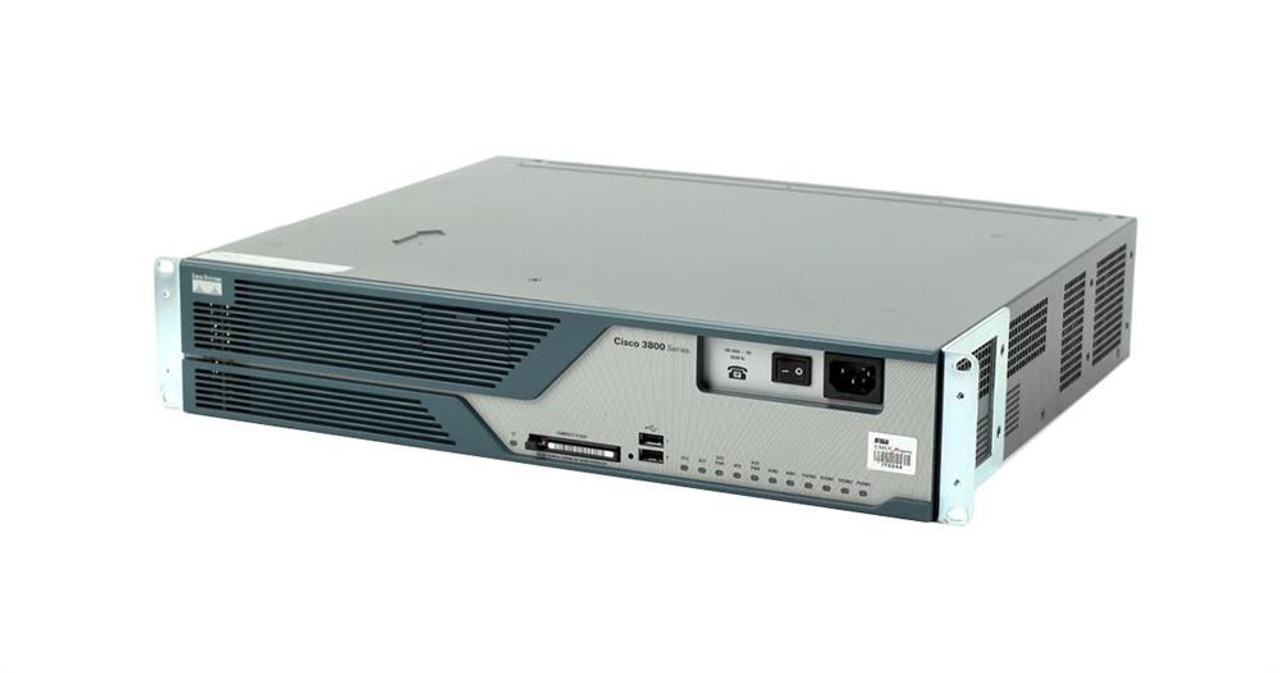
The Cisco 1800/2800/3800 line all came out around the same time, they were considered the G1 generation routers. Things before them were legacy, and the systems after them like the 3945 were the G2 devices. G2 was a step to get rid of legacy, this means dropping AppleTalk, IPX and some of the things I was interested in. By this point I had realistically narrowed down to a Cisco 3725 or 3825. The 3825 had gigabit on the main controller, allowing my to get a little closer to modern systems; that put me over the edge for it. I also was not interested in its giant cousin, the 3845; the 3825 had enough bays and should be quiet enough for me to run routinely.
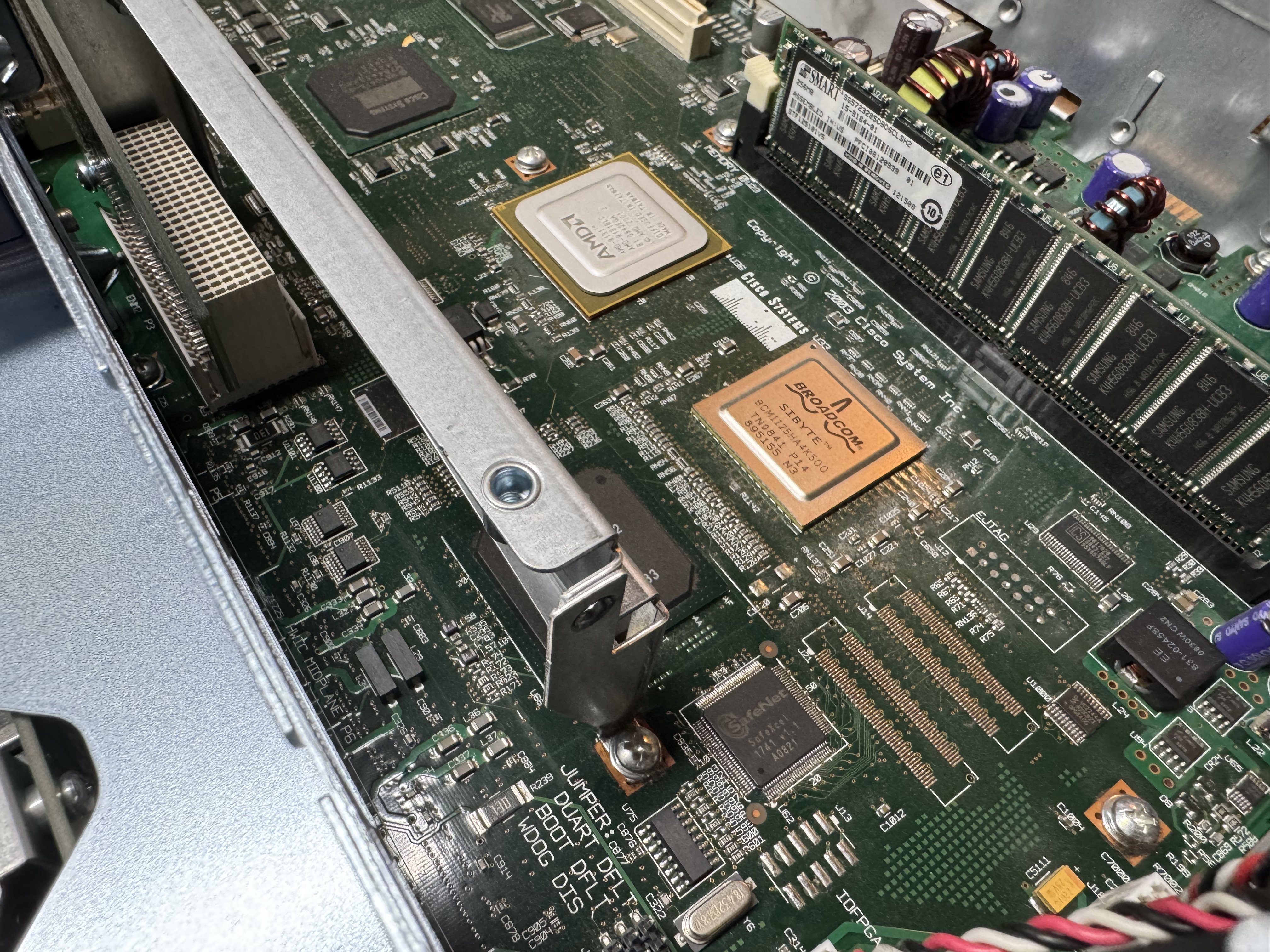
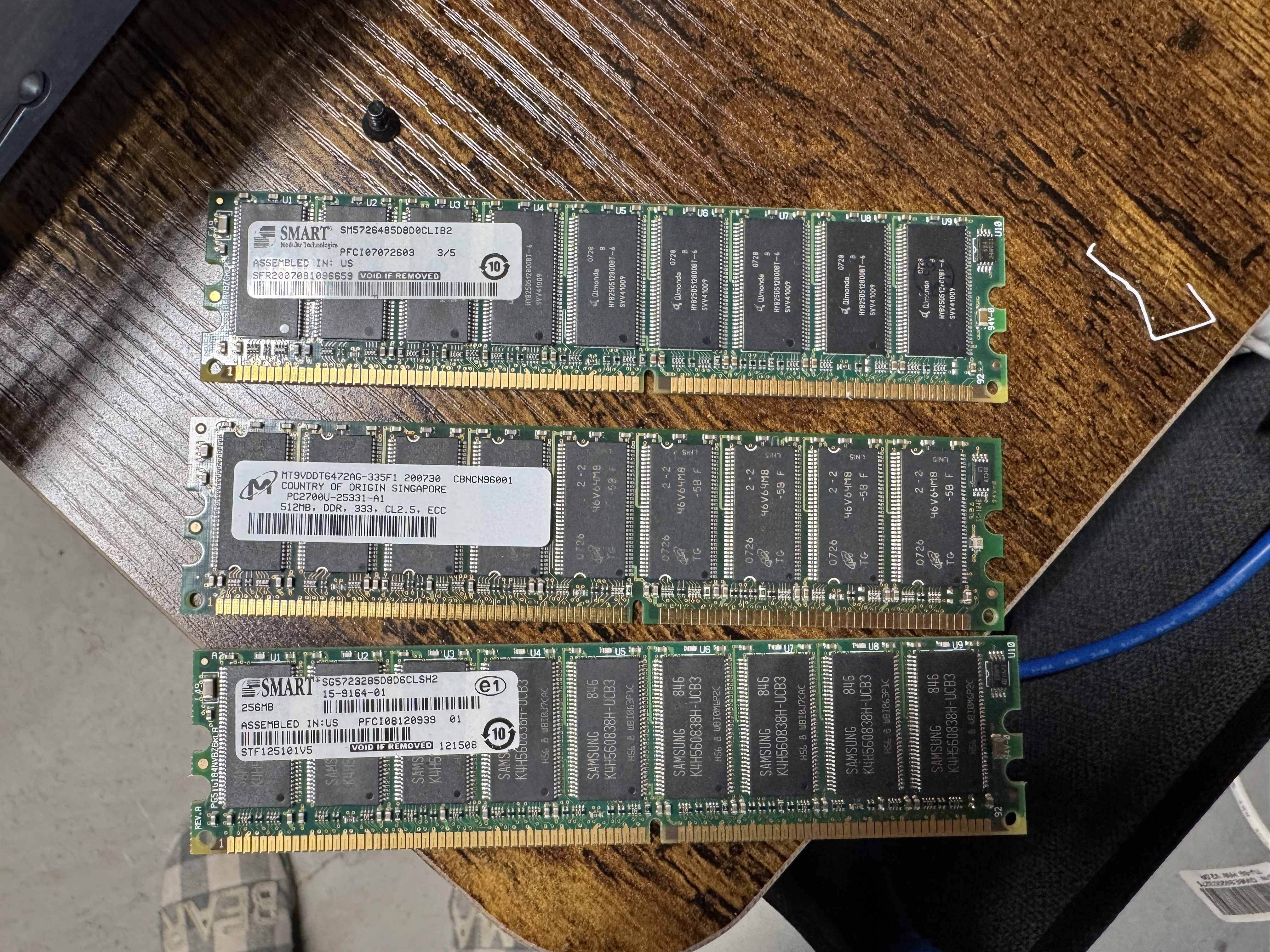
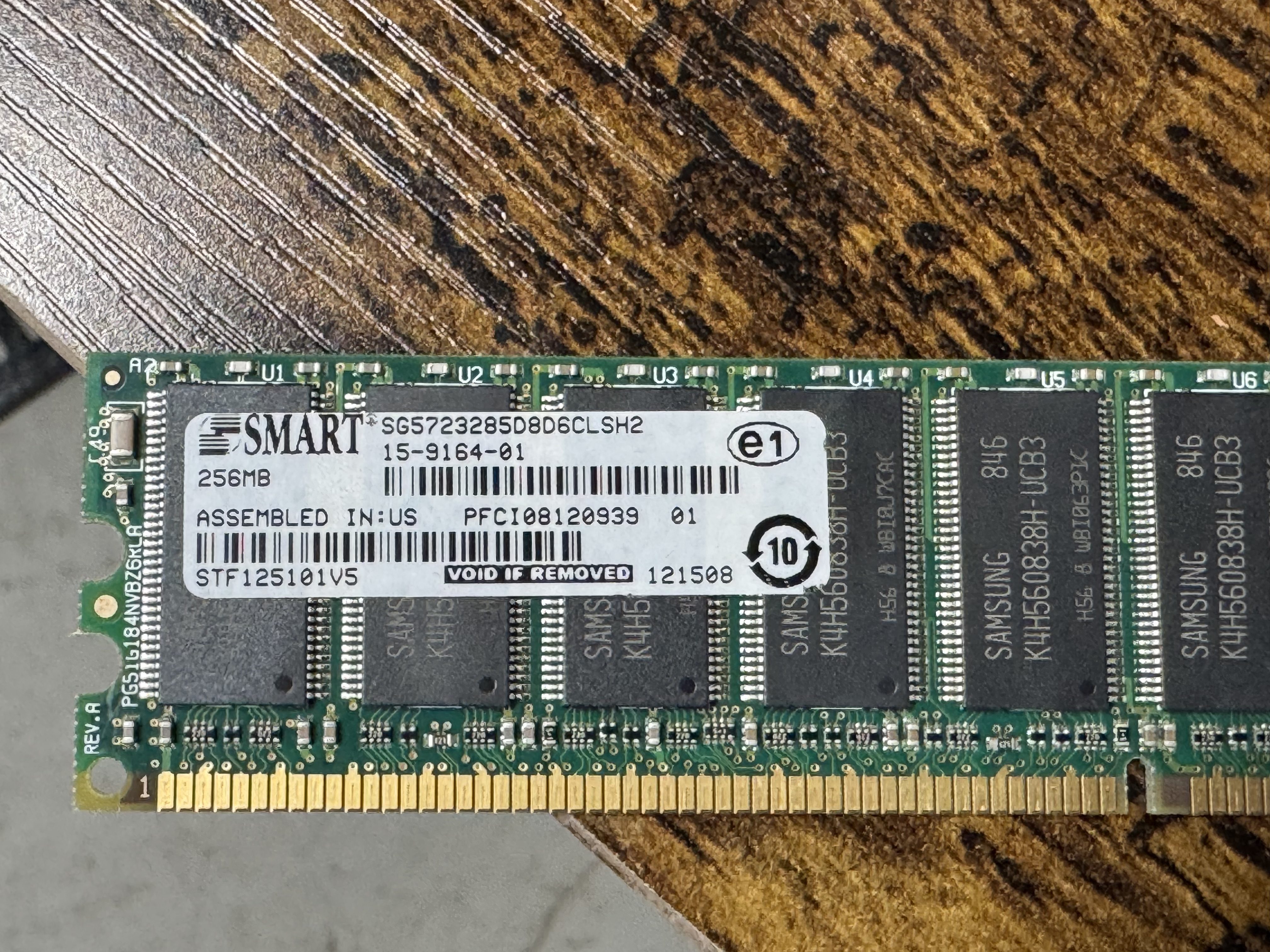
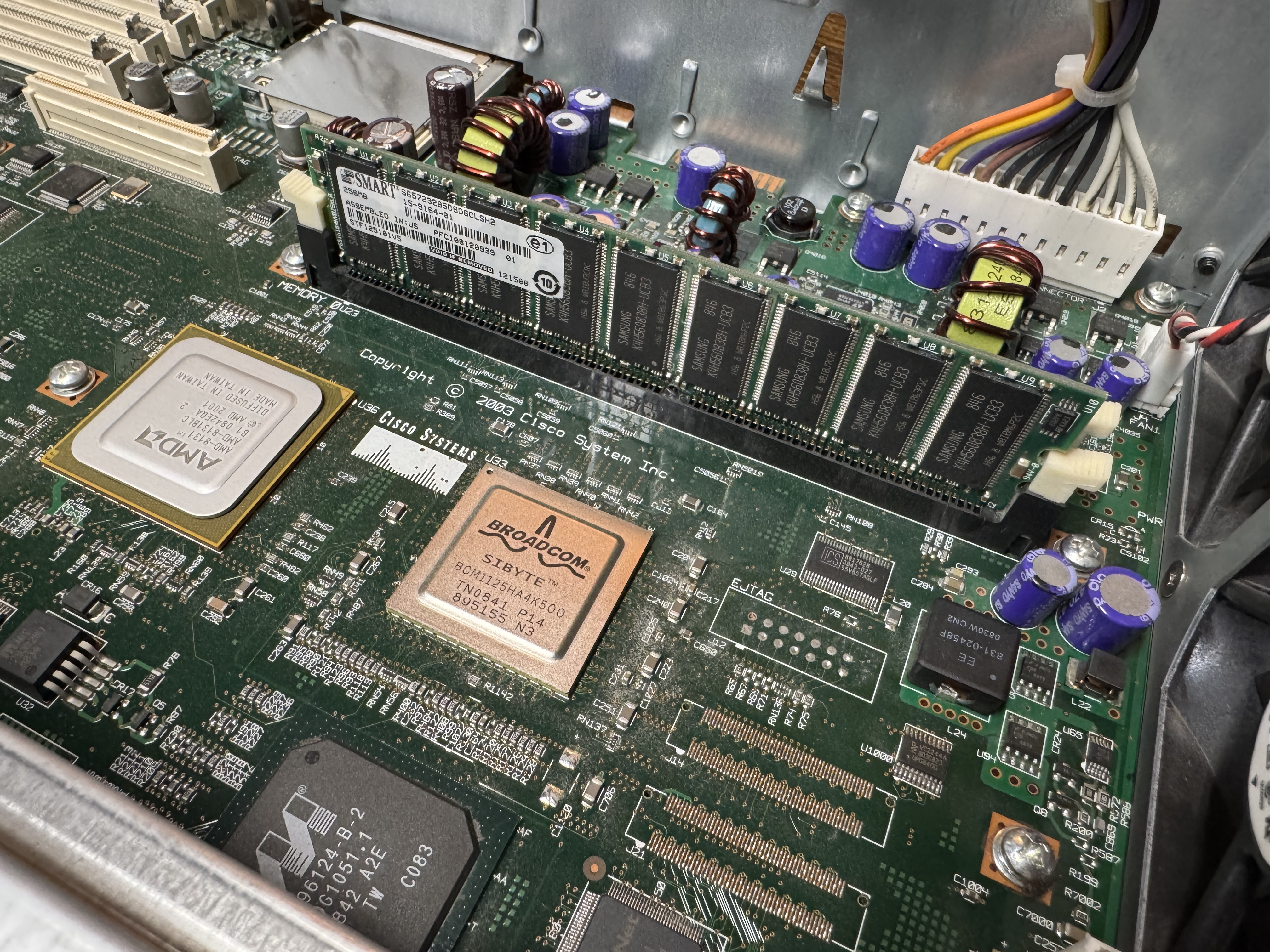
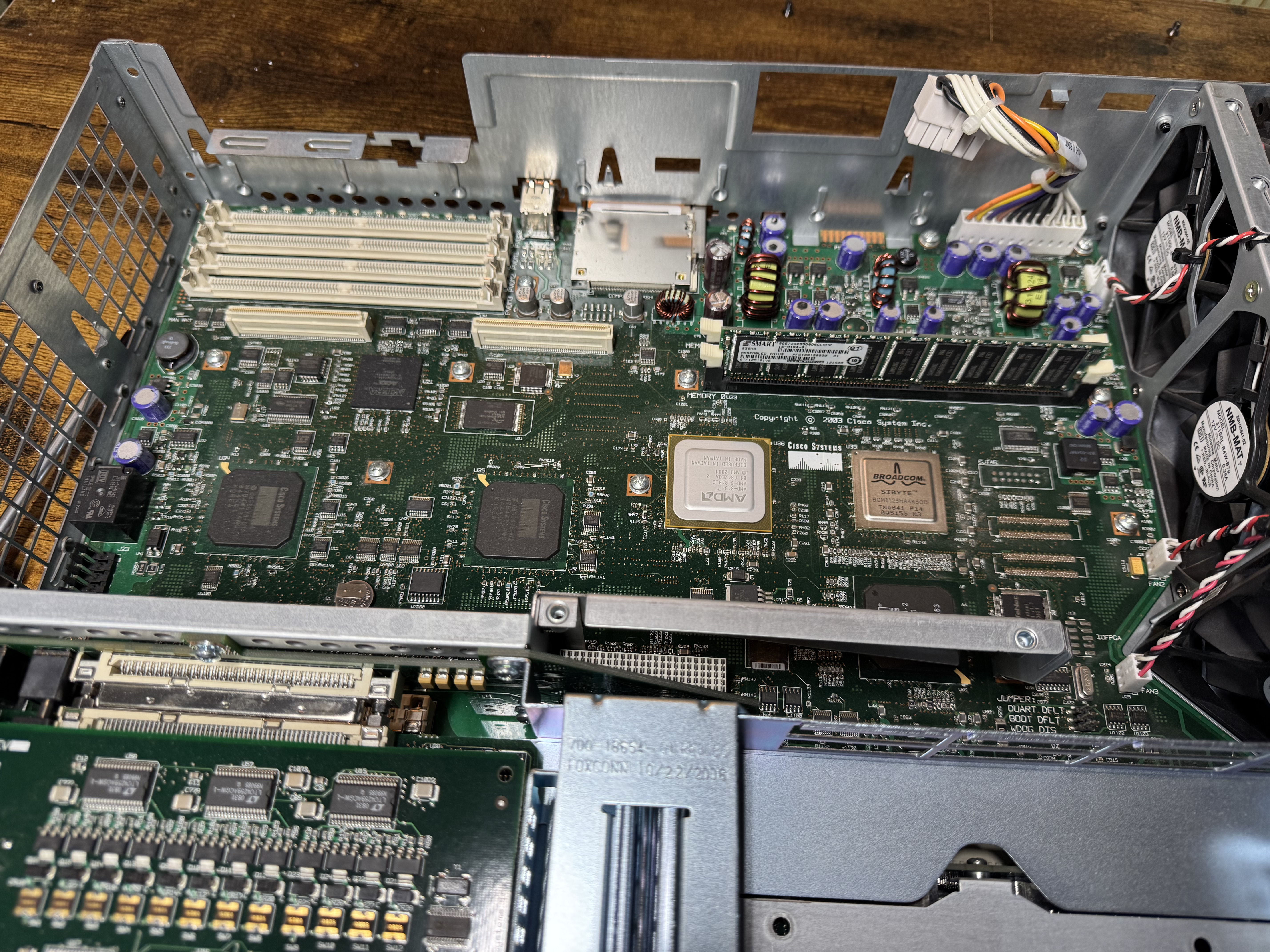
In searching for the voice features I wanted, I found I would need the Advanced Services image loaded, and that required a minimum of 512MB of memory. I ordered a system with Advanced Services and 1GB of memory, the max! When it came it had 256MB! I emailed the seller and he mailed me the proper 1GB of RAM. Once I installed it, the system would boot loop, I found one of the 2 sticks was bad. I ended up putting in one of the 512MB sticks he sent, and the 256MB one it came with for a total of 768MB of RAM.
Upgrading the Cisco 3825
Once I had the device on order, I started learning about the world of voice. I had not done much with voice before, there was a lot to learn. First, I needed to know which cards I would need. The 3825 can run older WIC cards, and the newer high speed HWIC cards. I needed analog modems, and to host those, I needed FX-S/FX-O cards. In learning about them: FX-S Foreign Exchange Station, FX-O Office. The office is for a branch office dialing OUT. You usually want FX-S because it provides a dial tone to dial into. S is to get a dial tone and you can call INTO. O is it receives a dial tone.
I got 4 FX-S Ports. One port is used to dial into, another to route the call out. I need more ports than you would think because of this. I got a CISCO VIC3-4FXS/DID, this gives 4 ports in/out. 2 CISCO WIC-1AM-V2, giving 2 modems I can dial into. There are cards that are 2 modems in one card, but they are rare and expensive. (I would get one later)
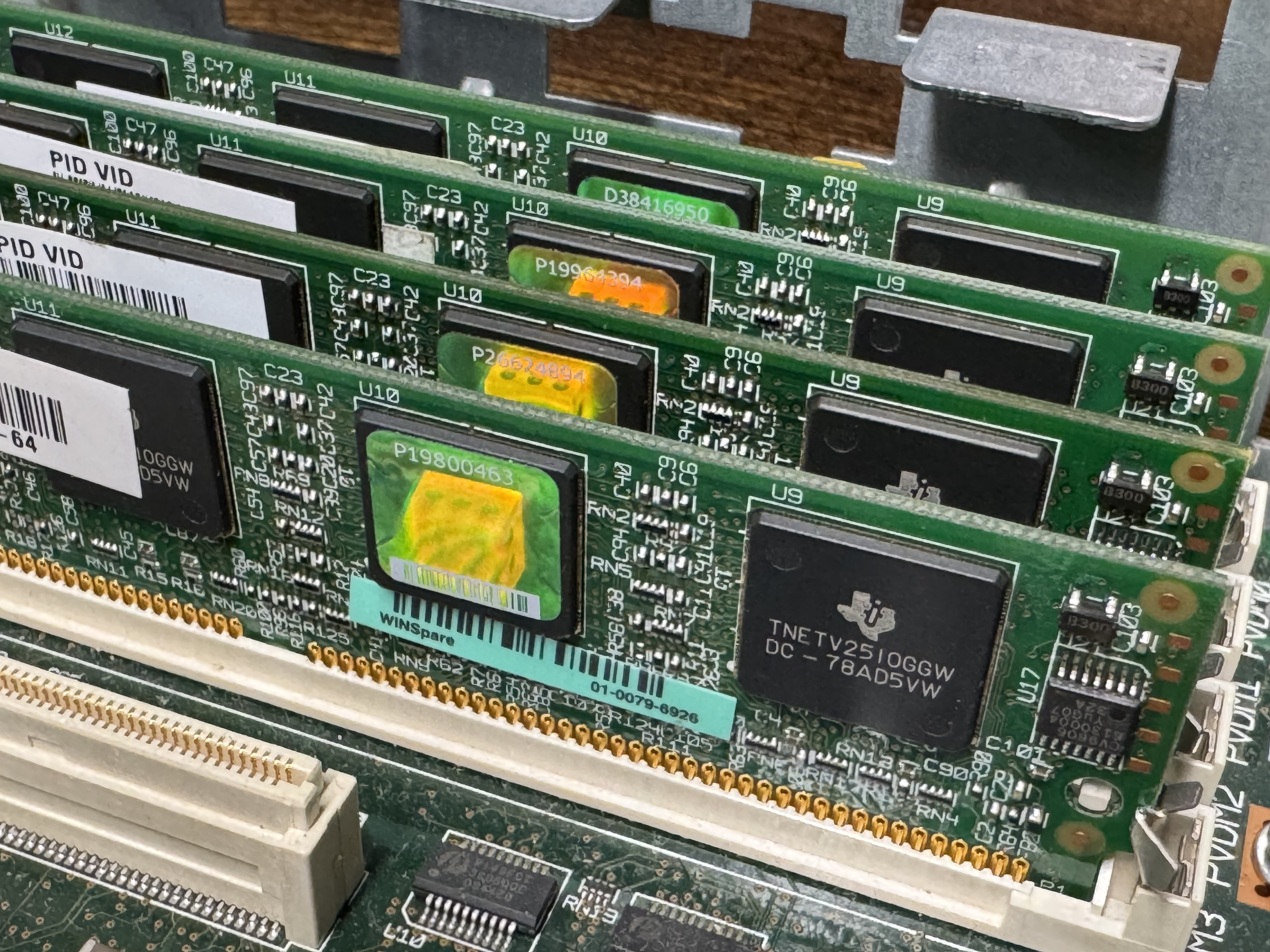
The system now has 768MB of memory, but I would also need PVDMs; Packet Voice Digital Signal Processor (DSP) Module (PVDM2). I had not worked with these before. They are ASICs that come process voice channels. They come in different numbers of channels, PVDM2-8, PVDM2-16, PVDM2-32, PVDM2-48, PVDM2-64. They were cheap, obviously I got 4 PVDM2-64 to go to 256 voice channels for $20 USD. The math is odd here, there are different complexity channels and some knock you down to 1/2 or less of the listed available channels. A “high complexity codec” can make an 8-channel card only handle 4 or less channels. Like I said, these were cheap, so I got 4 256-Channel cards. The cards go into slots that look like DIMMs.
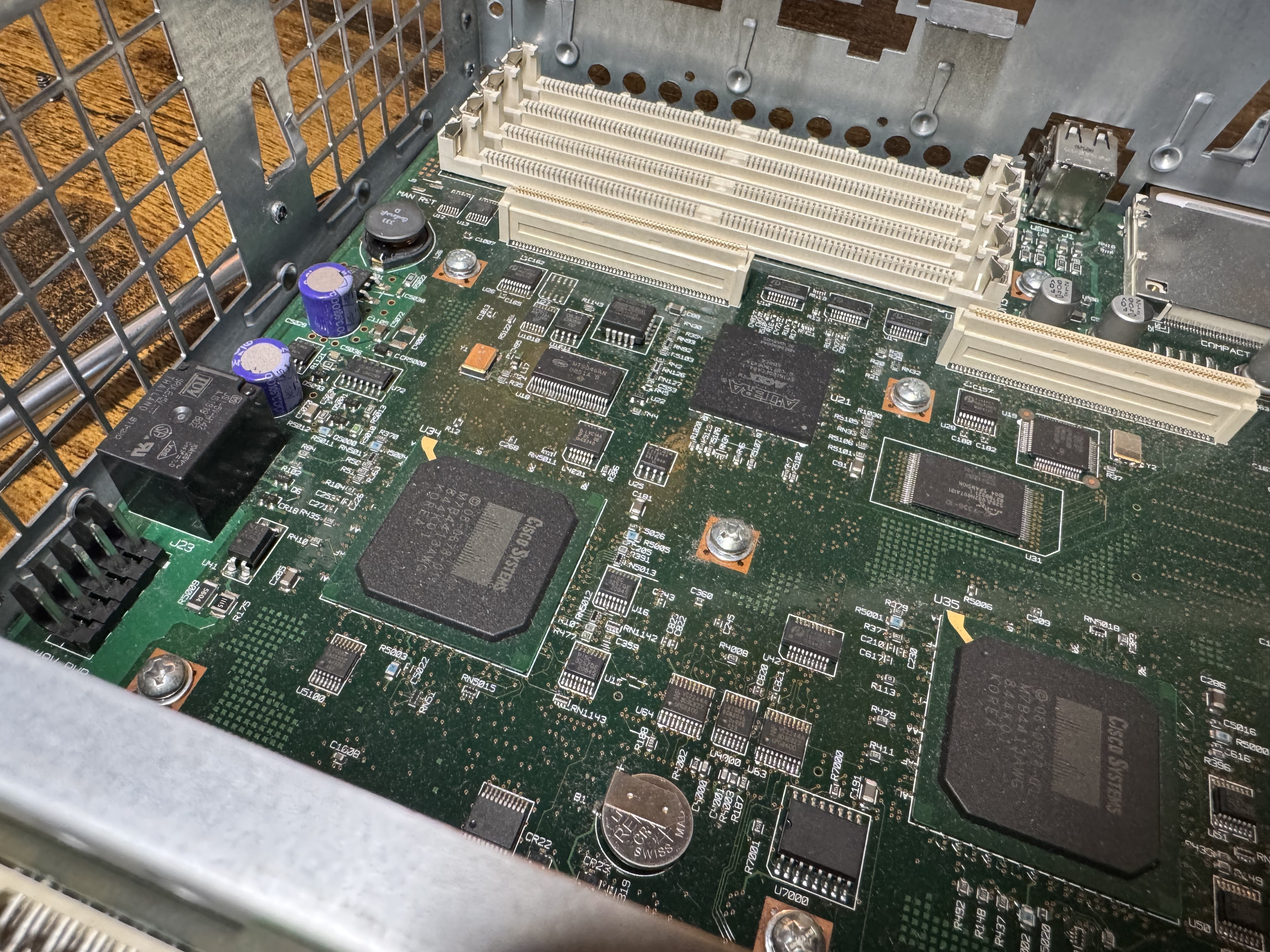
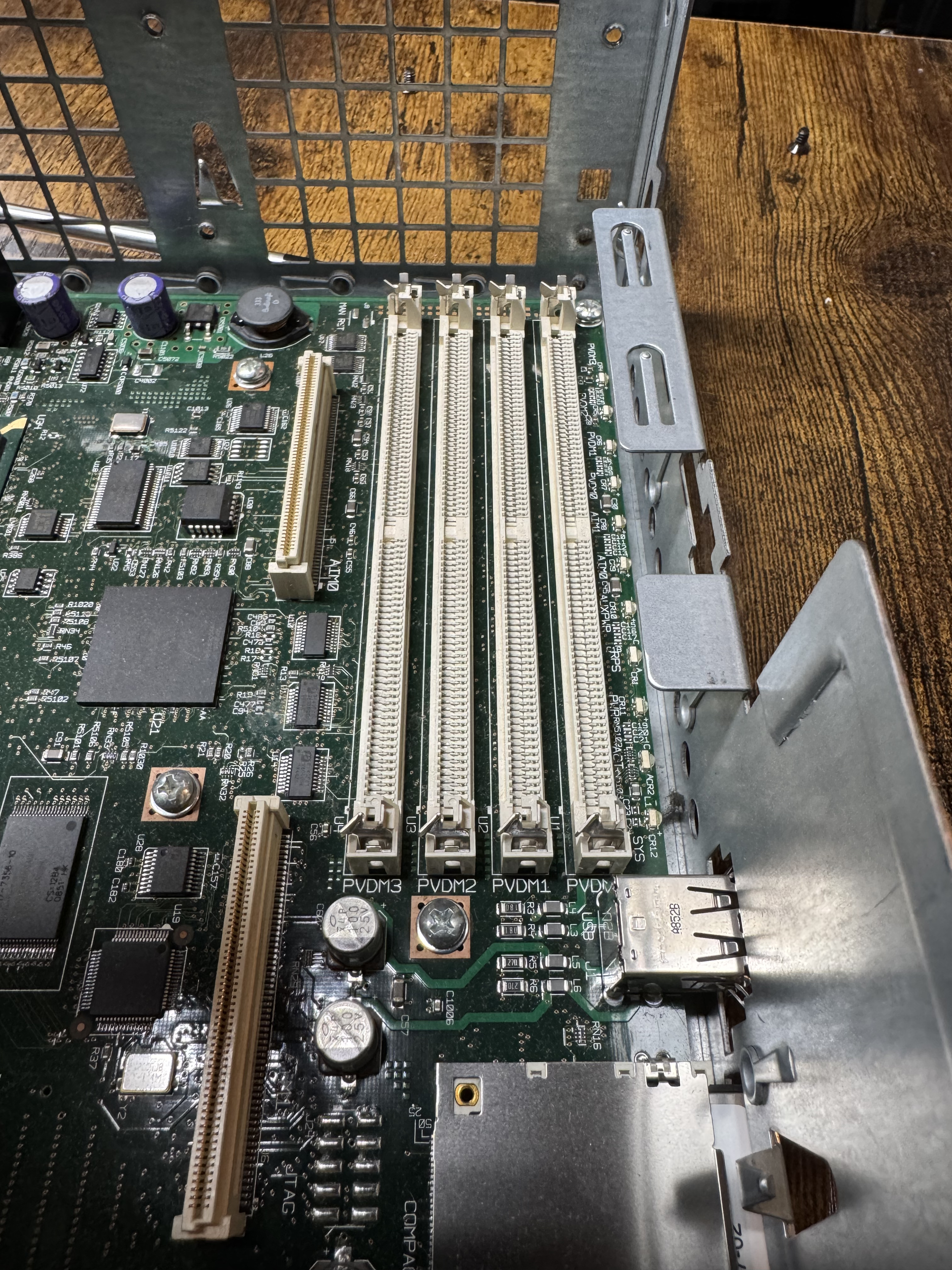
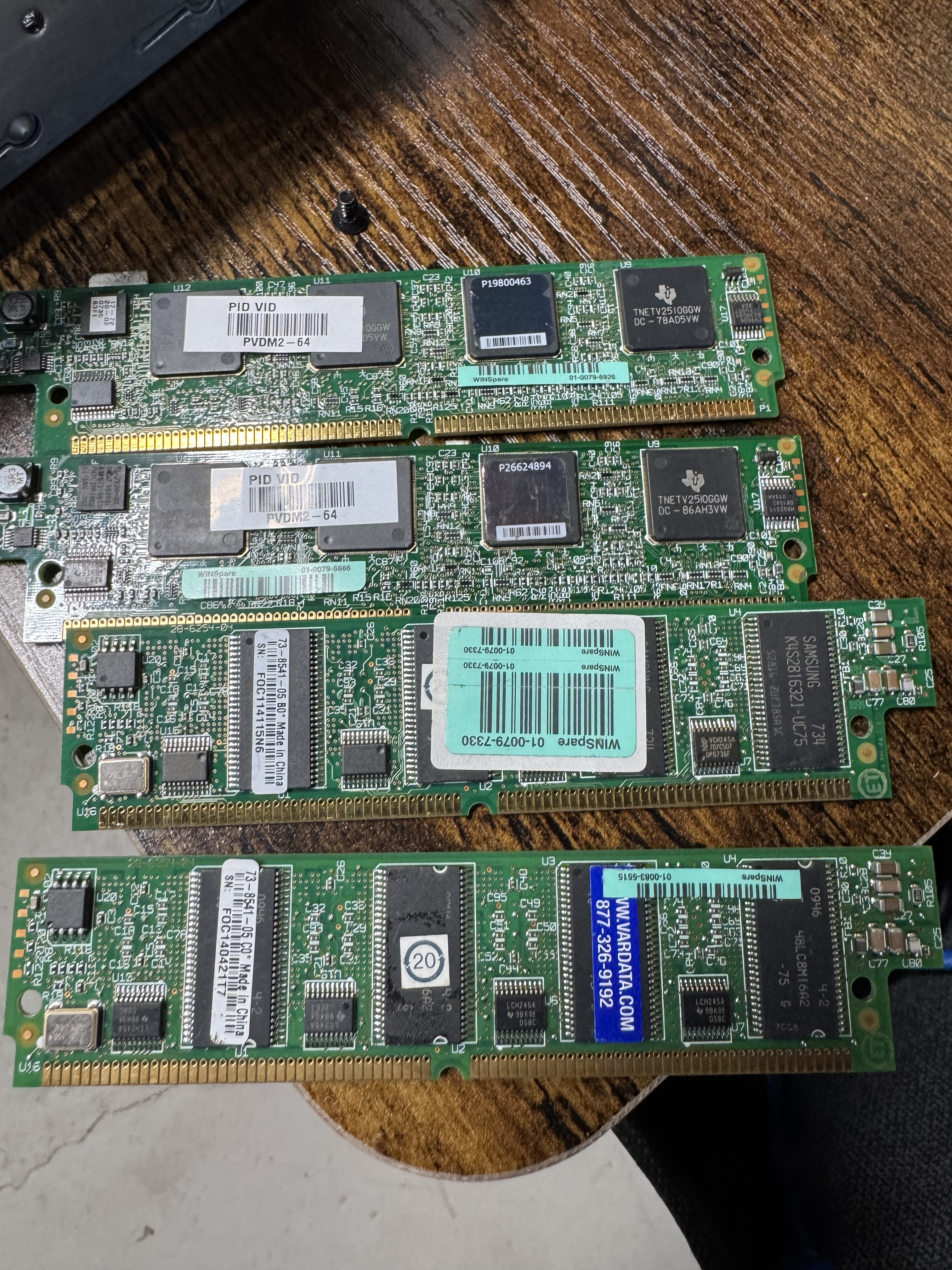
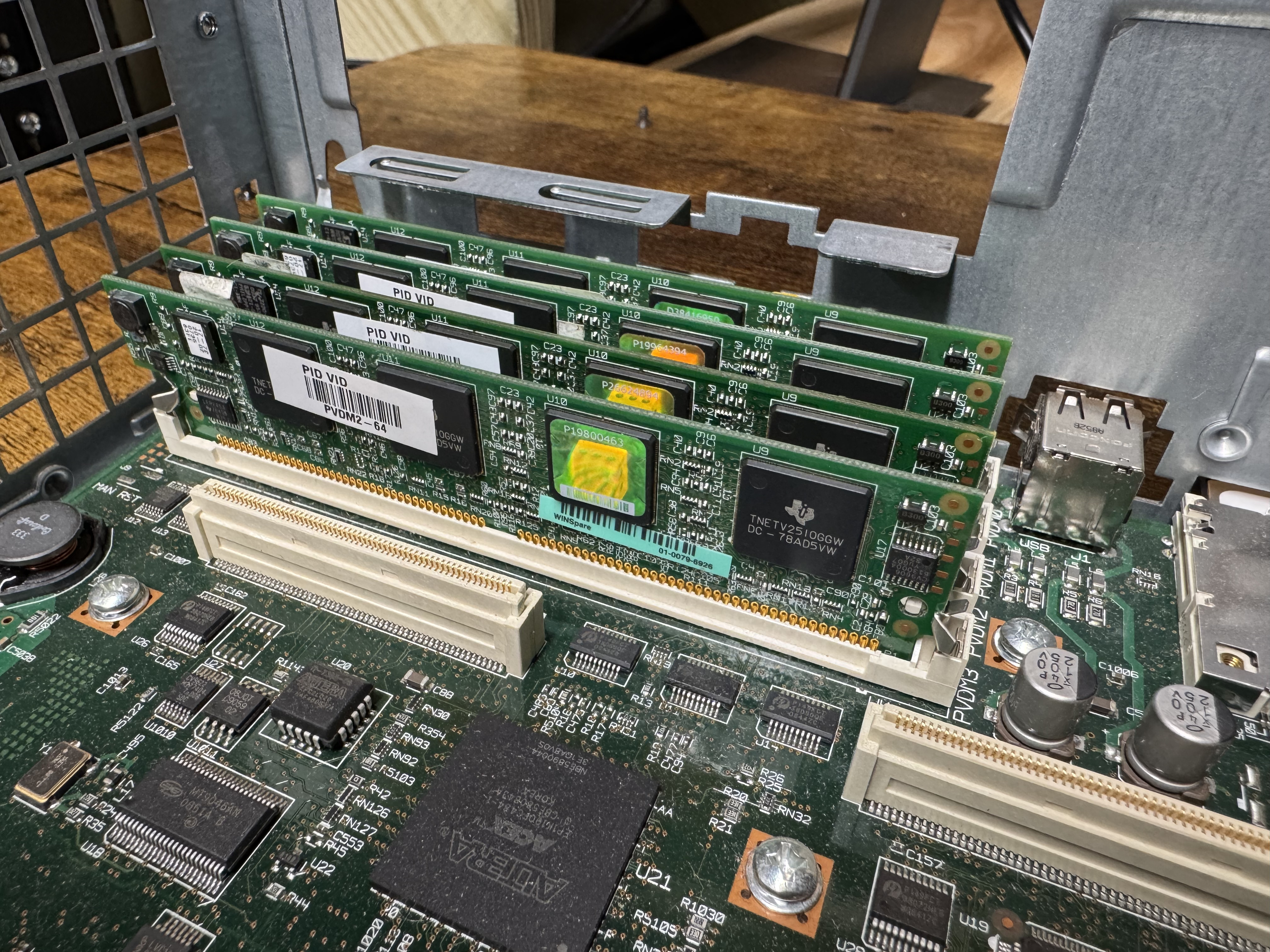
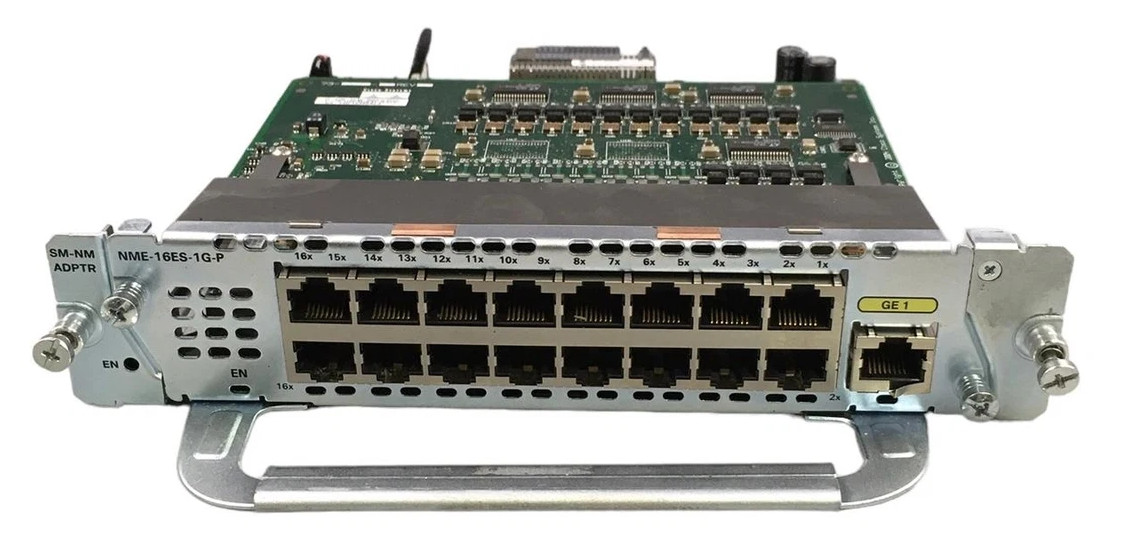
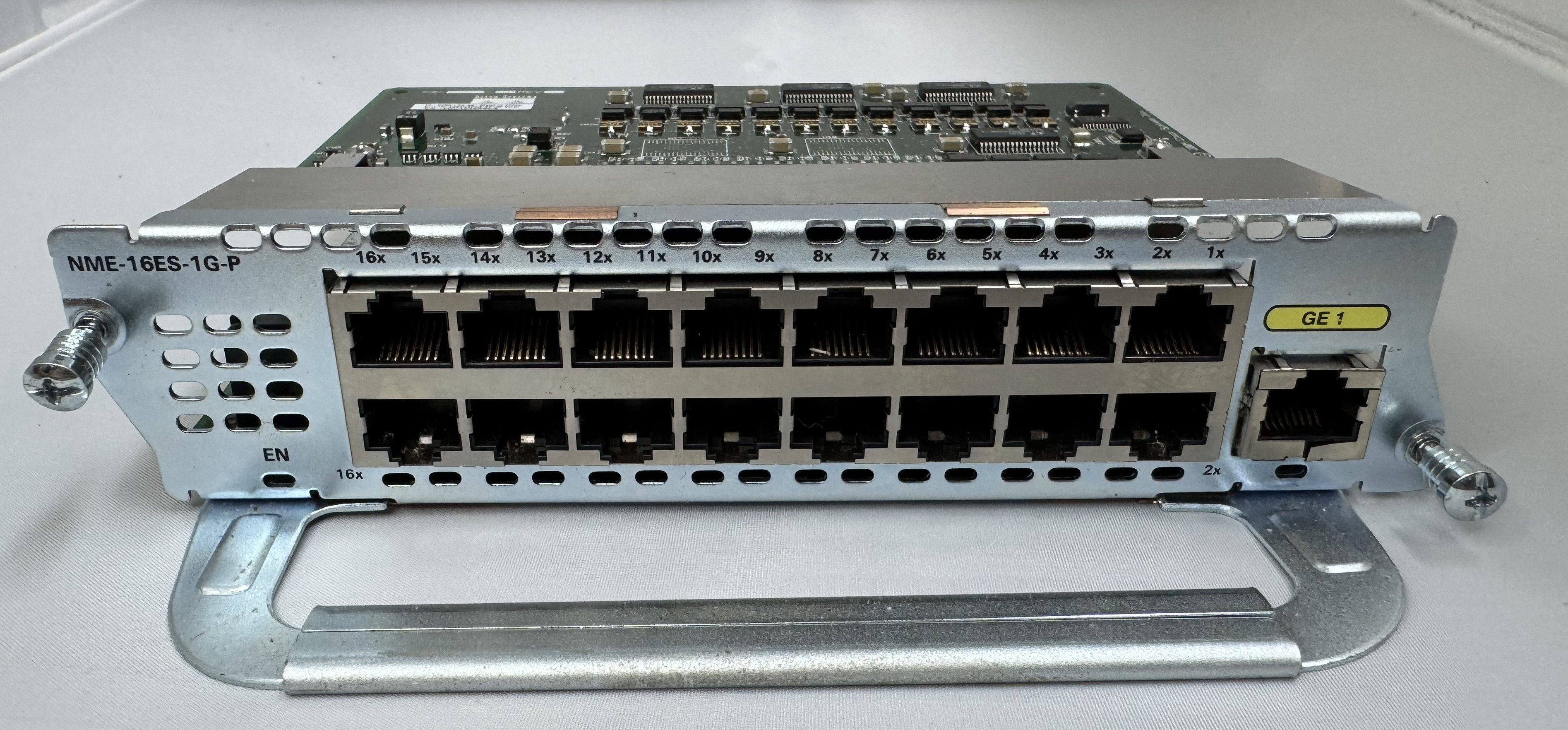
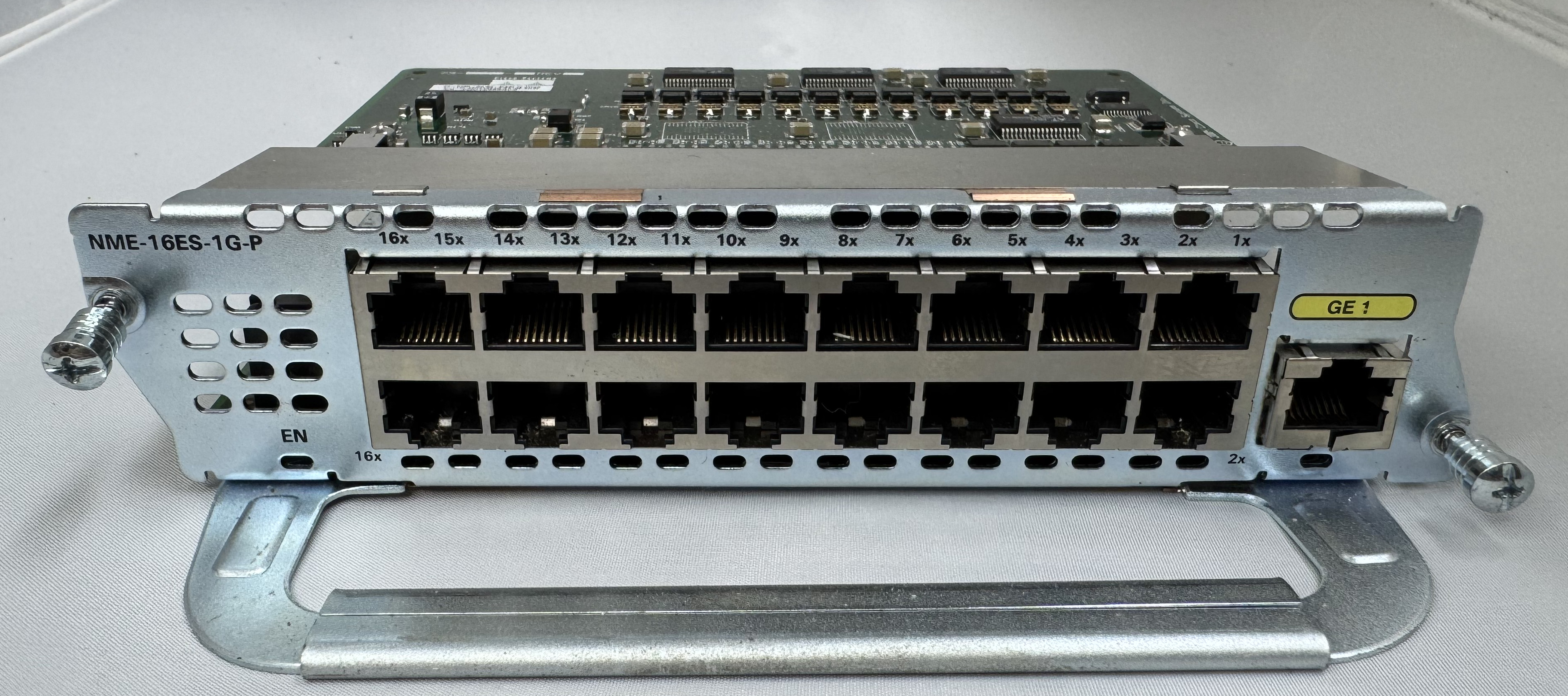
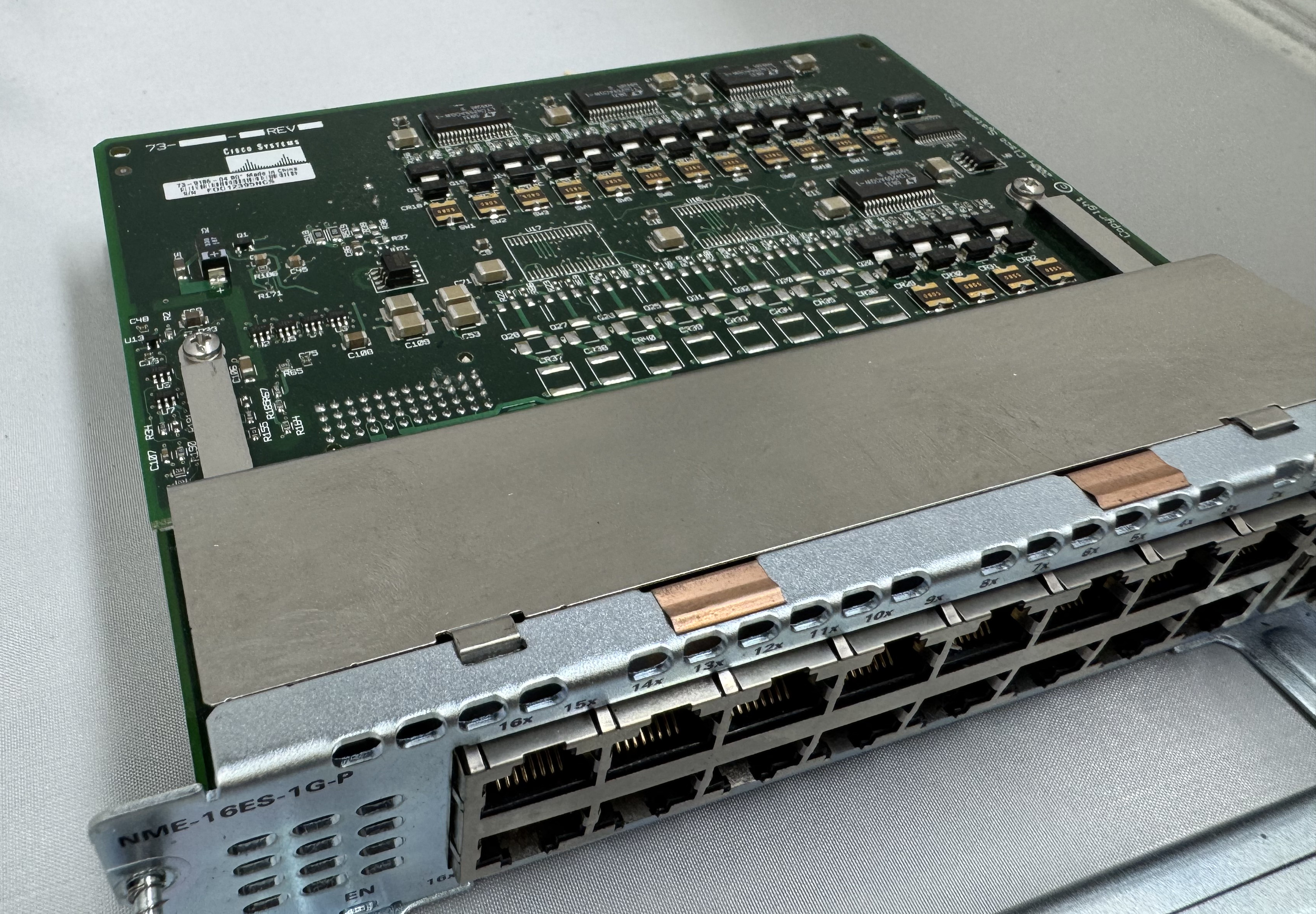
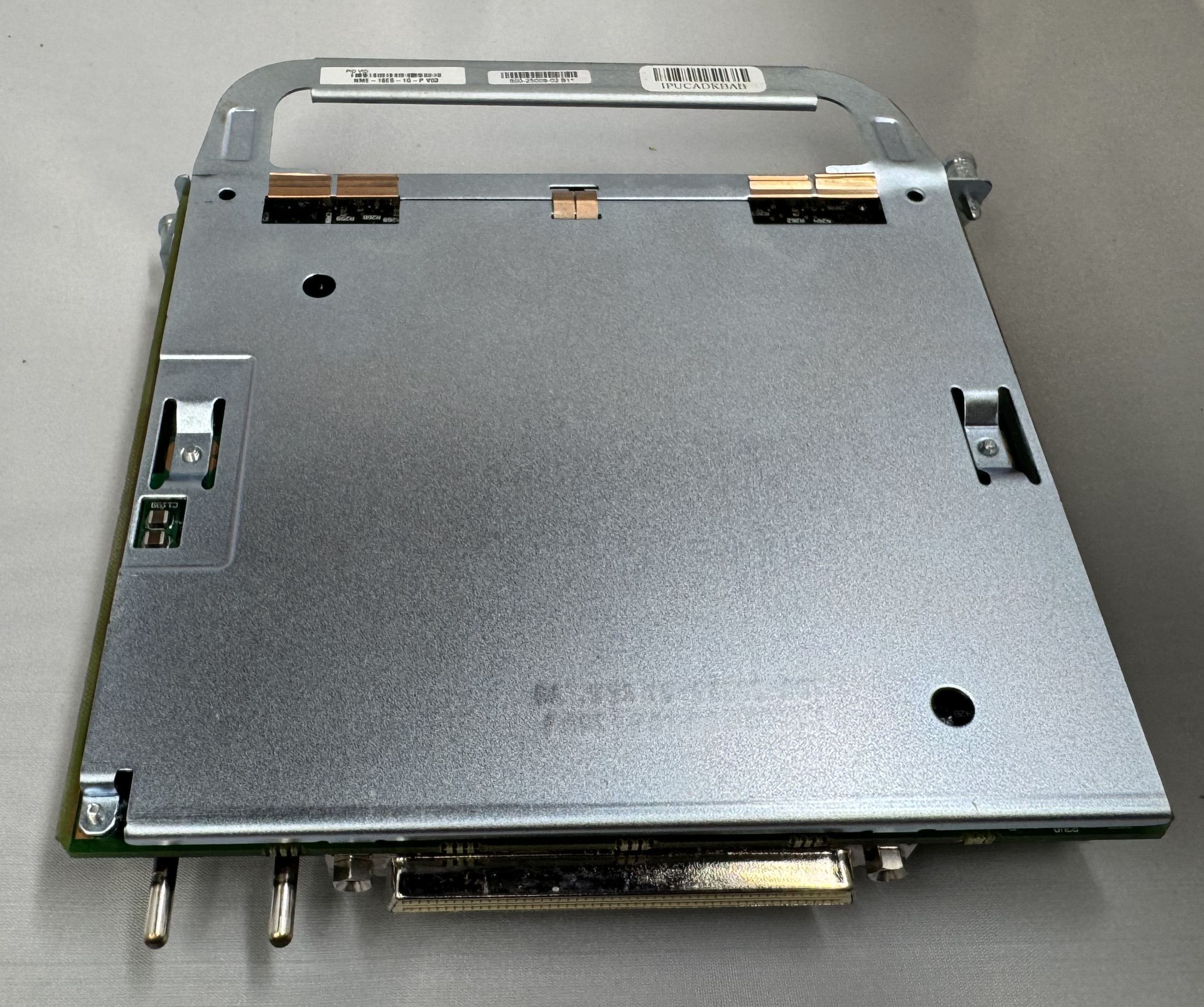
I bought a T1 card because I thought it would be fun to eventually play with. Then I bought a CISCO NME-16ES-1G-P. This is a Cisco Switch as a card module. They are odd. It runs its own OS. It has an internal port to the main system, then to configure any of the 16 x 10/100mb/s or 1 x 1gb/s ports you run ‘service-module gigabitEthernet 2/0 session’ and it opens a serial connection into the controller of this switch. It has a separate login, configuration, and IOS version. At first, I had to password bypass it because someone had left a password on it. I have used it some, but not much. It needs a firmware update. This is my main source of ethernet ports for devices.
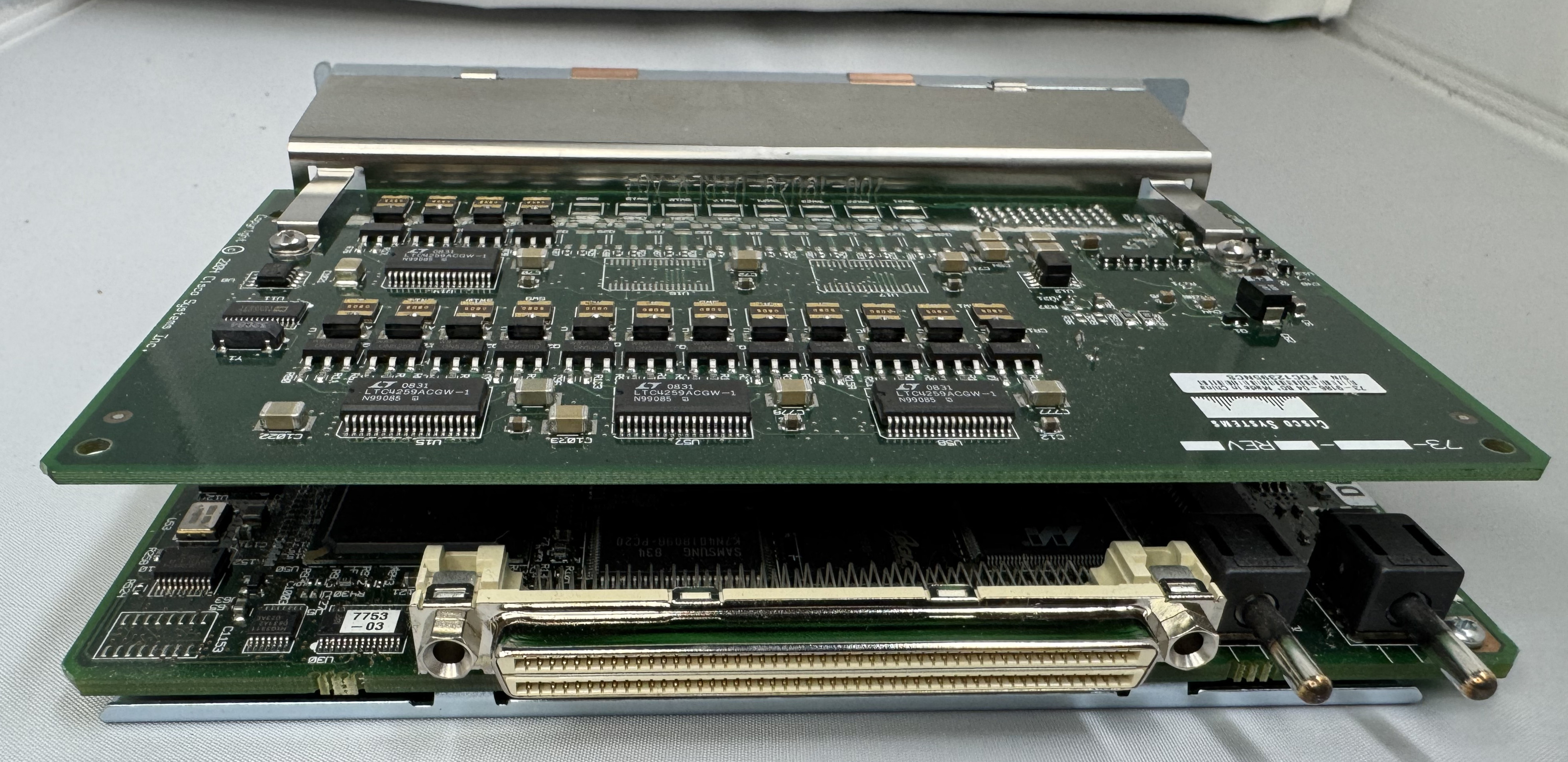
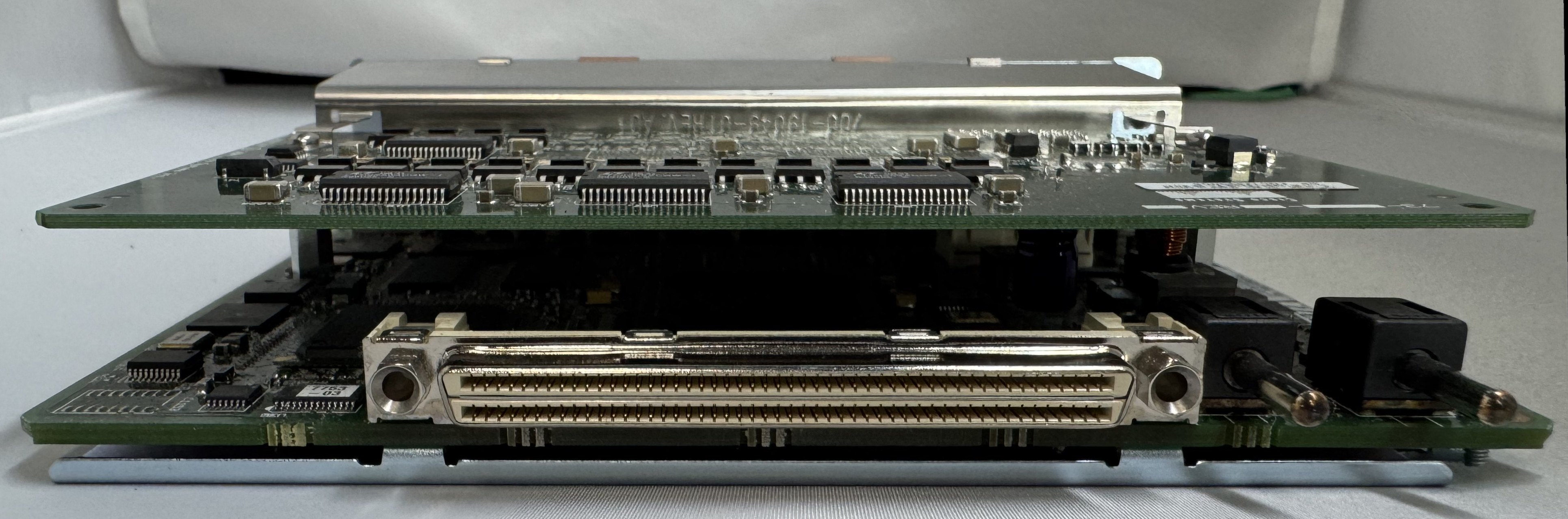
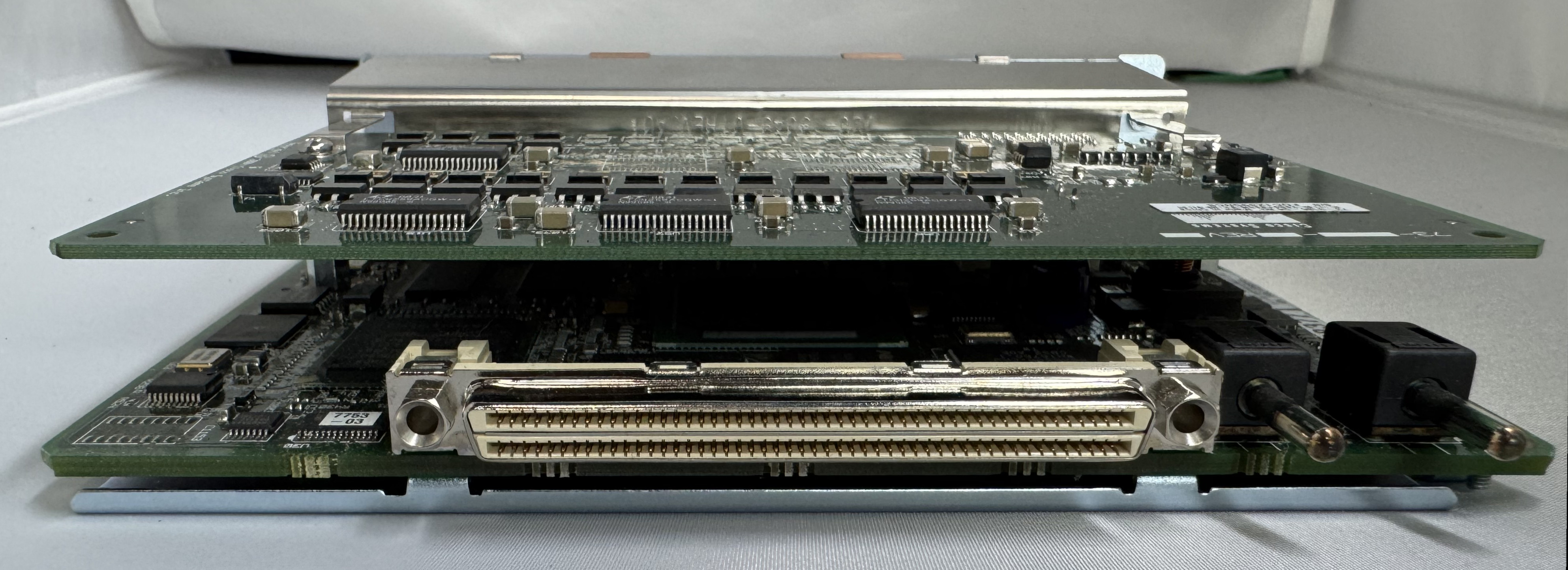
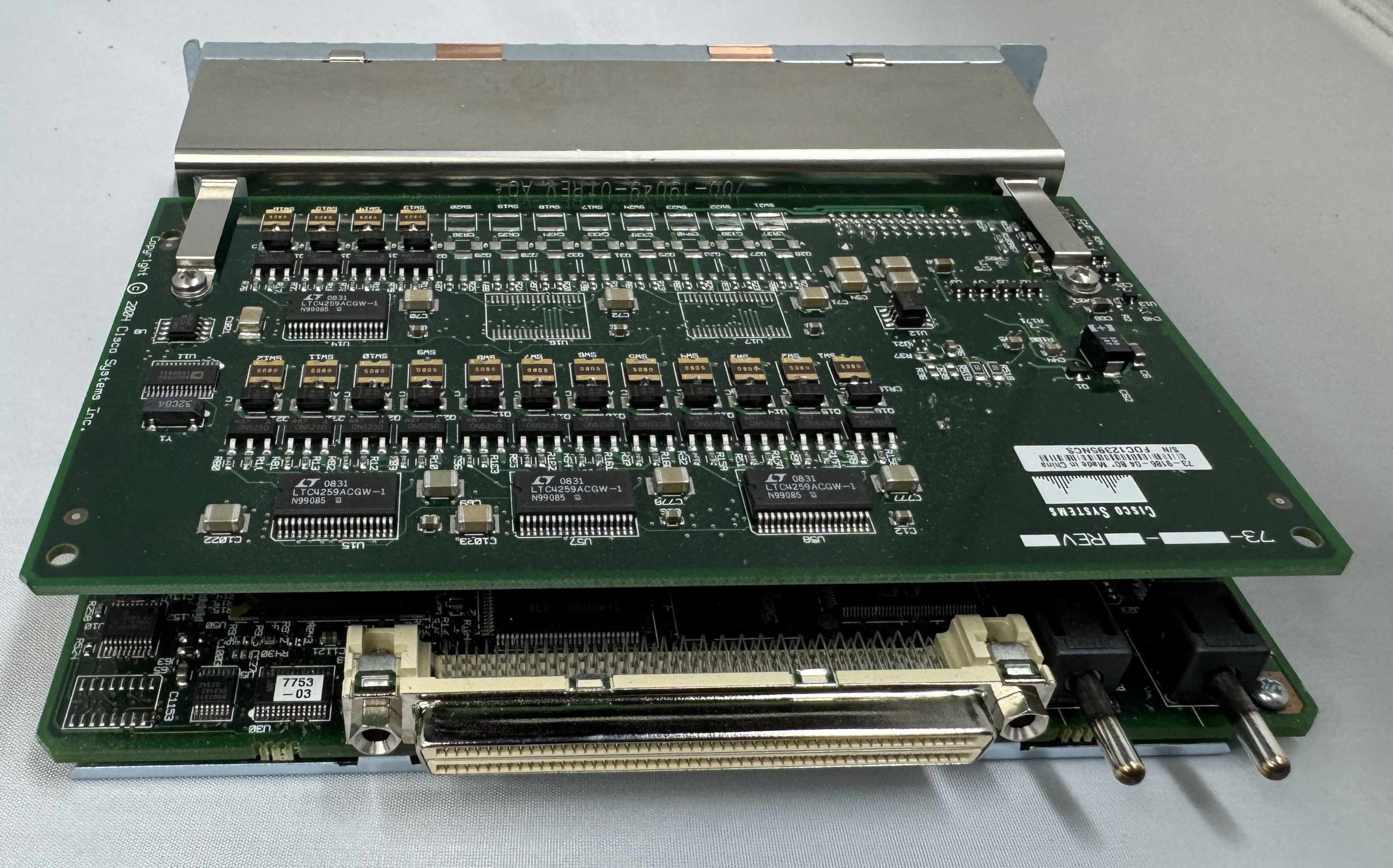
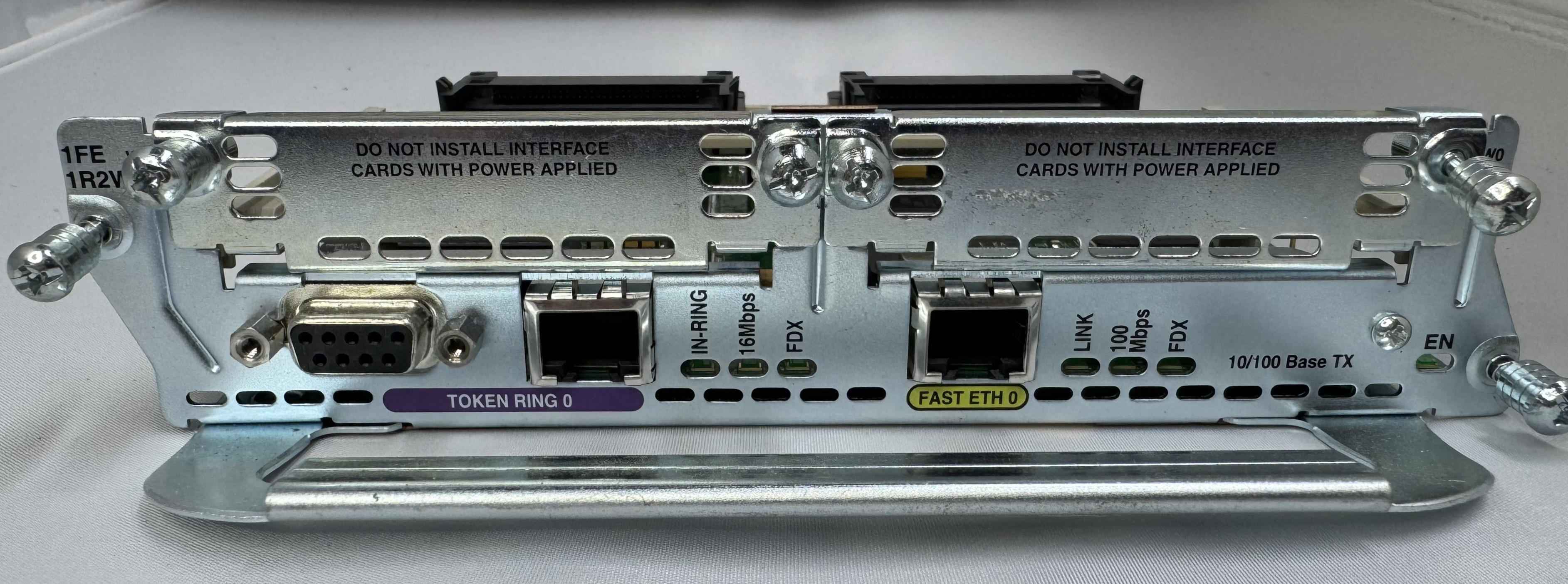
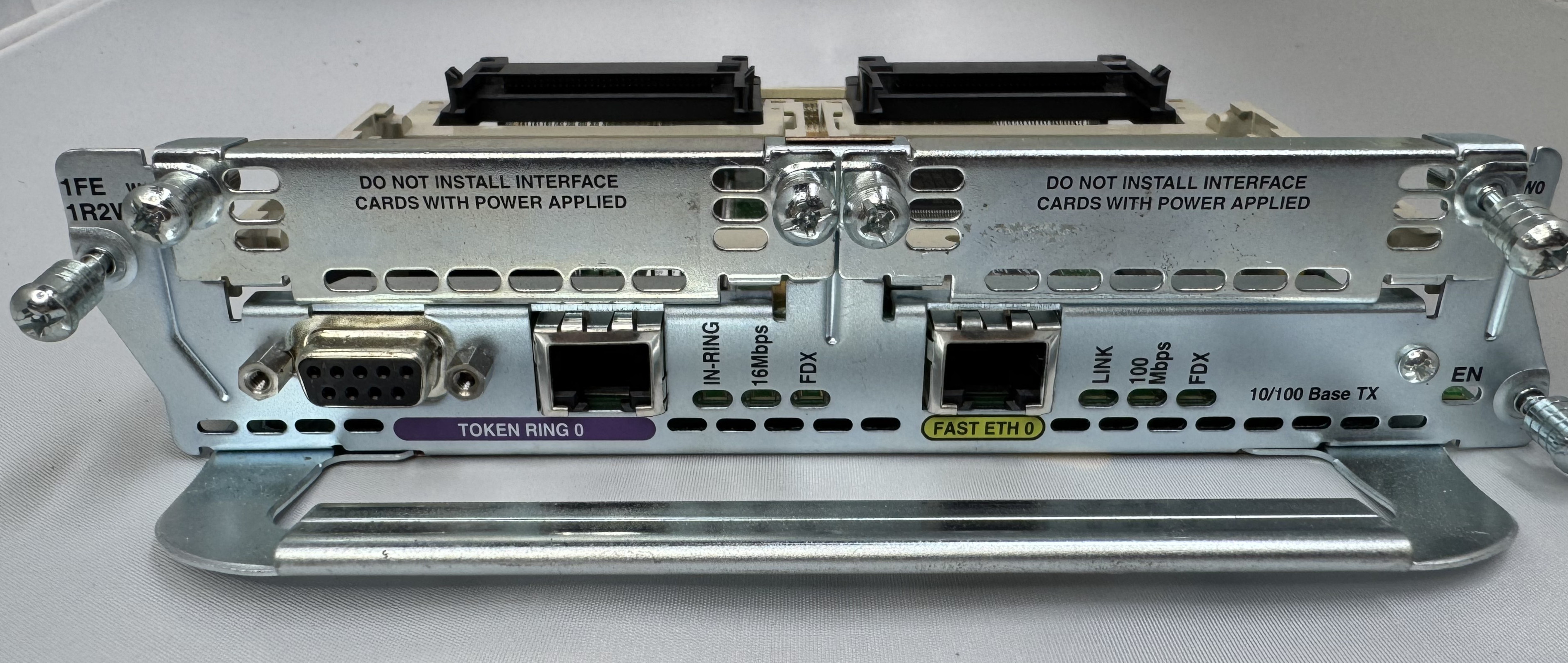
The last card I got is one of the main ones I wanted, a CISCO NM-1FE-1R-2W. This is a 1 FastEthernet (10/100), 1 Token Ring (DB9 or RJ45), and 2 WIC slots. I will do another post on Token Ring later.
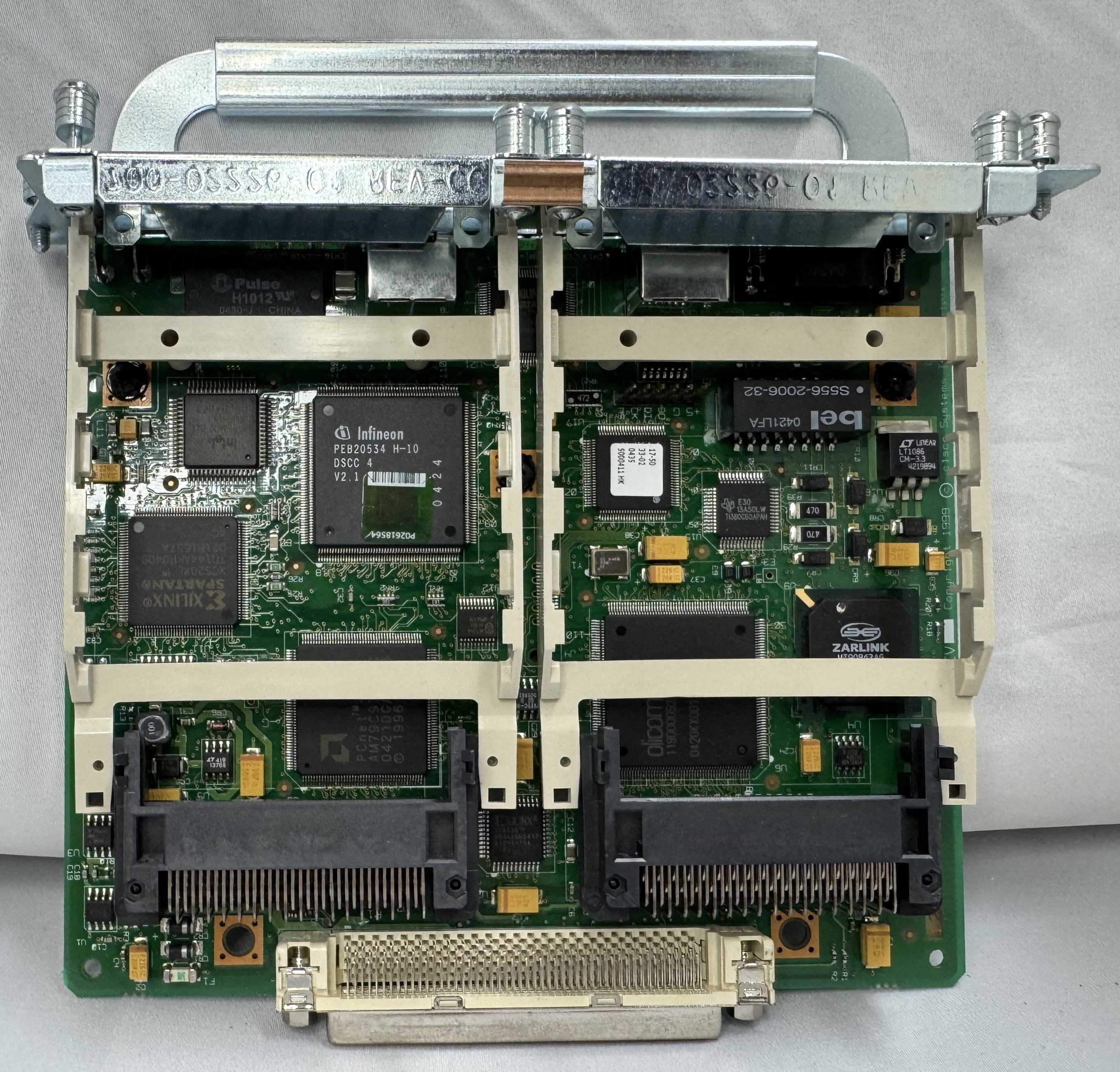
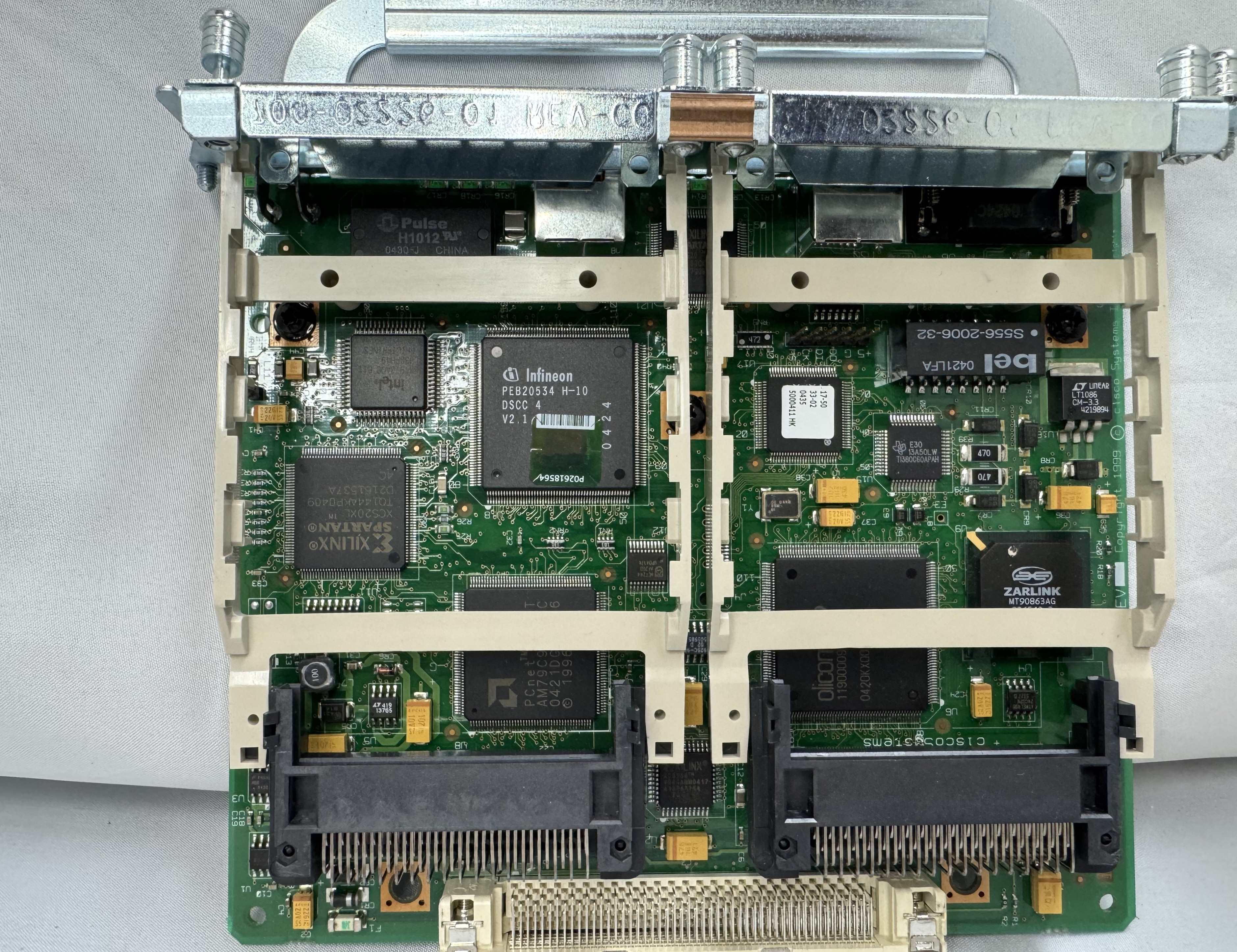
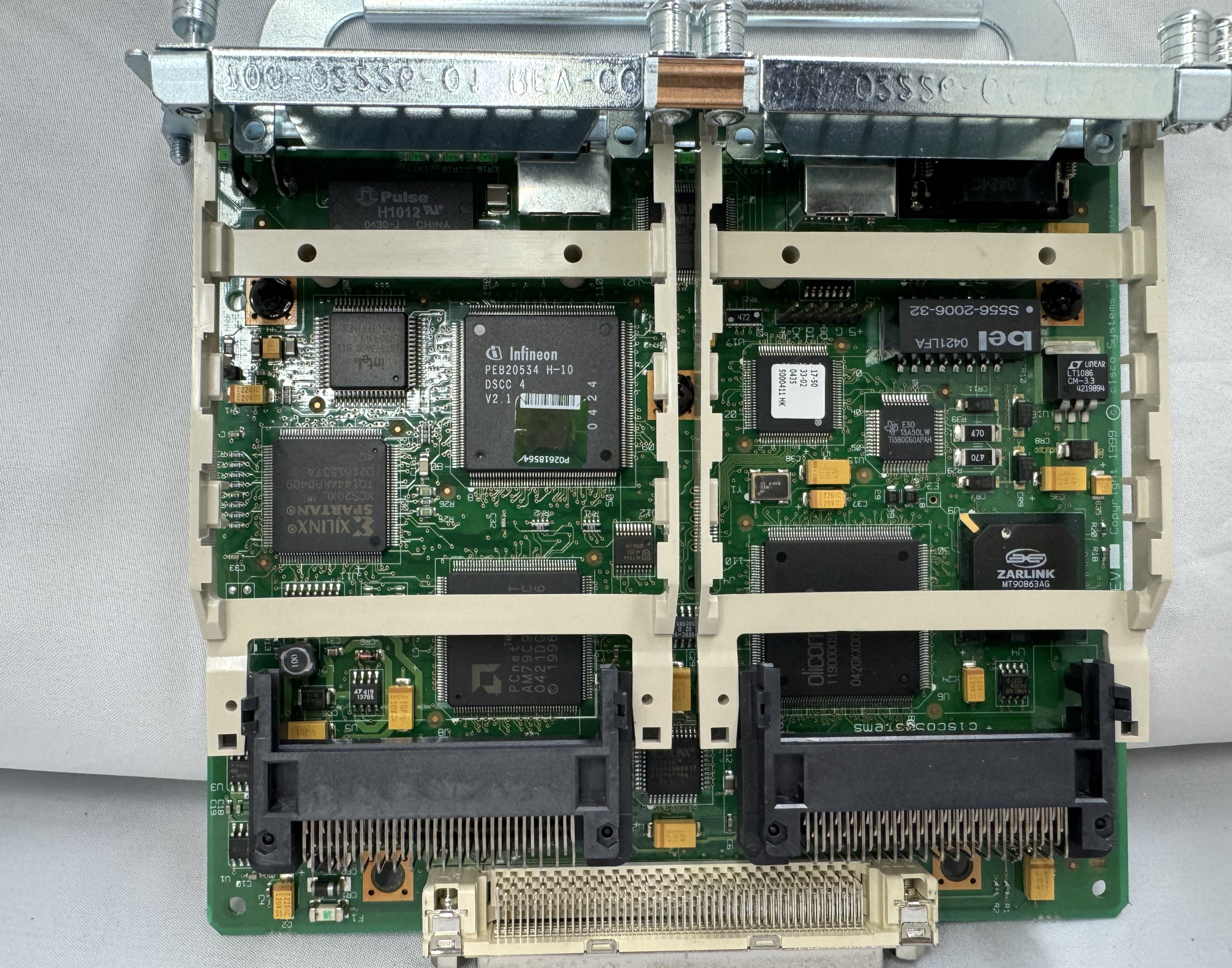
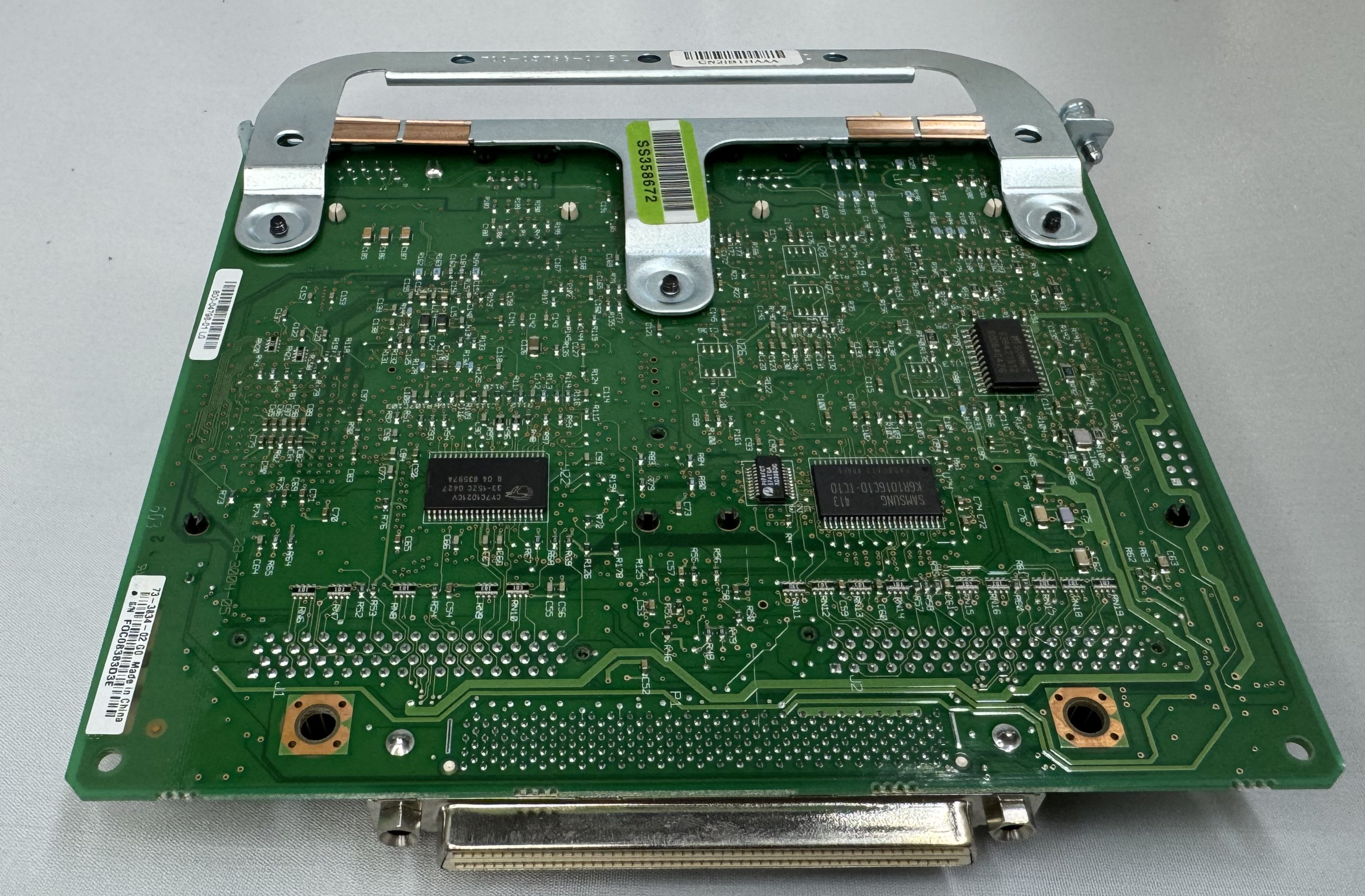
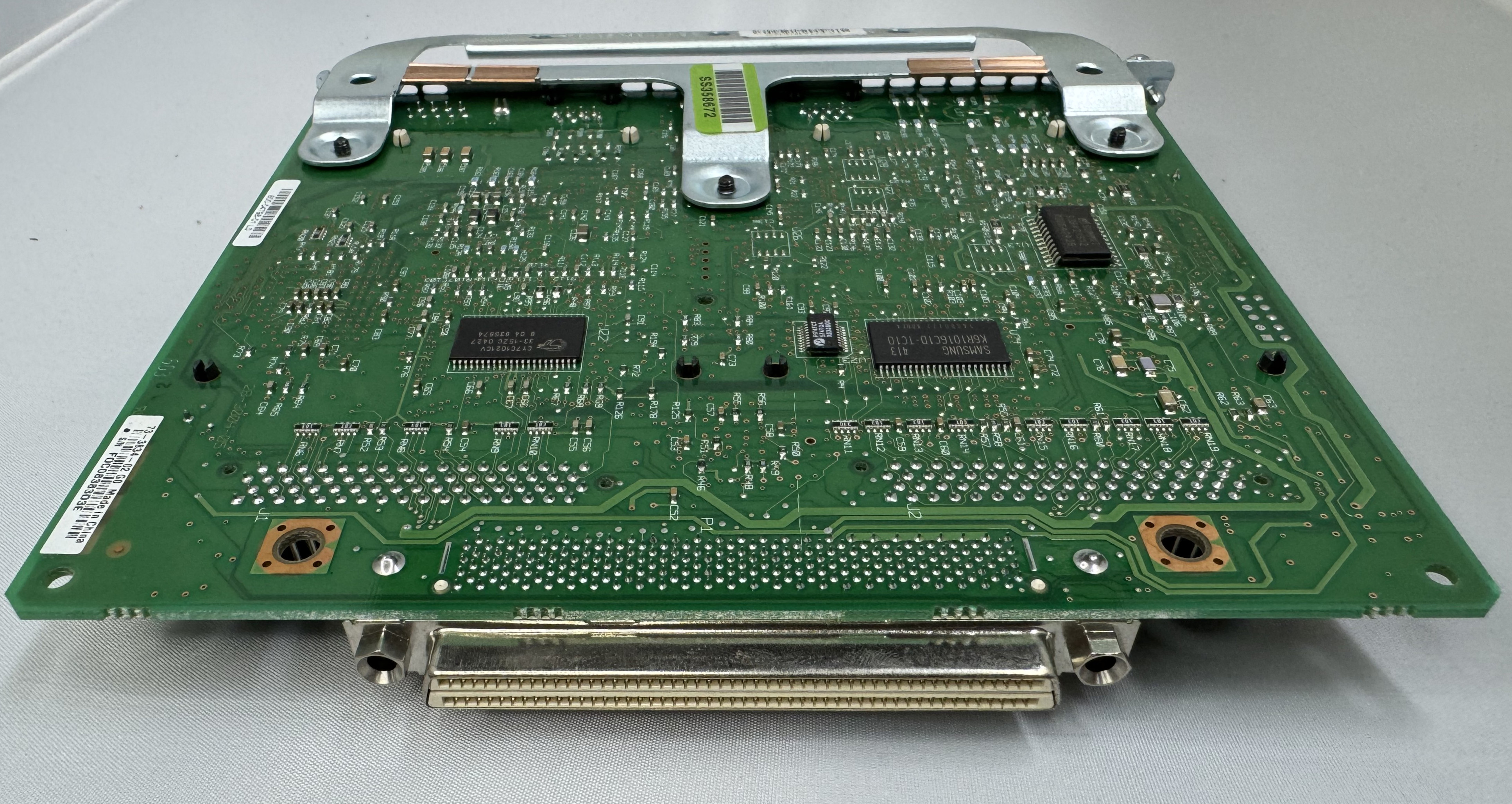
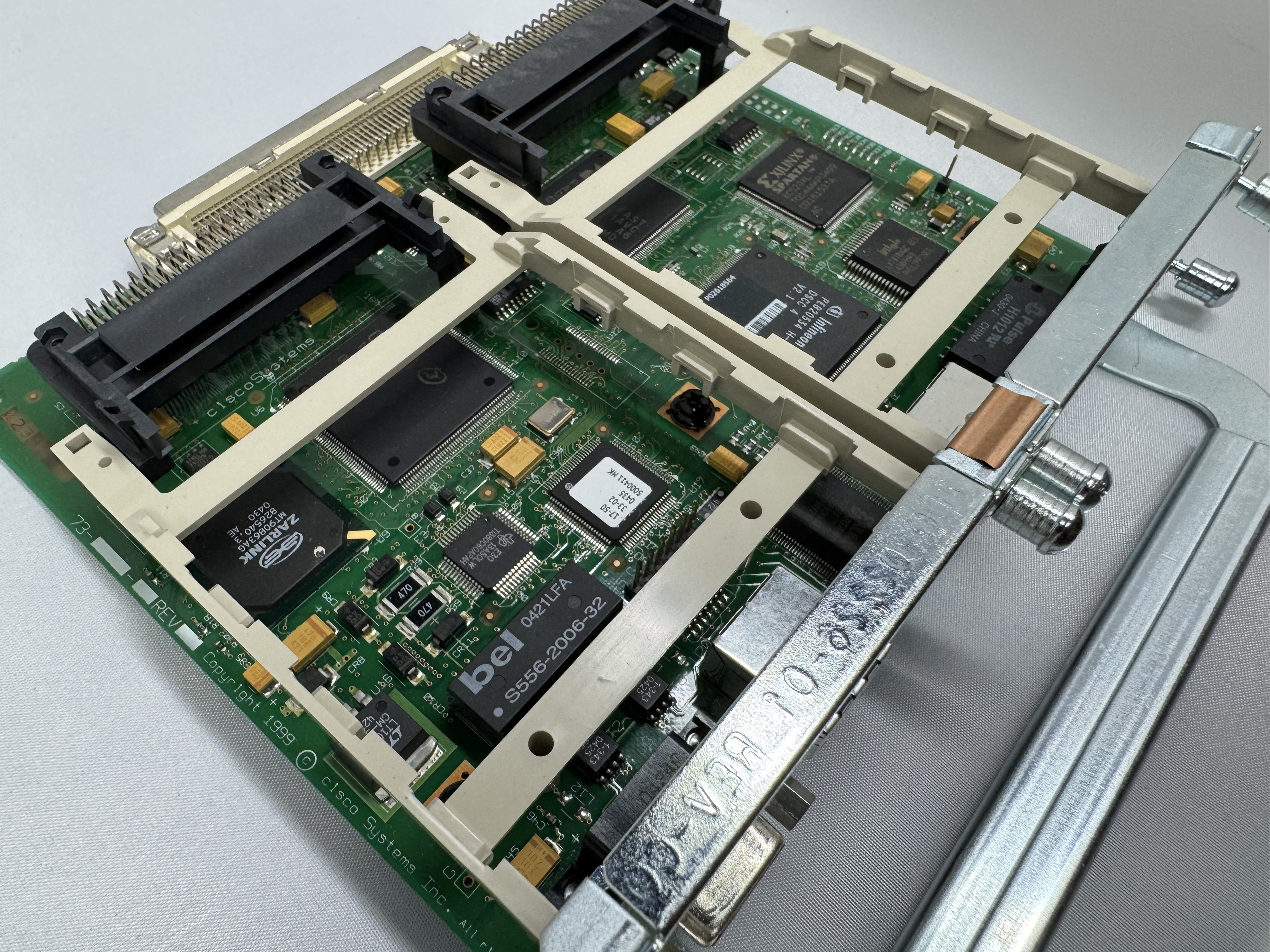
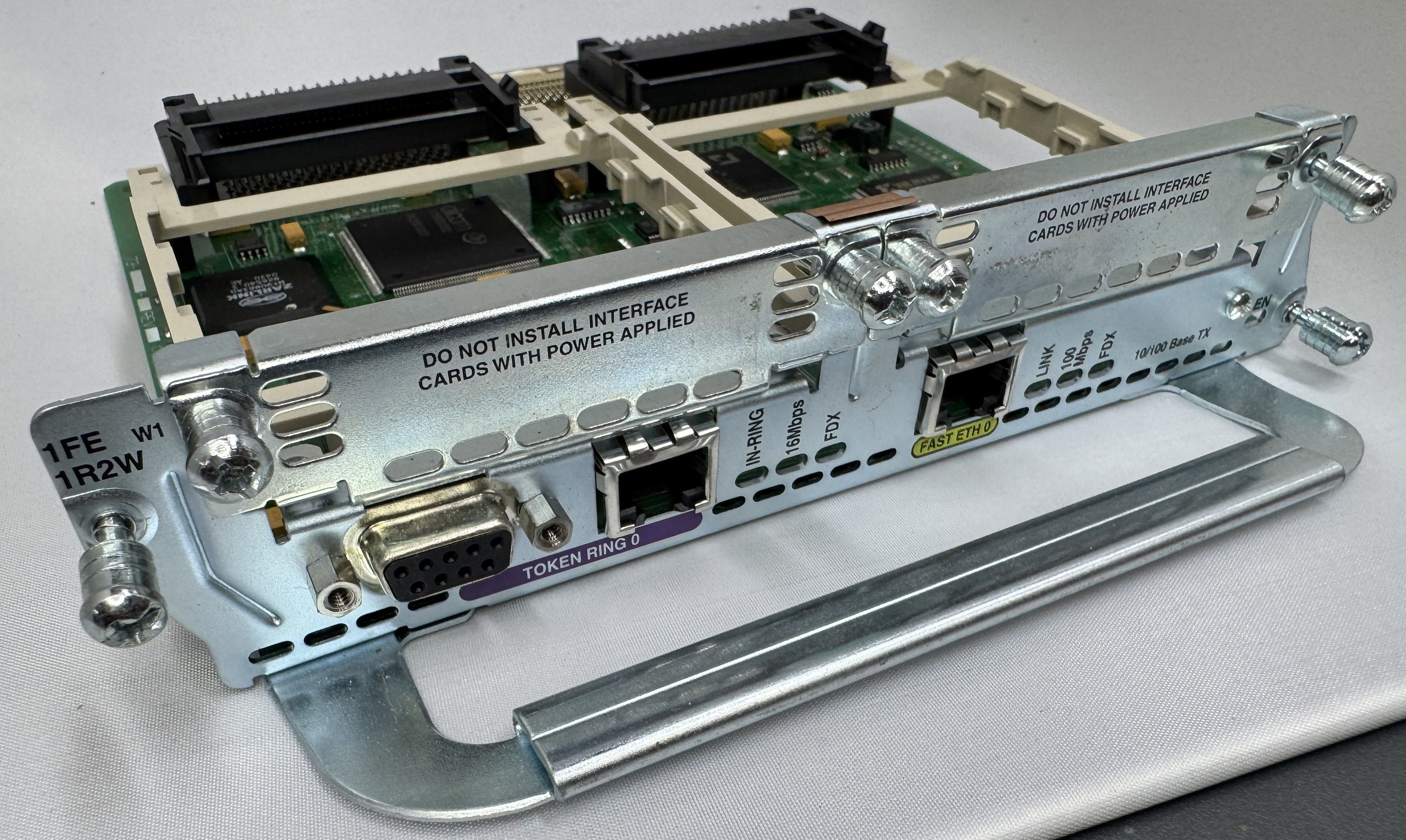
Its worth mentioning, for the configuration and tests below, ports 0/0/0 – 3 are our 4FXS ports in HWIC slot 0. In HWIC1 slot (0/1/0 – 1) we have our dual modem card now, a WIC-2AM-v2.
Configuration
As mentioned, you do need a router with the Advanced Services image on it to do voice related features. Once that is loaded, and our hardware was in place, we started configuring the router to move voice data.
We need a pool of IPs that will be given out to clients as they dial in. To do this enter configuration mode and use:
ip local pool dialin-pool 192.168.9.10 192.168.9.20 recycle delay 3600
You can tell from reading this blog that I have a way too complicated home network. I have the router itself on 192.168.7.0/24, then I made 192.168.9.0/24 for dial in addresses. To be able to send data to them and have them route on my core network, I have RIP running between my home firewall and this Cisco router. When I turn the router on, the routes pop up; when I stop using it for a while, the routes go away. You can set the start and stop of your pool to whatever you like.
Next we have to declare when you dial a certain number, where that routes. This is created by declaring a route, saying its a POTS line, and then saying which “Dial pattern” (phone number) goes to which port on the router. The dial-peer name can be anything, I use the number to make it easy. Port 0/0/3 is the 4th port on the FXS that I am CONNECTING OUT OF to the modem. The data flow is 0/0/0 where my Windows 95 client is, through the FXS to 0/0/3, to a 6 inch RJ11 cable to 0/1/0 modem slot. Some parts like FXS routing happen within the cards, then there are times you need to have tiny patch cables to route the stream.
dial-peer voice 3 pots
 destination-pattern 3
 port 0/0/3
We need to say how the connection is handled once it comes in the modem. These connections are handled as “line” interfaces from there. We need to tell it this is a dial in line, what its max supported speed is (I just do the max, it will communicate less to the end modem), how flow control will work, and how auth will work.
The line configuration says it beeds ppp, since I do not specify the the auth system, any user is currently allowed… which is great!
line 0/1/0
 modem Dialin
 modem autoconfigure discovery
 transport input all
 autoselect ppp
 stopbits 1
 speed 115200
 flowcontrol hardware
Last, we need to configure the IP interface of this line, we do that by configuring the async line assigned to the modem port. This also is where we set which pool will be used for dial in users. I added the ppp timeout command because some of the older systems I have were taking a while to respond.
interface Async0/1/0
 ip address 192.168.9.1 255.255.255.0
 encapsulation ppp
 peer default ip address pool dialin-pool
 async mode interactive
 no keepalive
 ppp timeout authentication 30
That is the key configuration needed to get dial up working! Below I will put my full config (minus password) in case any of it helps someone. Leave a comment if this helps you, or you need extra help!
Full Configuration
hostname router
!
boot-start-marker
boot system flash:c3825-adventerprisek9-mz.151-4.M10.bin
boot-end-marker
!
enable secret 0 test
!
aaa new-model
aaa authentication login default local line
!
aaa session-id common
no network-clock-participate slot 1
dot11 syslog
ip source-route
ip cef
!
ip dhcp pool TOKEN
 network 192.168.8.0 255.255.255.0
 default-router 192.168.8.1
 dns-server 192.168.7.1
!
ip domain name lbt.home.ntbl.co
no ipv6 cef
!
multilink bundle-name authenticated
voice-card 0
crypto pki token default removal timeout 0
username admin privilege 15 secret 0 admin
username test privilege 0 password 0 test
!
redundancy
!
ip ssh version 2
!
interface GigabitEthernet0/0
 ip address 192.168.7.10 255.255.255.0
 duplex auto
 speed auto
 media-type rj45
!
interface GigabitEthernet0/1
 no ip address
 shutdown
 duplex auto
 speed auto
 media-type rj45
!
interface Serial0/3/0
 no ip address
 shutdown
 clock rate 2000000
!
interface FastEthernet1/0
 no ip address
 shutdown
 duplex auto
 speed auto
!
interface TokenRing1/0
 ip address 192.168.8.1 255.255.255.0
 ring-speed 4
!
interface GigabitEthernet2/0
 ip address 100.64.0.1 255.255.255.0
!
interface Async0/1/0
 ip address 192.168.9.1 255.255.255.0
 encapsulation ppp
 peer default ip address pool dialin-pool
 async mode interactive
 no keepalive
 ppp timeout authentication 30
!
interface Async0/1/1
 no ip address
 encapsulation slip
!
interface Async0/2/0
 no ip address
 encapsulation slip
!
interface Async1/0/0
 no ip address
 encapsulation slip
!
router rip
 network 100.0.0.0
 network 192.168.7.0
 network 192.168.9.0
 neighbor 100.64.0.2
 neighbor 192.168.7.1
!
ip local pool dialin-pool 192.168.9.10 192.168.9.20 recycle delay 3600
ip forward-protocol nd
no ip http server
no ip http secure-server
!
ip route 0.0.0.0 0.0.0.0 192.168.7.1
!
control-plane
!
voice-port 0/0/0
!
voice-port 0/0/1
!
voice-port 0/0/2
!
voice-port 0/0/3
!
mgcp profile default
!
dial-peer voice 3 pots
 destination-pattern 3
 port 0/0/3
!
telephony-service
 max-conferences 12 gain -6
 transfer-system full-consult
!
line con 0
line aux 0
line 0/1/0
 modem Dialin
 modem autoconfigure discovery
 transport input all
 autoselect ppp
 stopbits 1
 speed 115200
 flowcontrol hardware
line 0/1/1
 stopbits 1
 speed 115200
 flowcontrol hardware
line 0/2/0
 stopbits 1
 speed 115200
 flowcontrol hardware
line 1/0/0
 stopbits 1
 speed 115200
 flowcontrol hardware
line 130
 no activation-character
 no exec
 transport preferred none
 transport input all
 transport output lat pad telnet rlogin lapb-ta mop udptn v120 ssh
line vty 0 4
 transport input ssh
!
scheduler allocate 20000 1000
end  BuildingTents