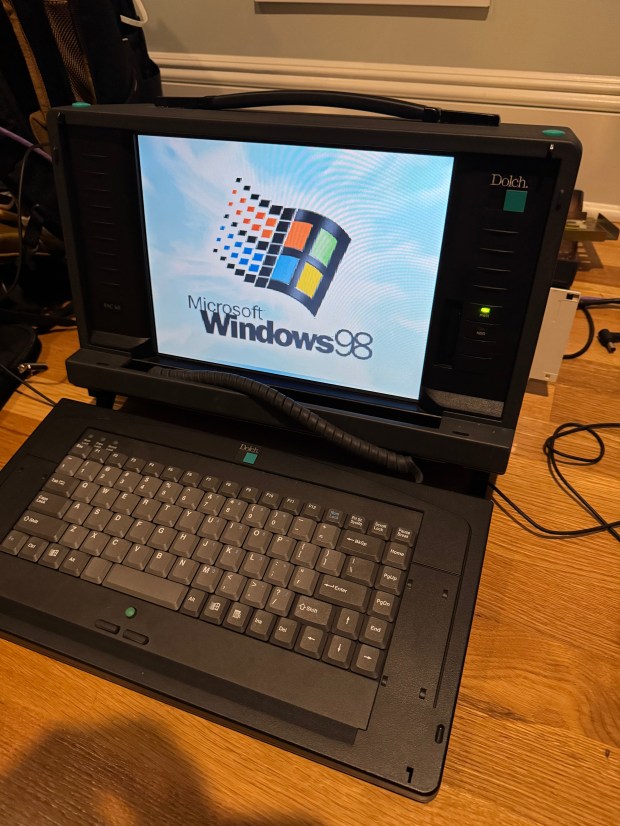
I love old portable computers. It goes back to the Compaq Portable II I have. I saw online there was a much later system from a company I hadn’t heard of called Dolch. The Dolch Pac 65, considered one of the last “luggable” computers. An industrial motherboard, with an ISA slot, four PCI slots, and a Pentium II 400MHz with MMX. These machines were built to be “portable workstations” for industrial use: factory floors, military, network diagnostics. A far cry from the Intel 286 in the Compaq Portable II. It also has an LCD screen instead of the small CRT of the Compaq. Gone are the days of tiny green and black displays, even if I love them. In comes a full 1024×768 LCD. I have been expanding my retro computing rack and wanted something more in the Windows 95 or 98 era. This system fit the bill.
Whenever I tried to find one online, they would come up for around $500. I saw one come up for around $150, with the small catch that it was in an “unknown” state and missing some of the panels and mounting brackets. I could see from one side photo that it had the power supply, and I saw what looked like the motherboard inside. A yolo later (and a few days), I had the system.
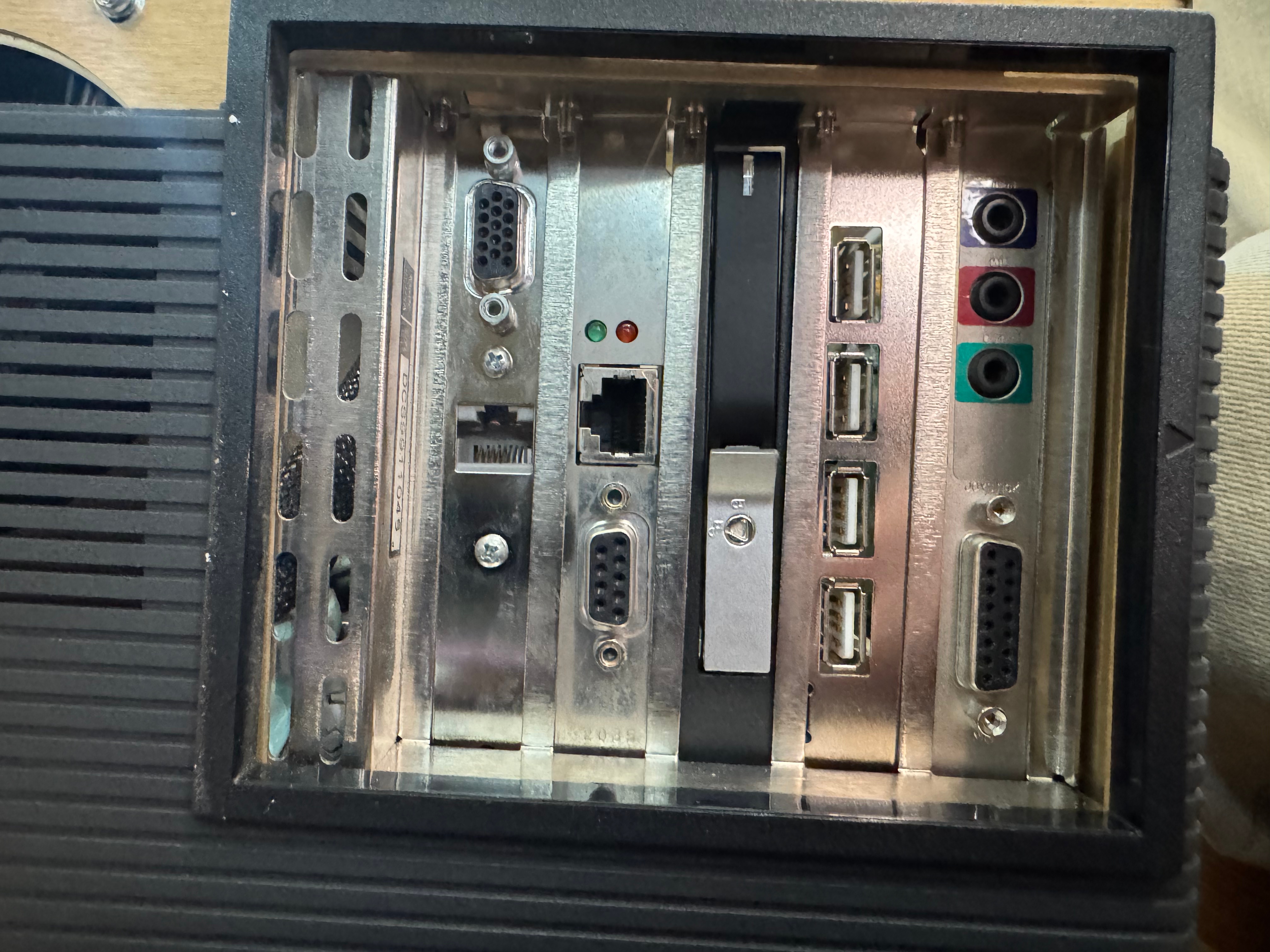
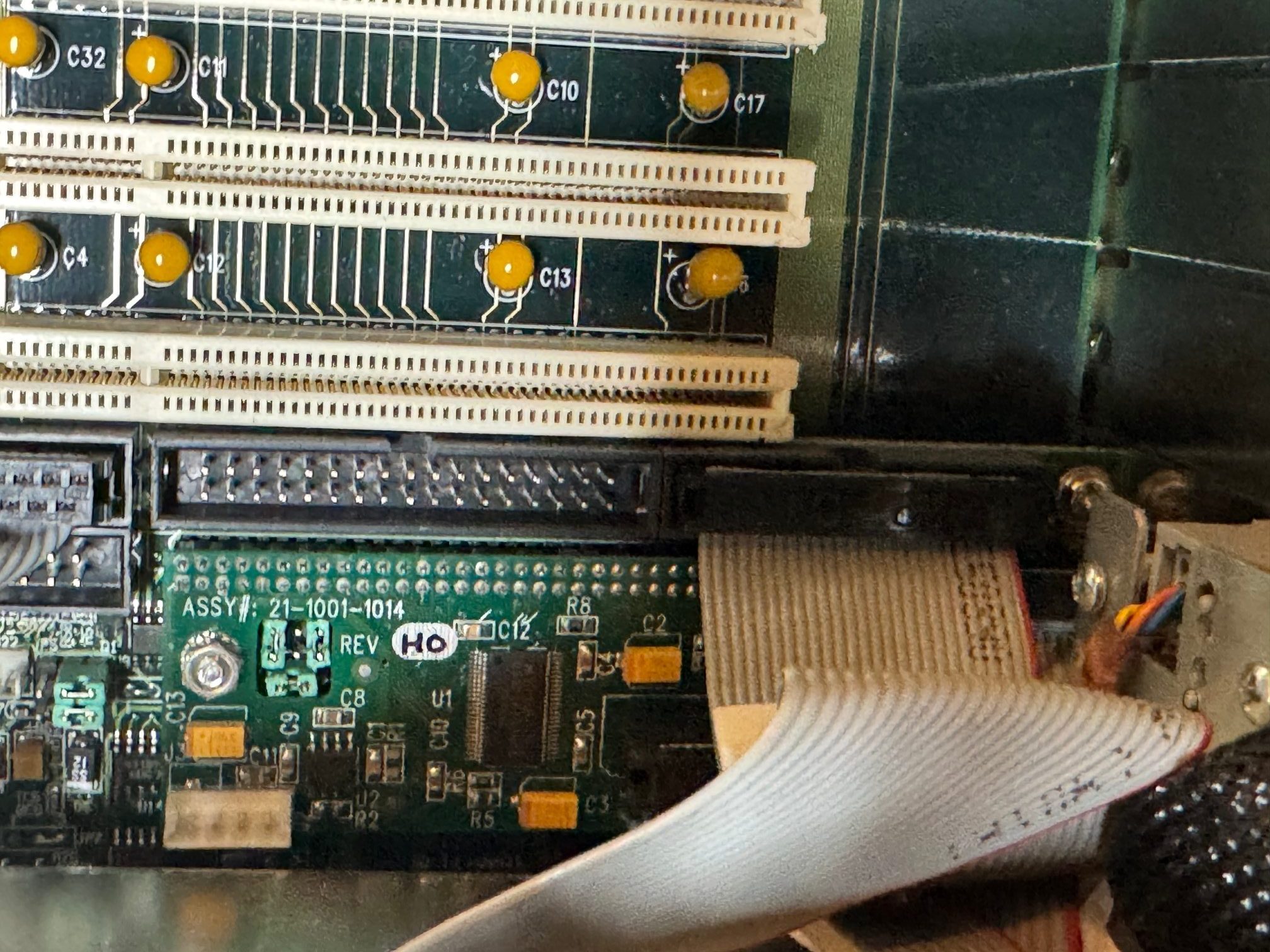
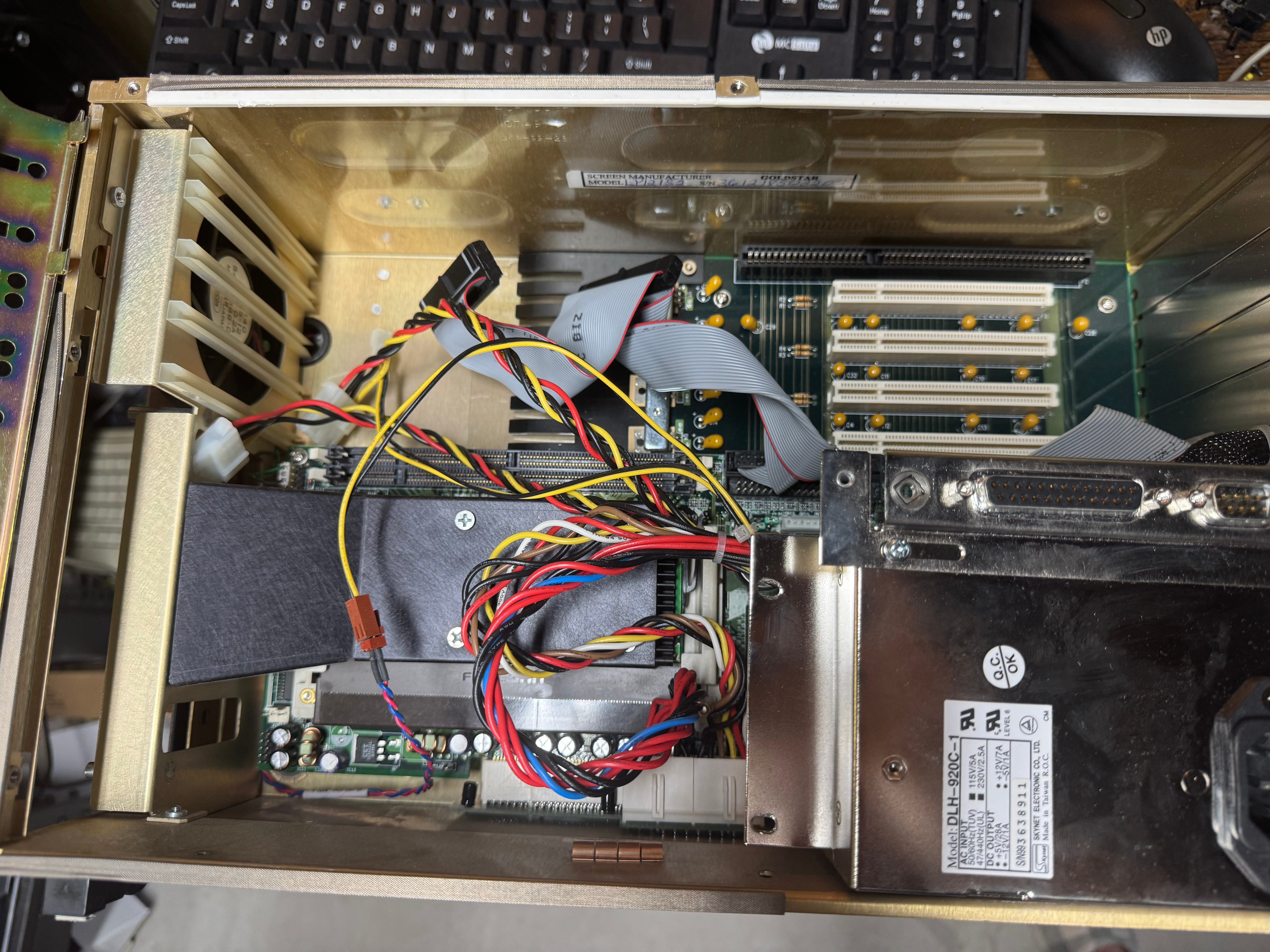
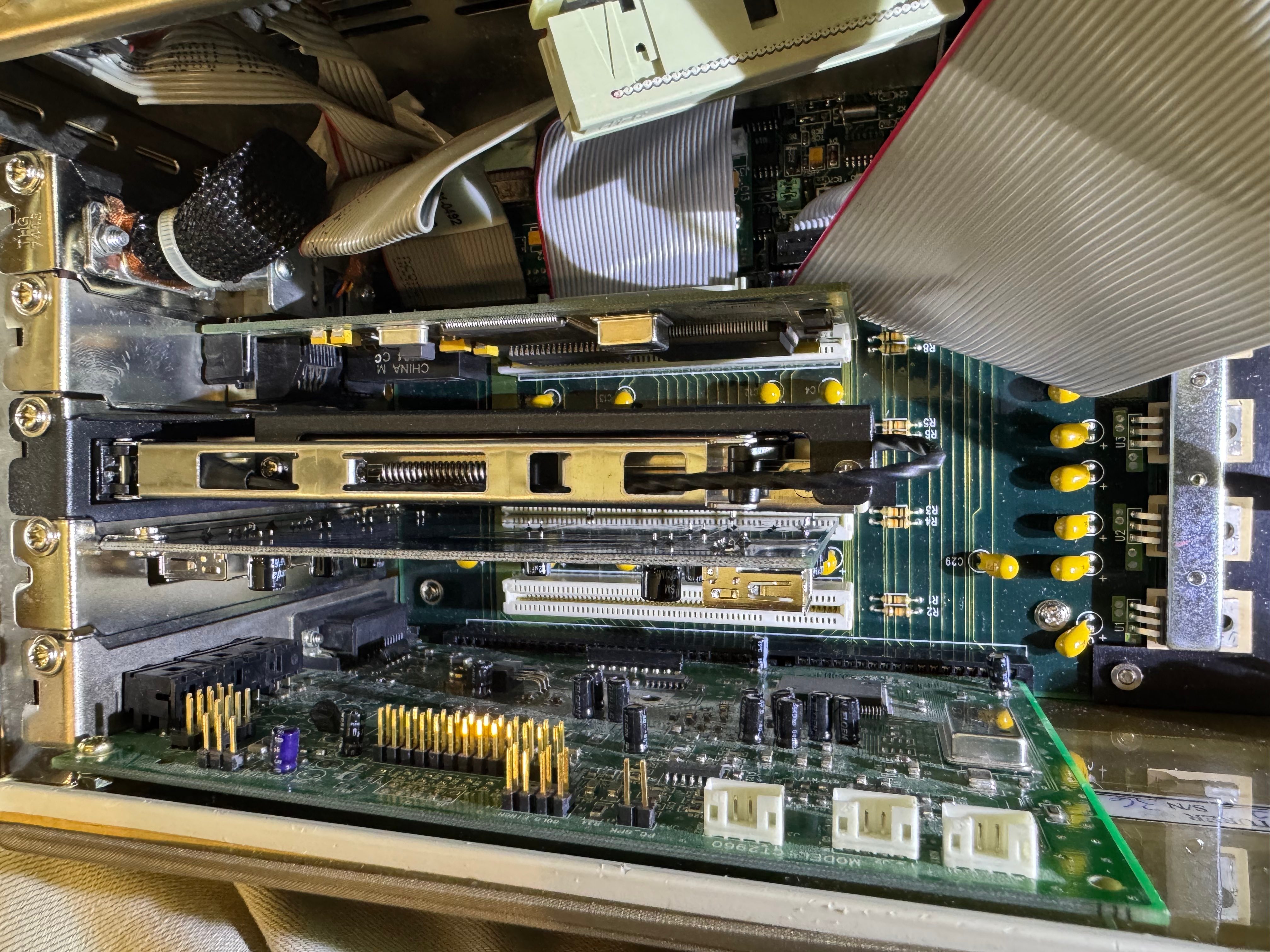
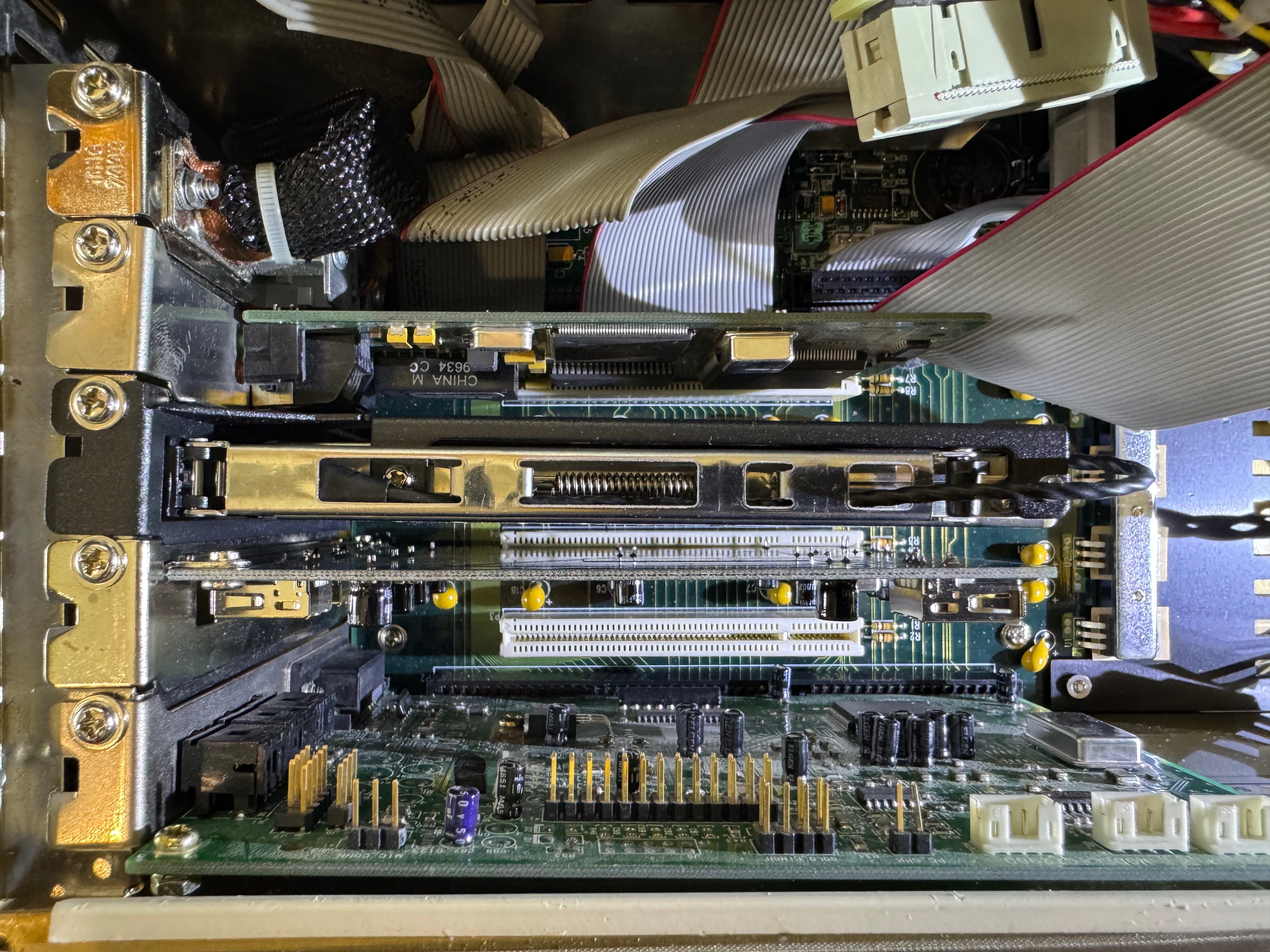
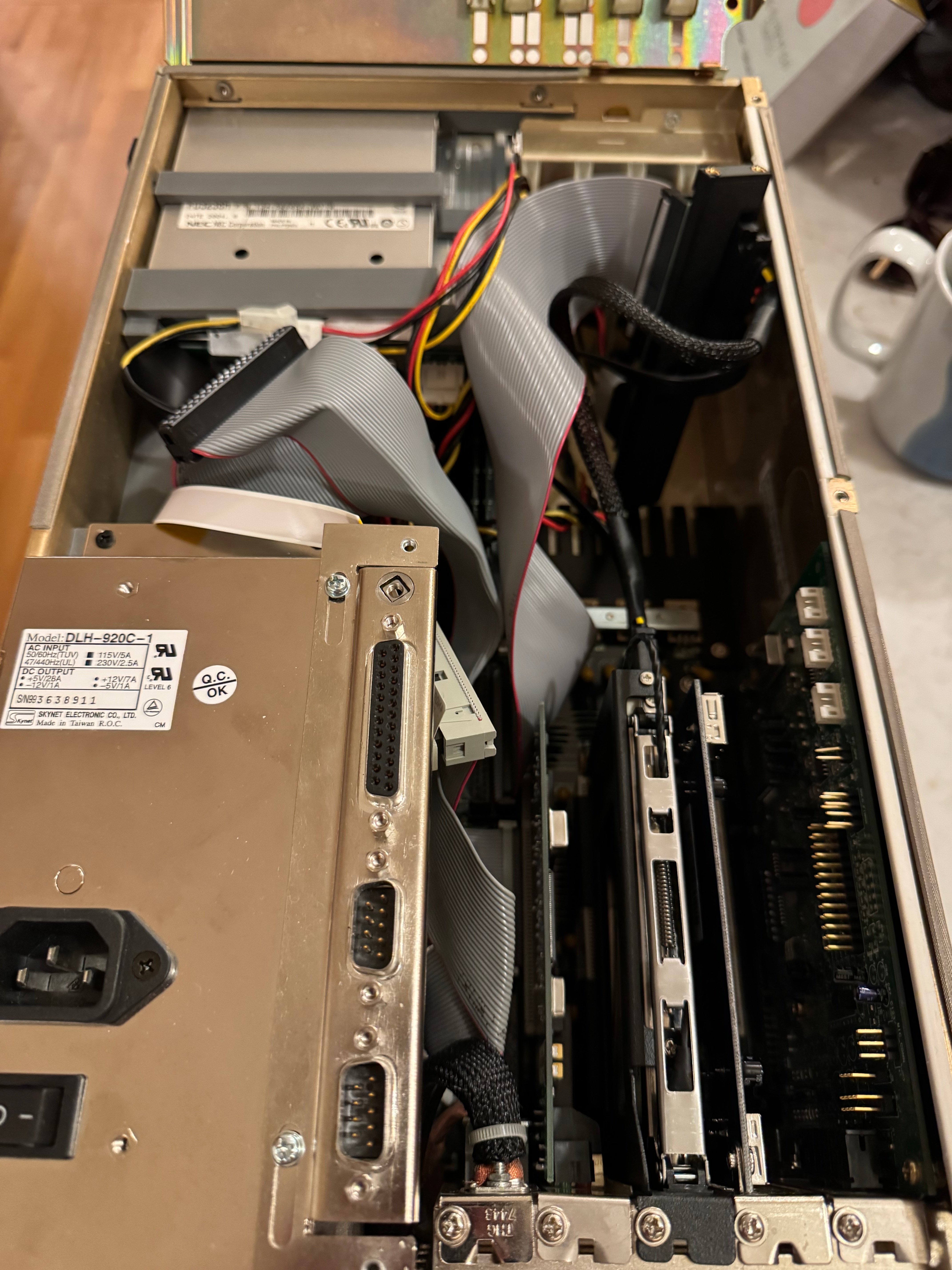
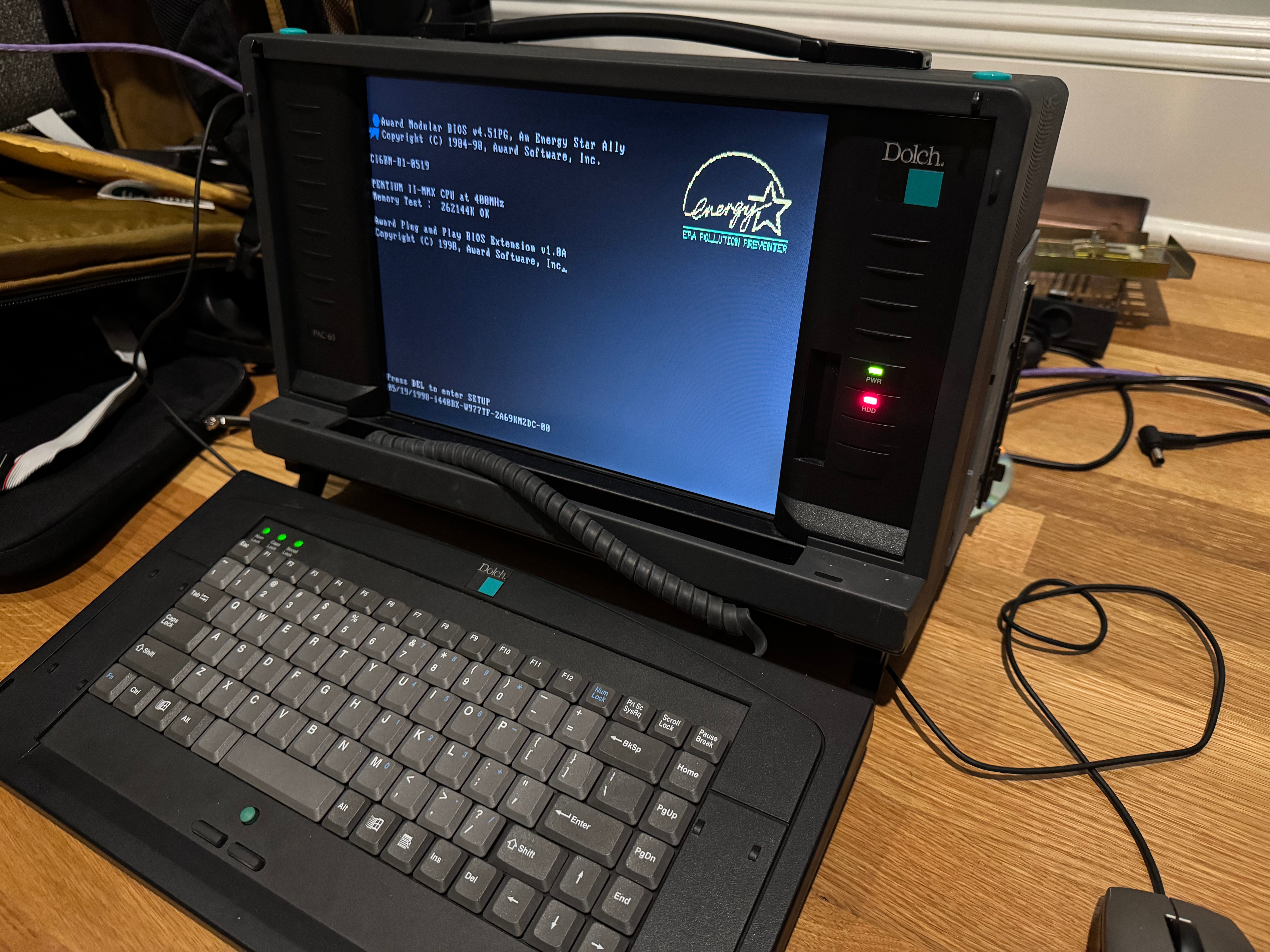
I was right! The motherboard was there! It had no disk drives, no RAM, no hard drive; it was perfect. A blank slate. The system definitely has some oddities. The motherboard is more of an industrial system, all on one board with CPU, memory, disk controller, ethernet, video card all together. Then a connector to another board that holds the ISA and PCI slots. My guess is it’s a PICMG or similar system. Being from that era, and a more industrial system, the fan is a 120-volt fan that always runs at a relatively high speed. I haven’t replaced it yet, but that may be on the shorter list of parts to swap out for a good quality of life improvement.
I need to thank Curious Marc! He also has this system, documented it well, and collected/uploaded all the drivers! This made getting the system online a good amount easier. He also has tables about the different RAM types it supports and information about the motherboard that got me moving a lot quicker on this project.
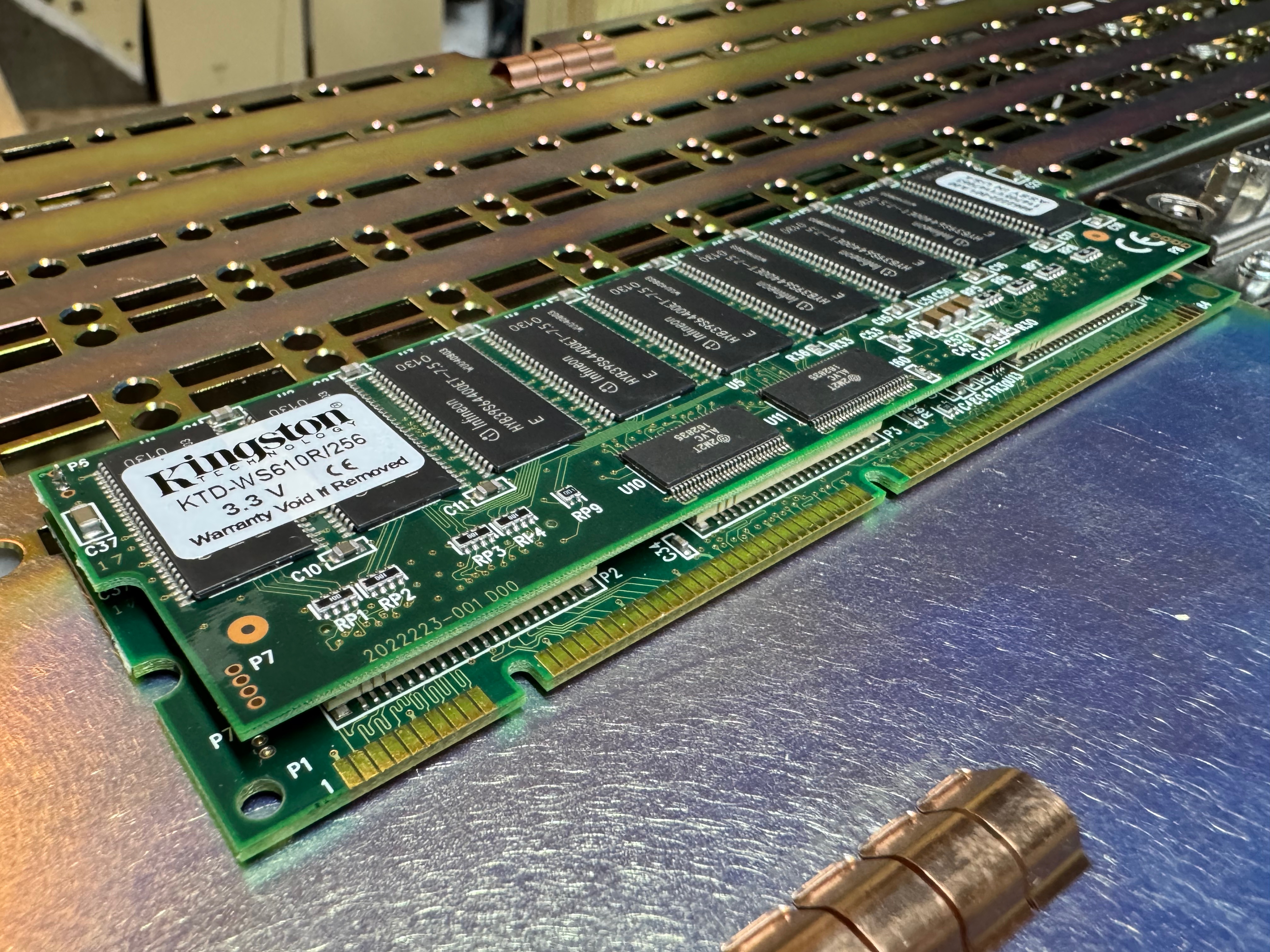
The first step was to get some memory to prove the system could POST. I found the system could use PC100 SDRAM, up to 256MB a stick for buffered RAM (128MB for un-buffered)! The KTD-WS610R/256 Kingston RAM ($7.50) I got was very interesting, it’s a multi-PCB board, joined together. I ordered just one for now, 256MB is plenty for this machine. I am currently using one of the two DIMM slots the machine has.
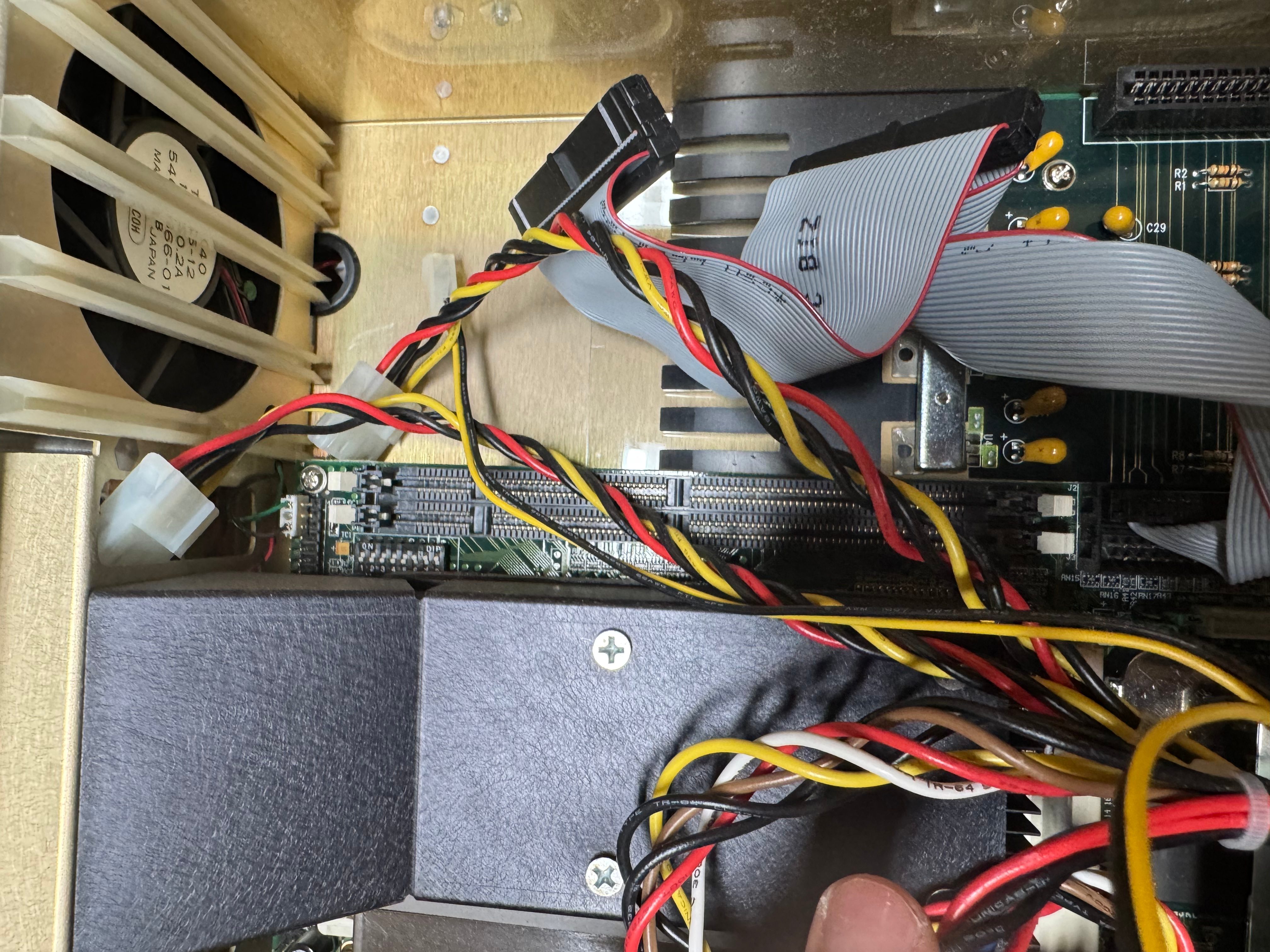
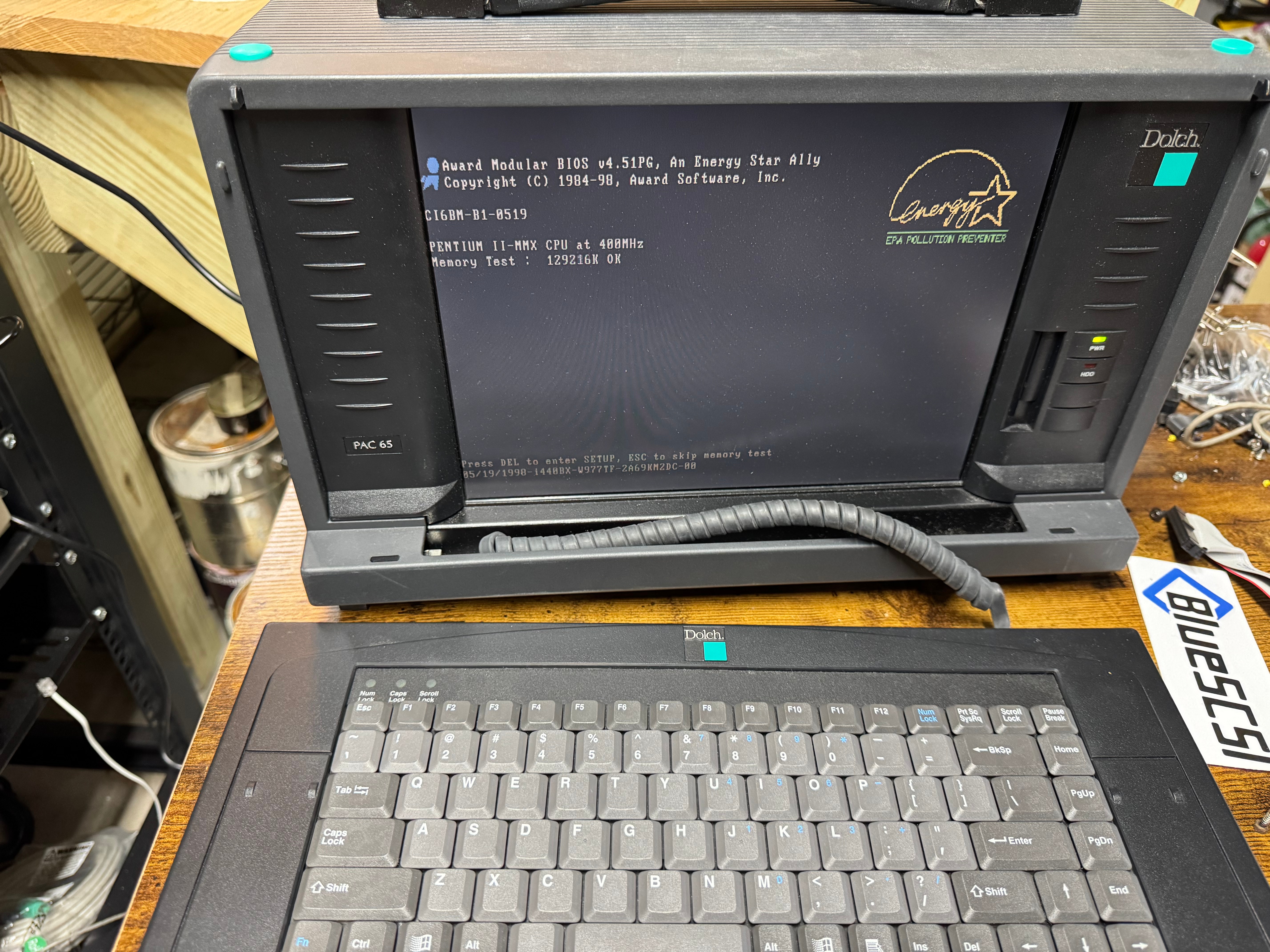
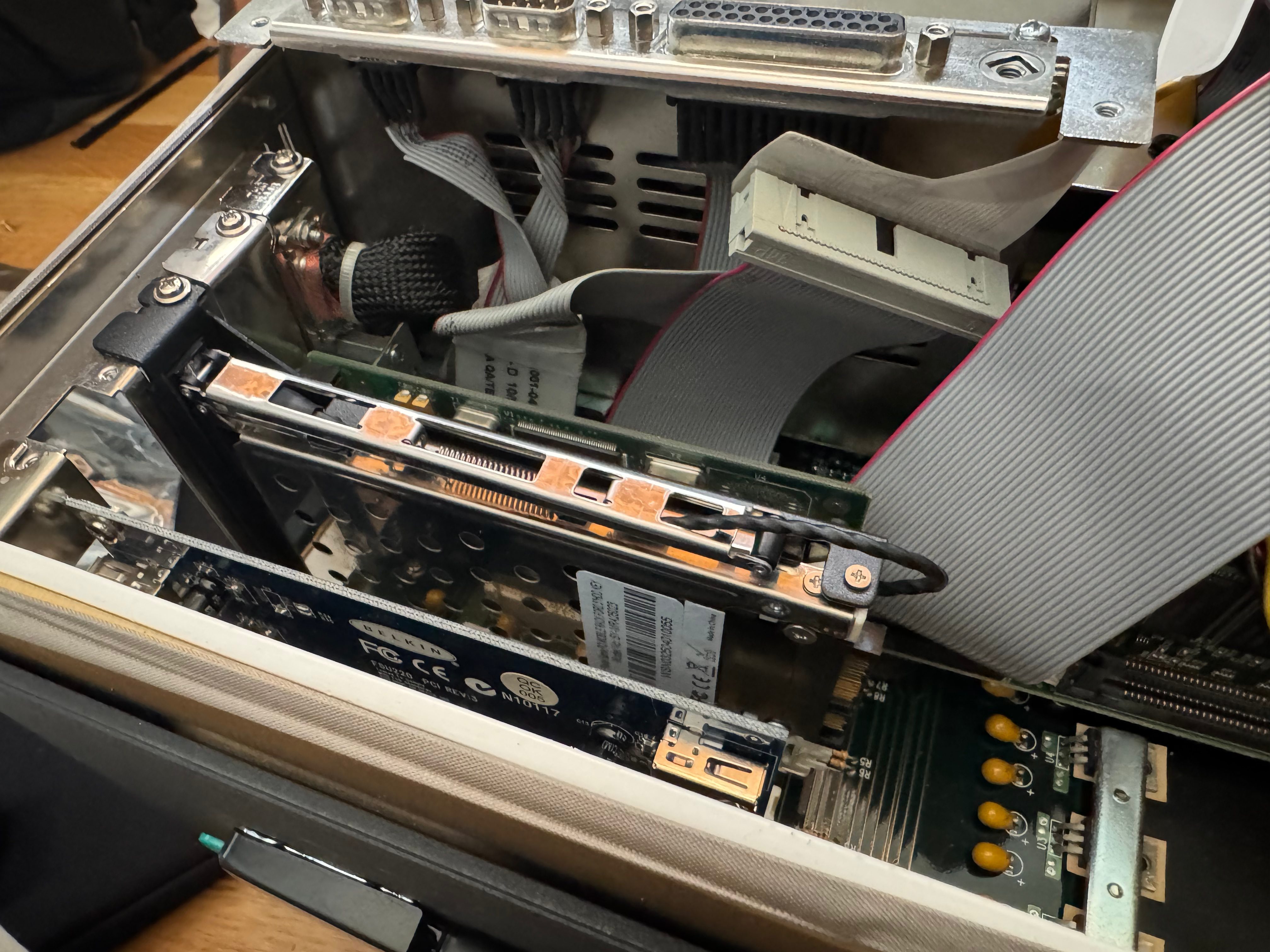
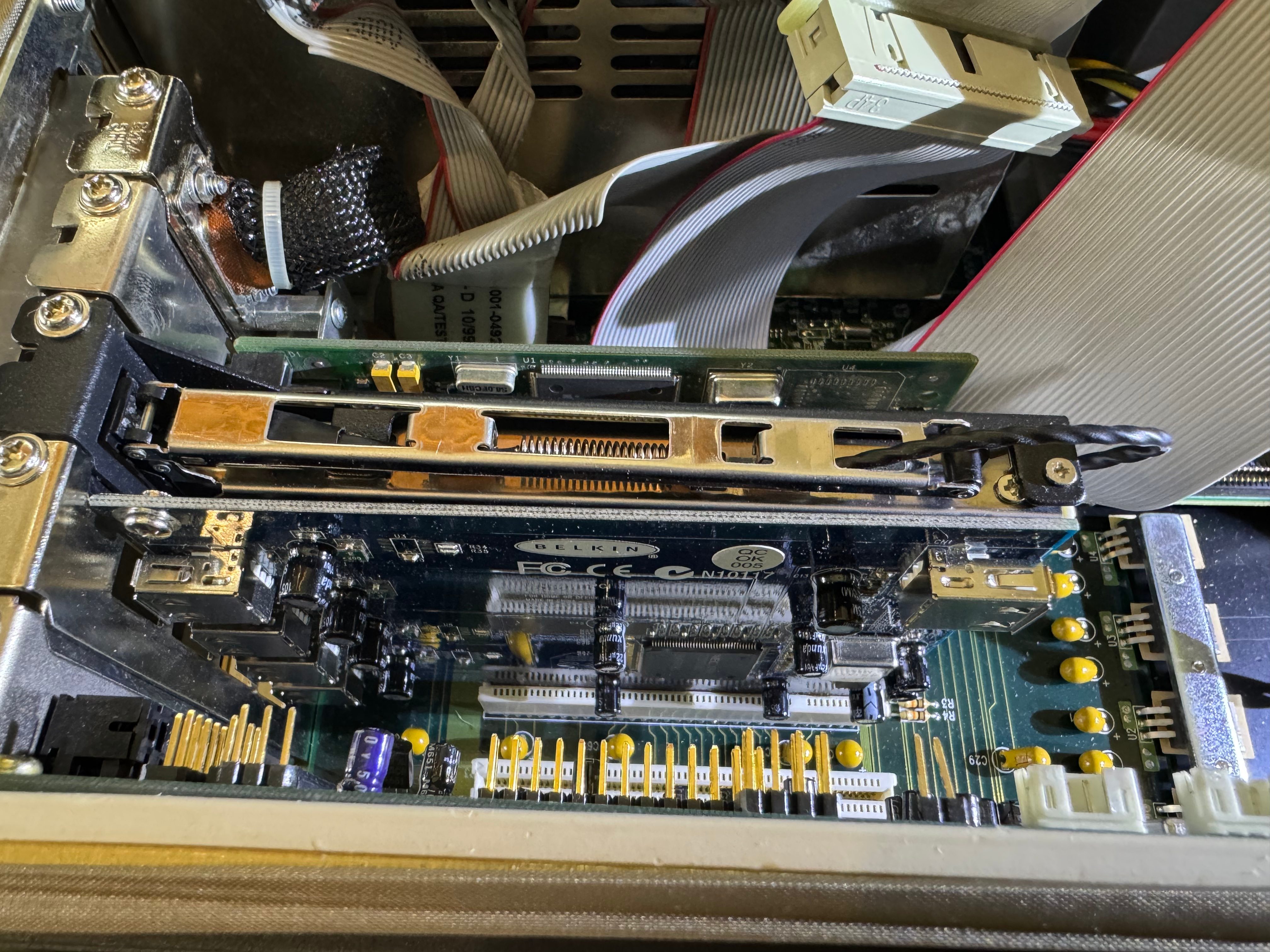
With that, we got the system to POST! It needed a new CMOS battery, but what system this age doesn’t? It was happy! Now I needed a hard drive, some disk drives, and expansion cards. For a hard drive I got a modern SATA SSD, and a SATA to IDE adapter. I put the drive in a spring loaded enclosure that goes into one of the PCI slots; this lets me remove the drive easily if I want to. I would pull the drive to add files before I got networking loaded from time to time. I later added USB, but the system couldn’t boot from that, and burning CDs wasn’t always my go-to.
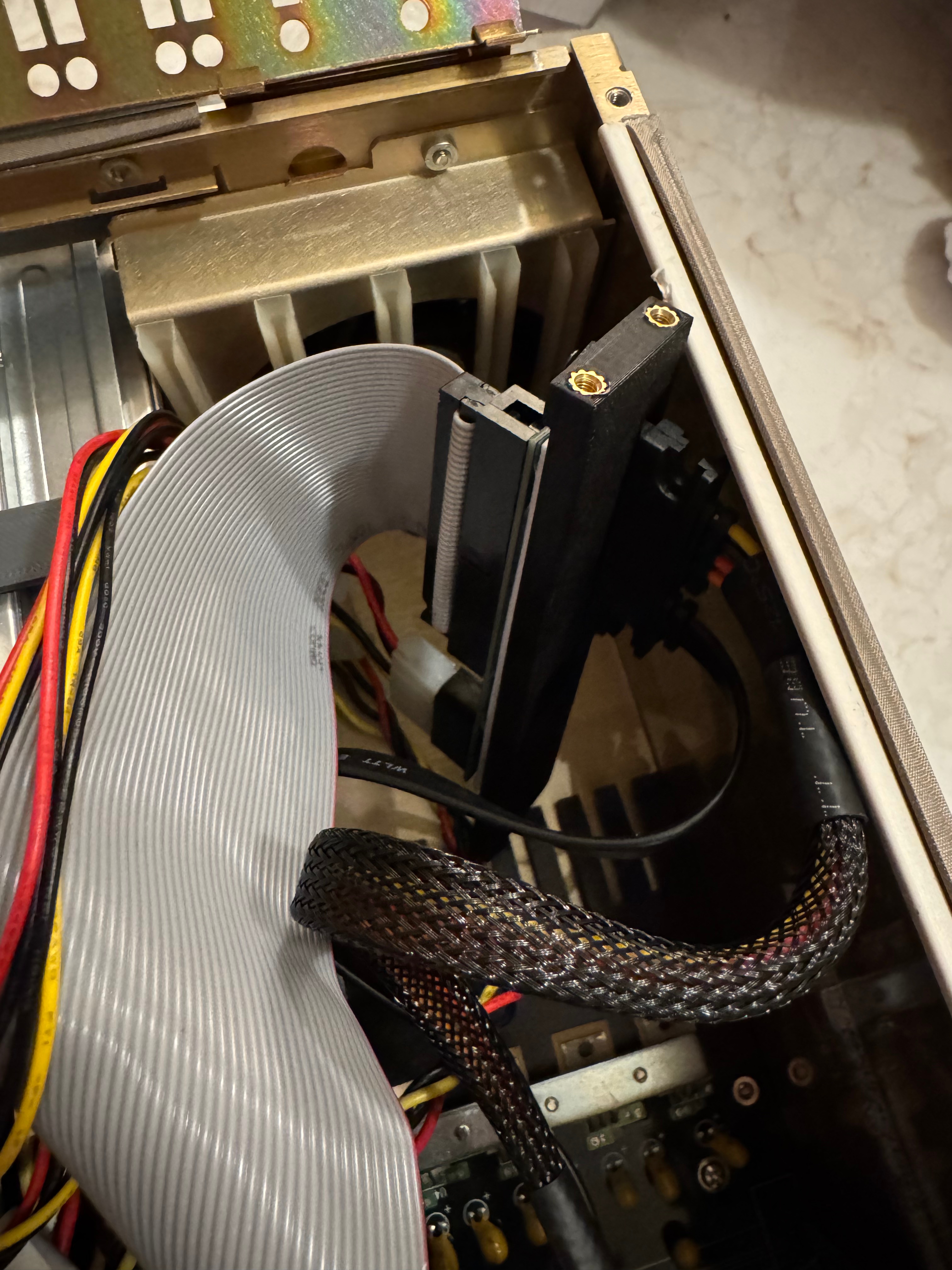
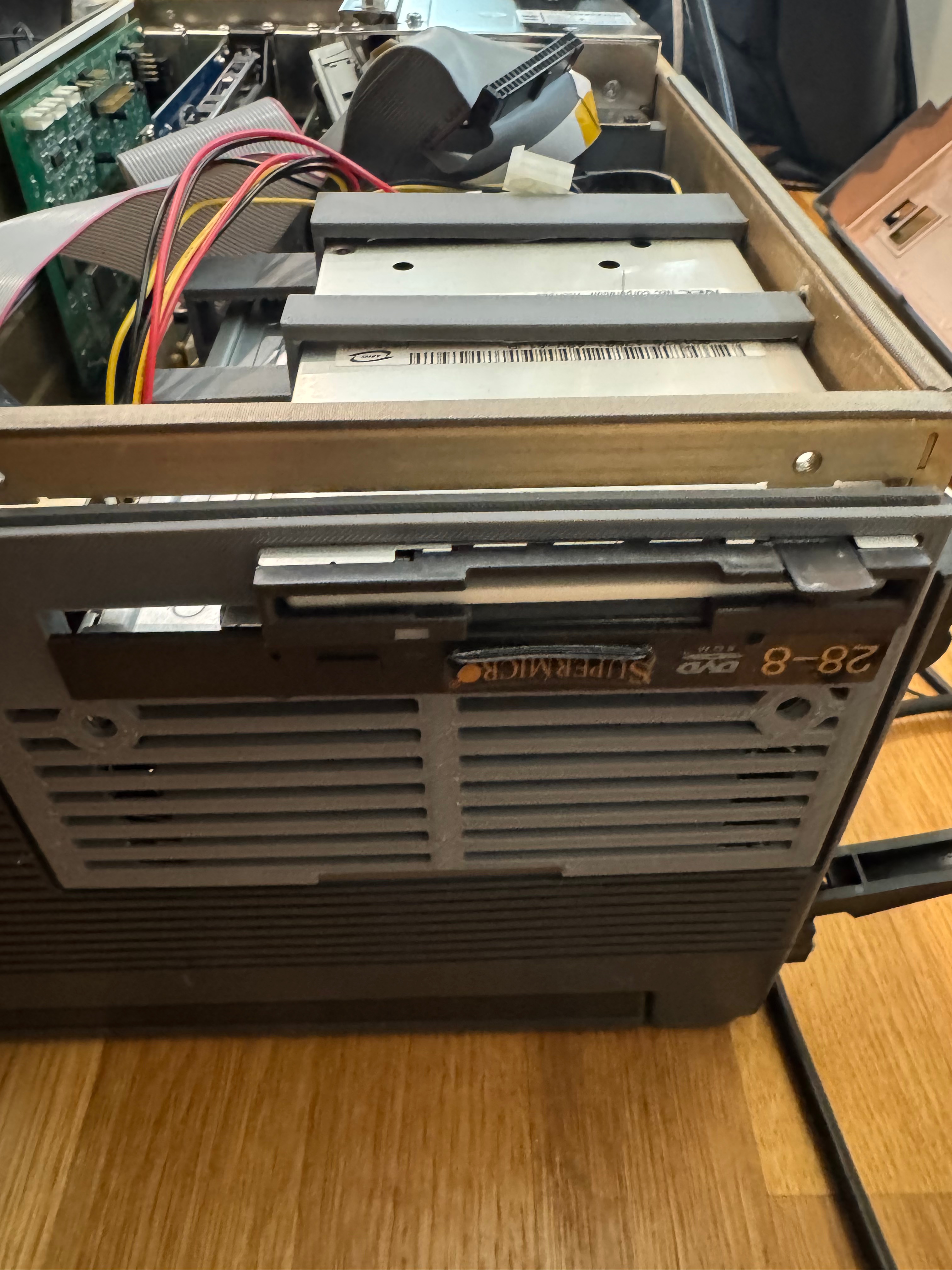
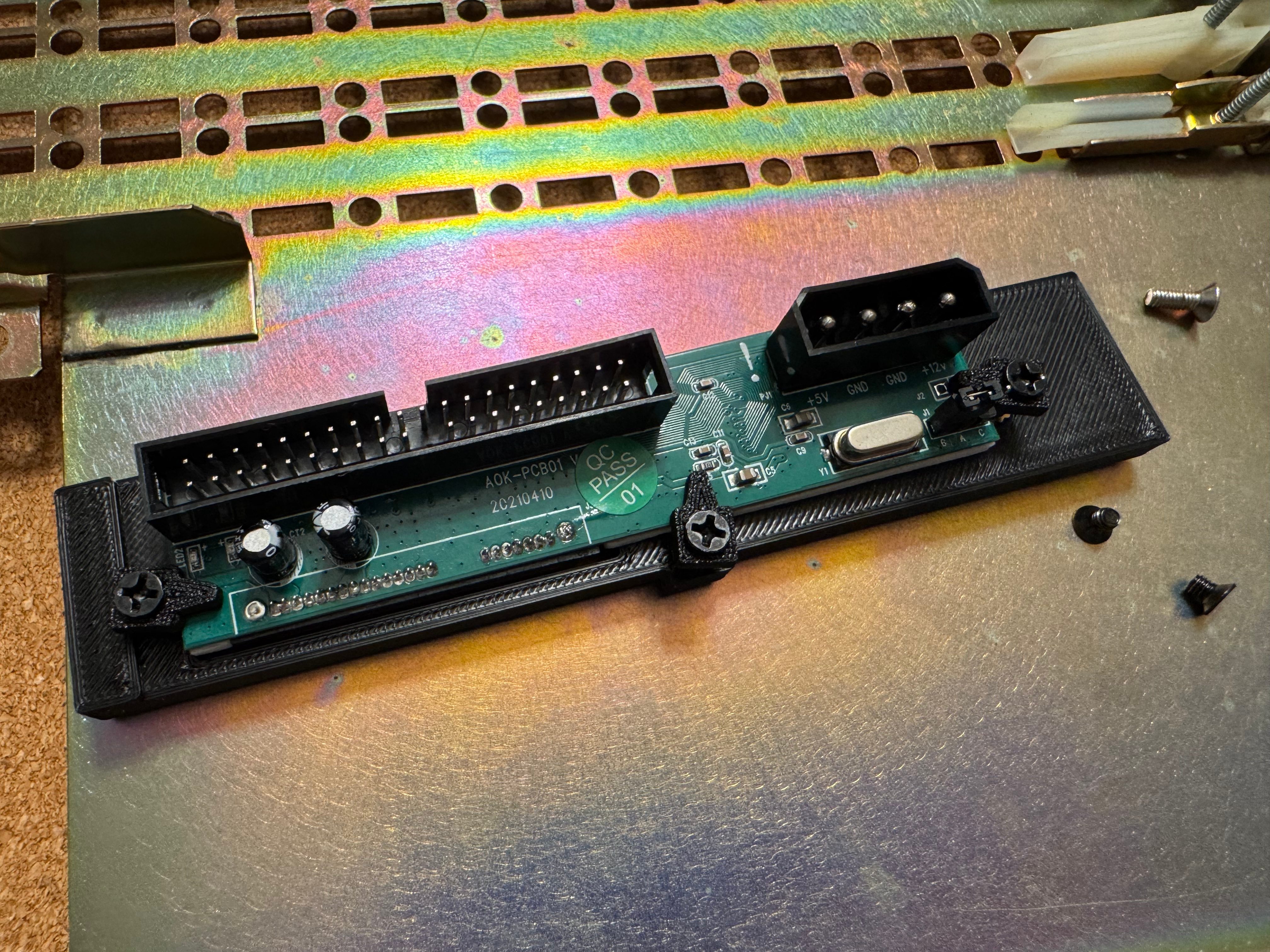
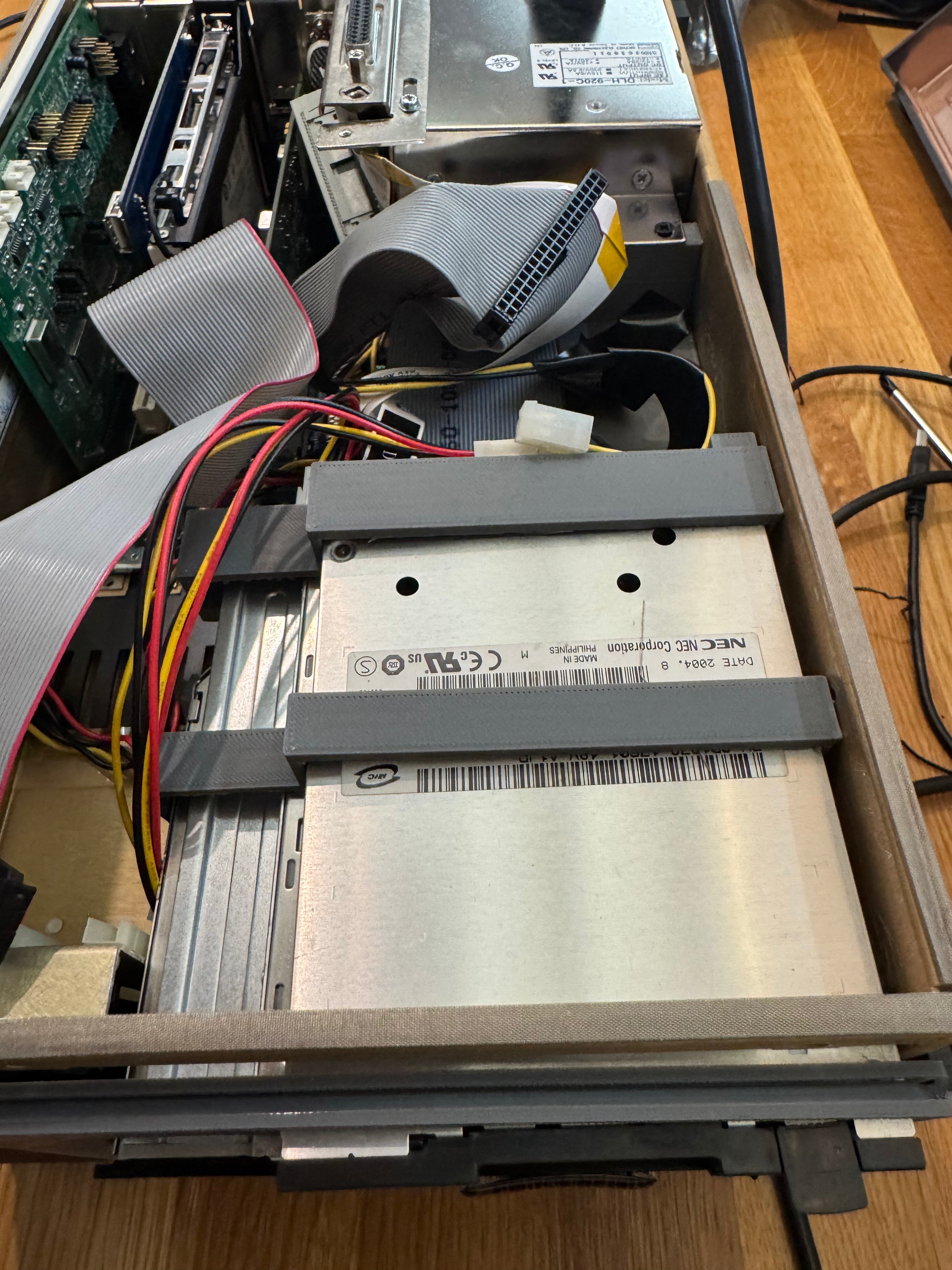
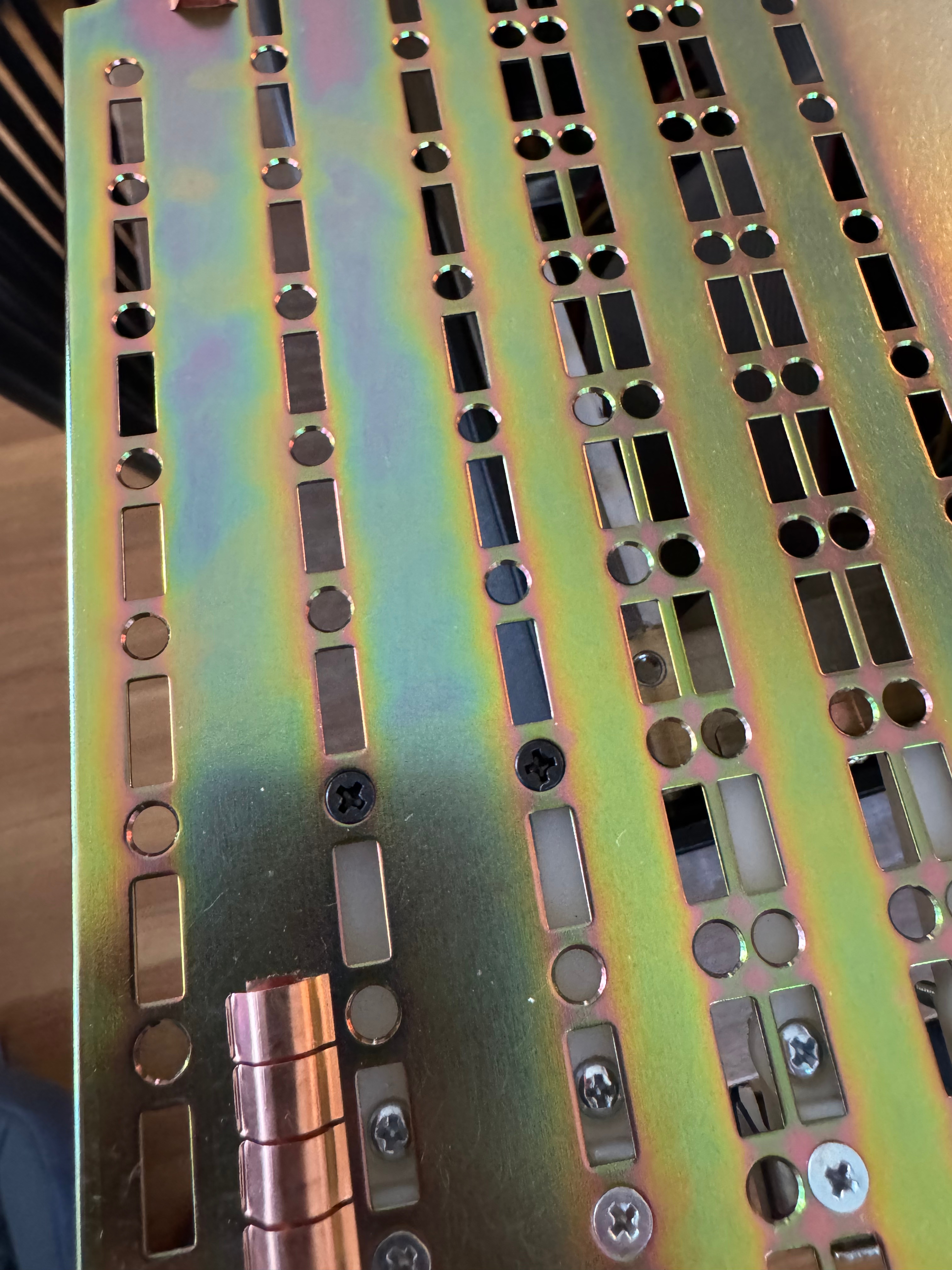
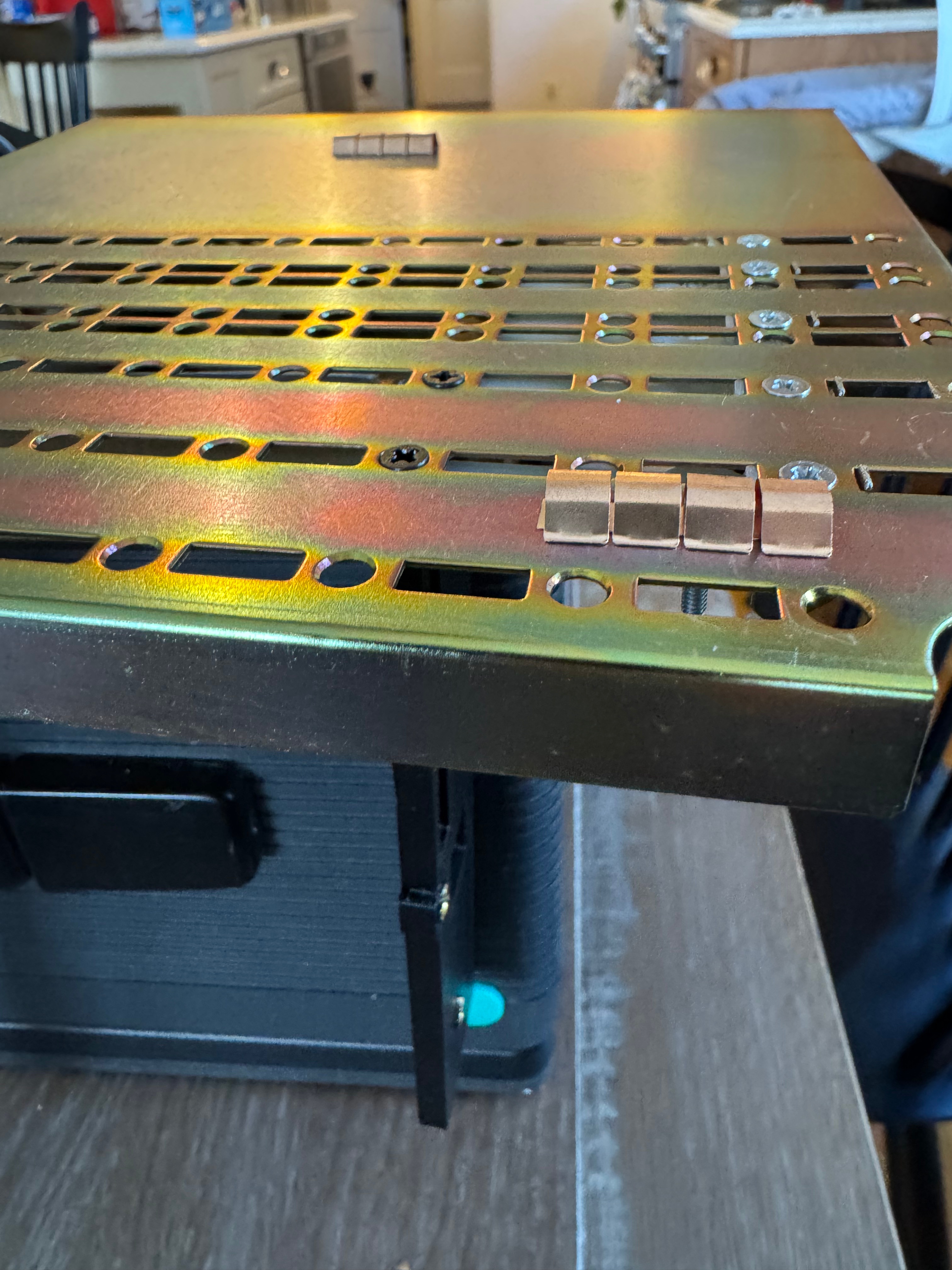
Then I got a slim fit IDE DVD-ROM, and a laptop floppy drive. That let me burn Windows 98 SE to a blank CD and start installation. I also ran memory tests and stress tests on it just to be sure the system in “unknown” condition was doing OK. Now that I had those external drives, I had to start making some brackets. The original hard drive bracket and the optical/floppy bracket were missing when I got the system.
I pondered which operating system to put on the machine. With a 400MHz Pentium II, Windows 95 and 98 were the more obvious choices. The spring-loaded enclosure and optical drive make installing a new operating system not too difficult. To begin its new life (with me) I decided to go with Windows 98 SE. I get USB support right away, FAT32 for more storage, and generally better driver support. There are a lot of community patch kits, Windows Service Packs – PHILSCOMPUTERLAB.COM, that help fix rough edges. Eventually I may install OS/2 for fun, or an older flavor of Linux.
The brackets turned out to be the hardest part of the whole restoration project. The actual system came together so easily that this is where a majority of the time went: dialing in the models for all the brackets.
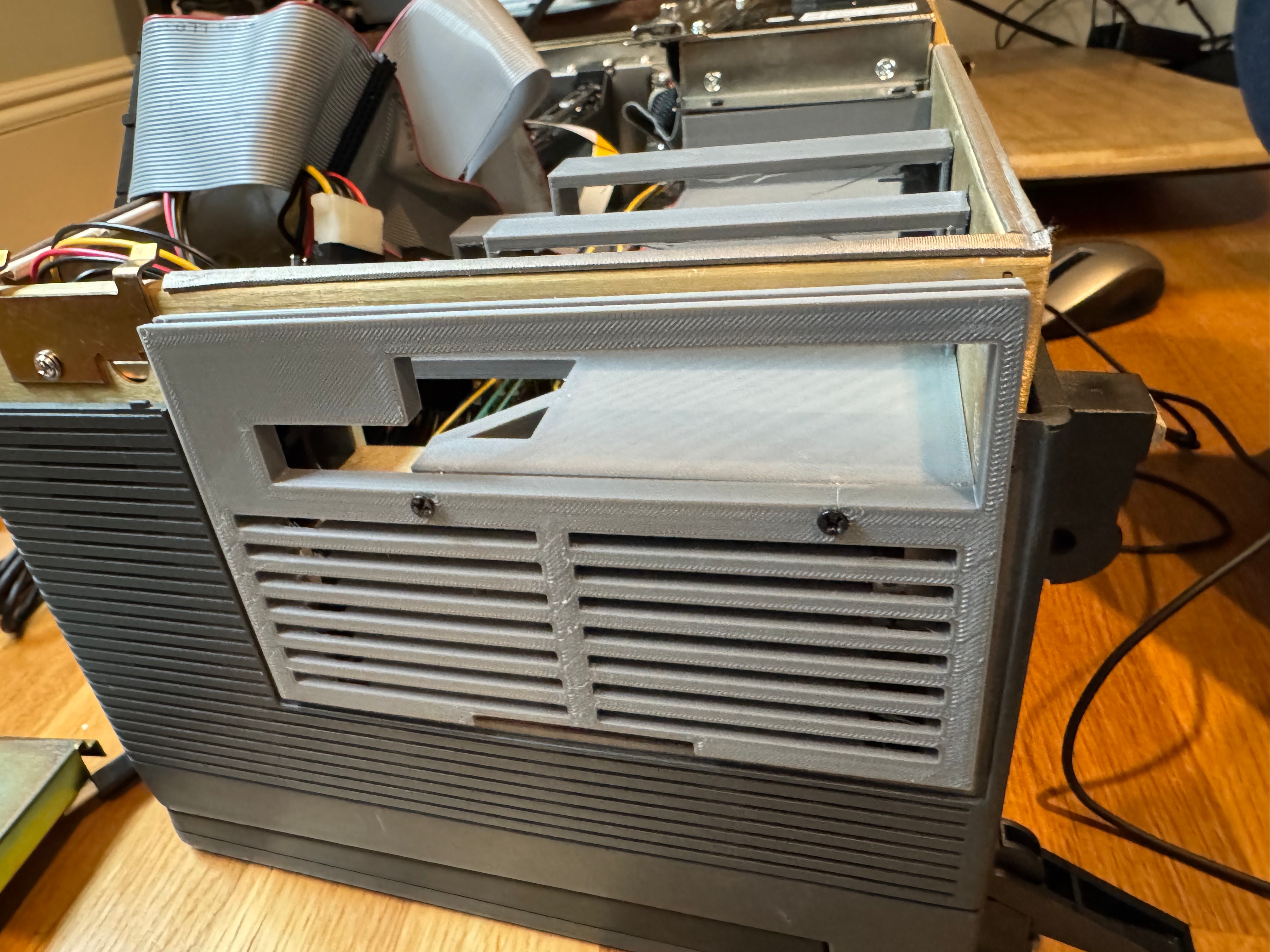
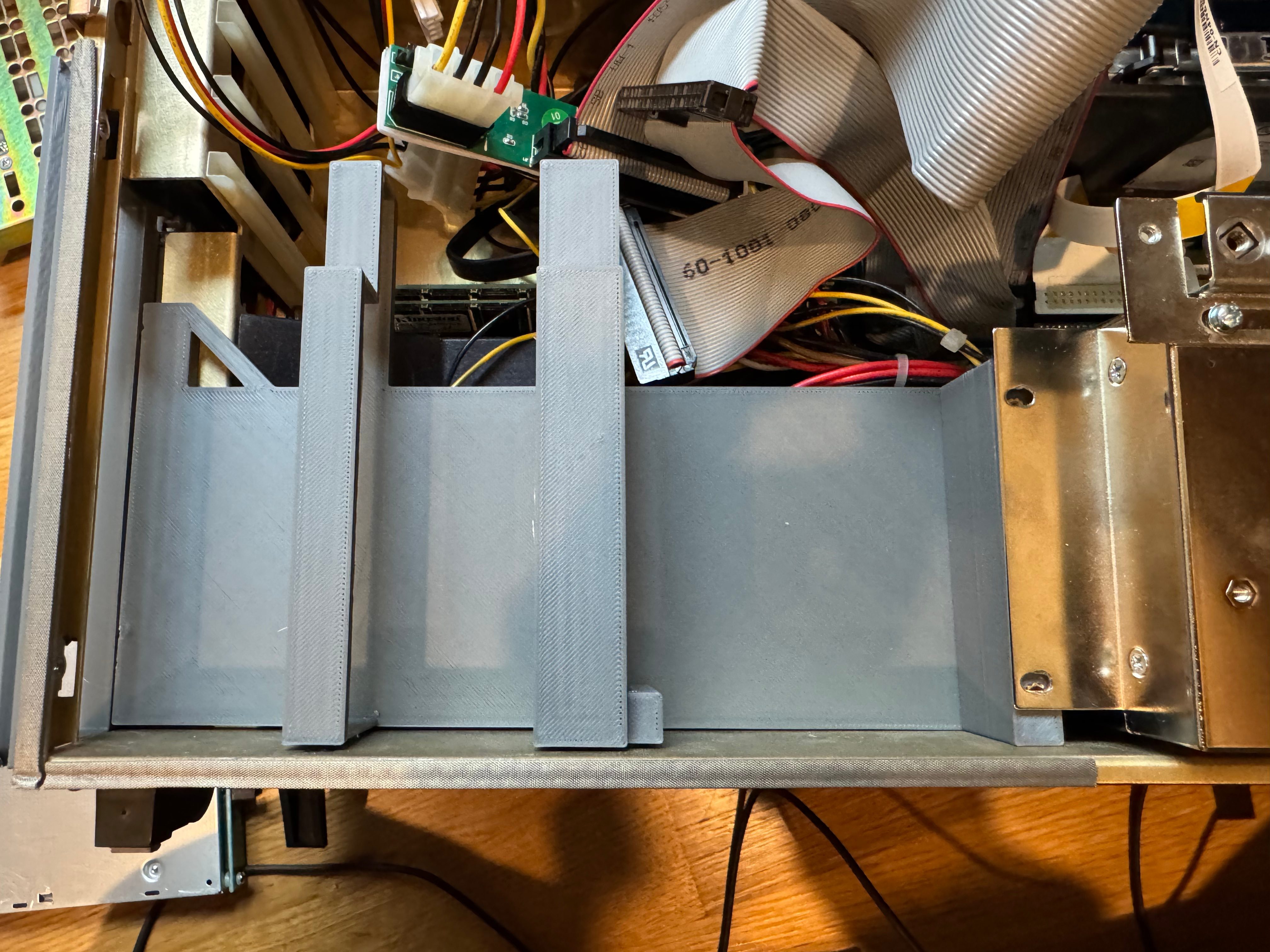
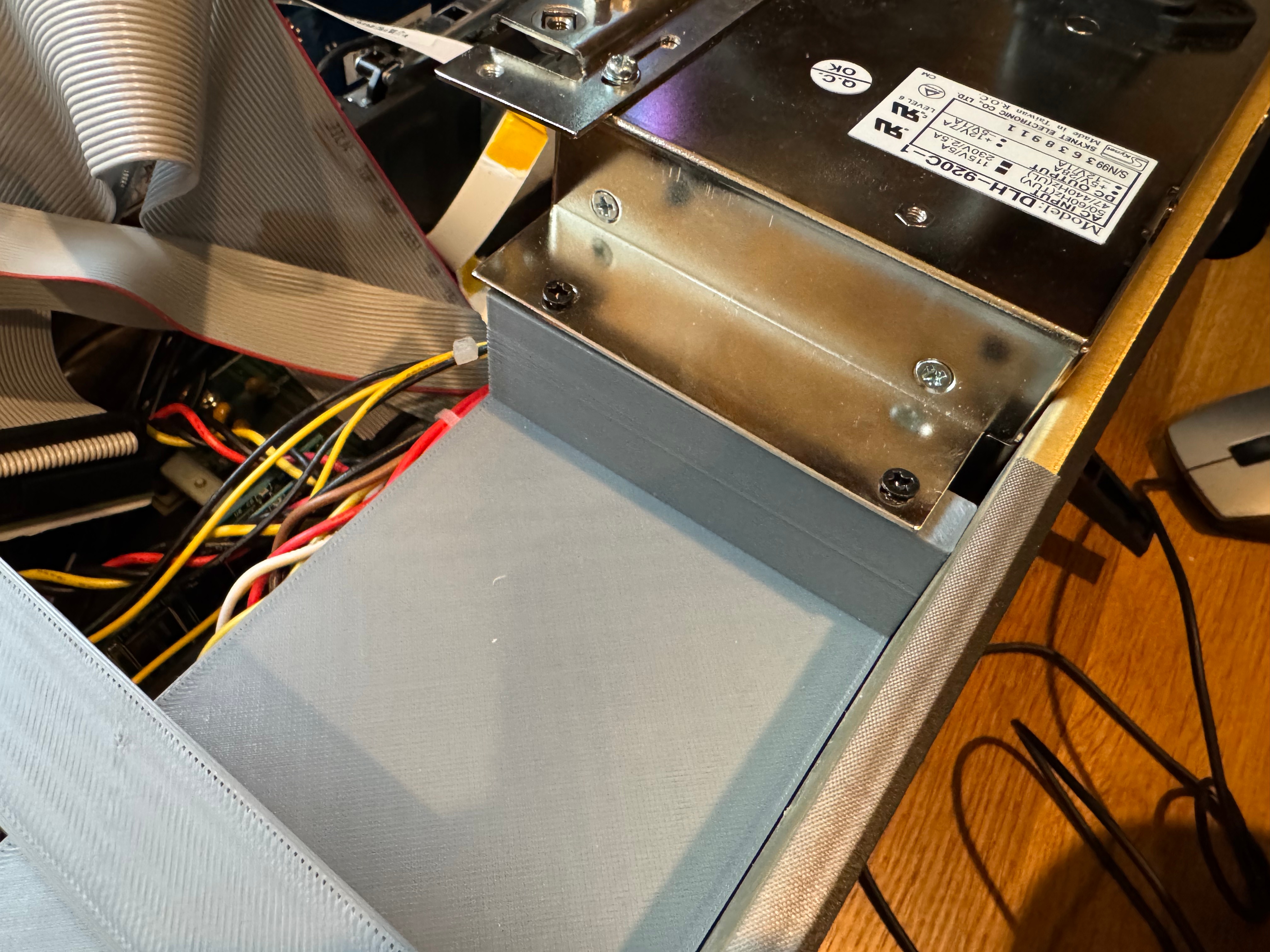
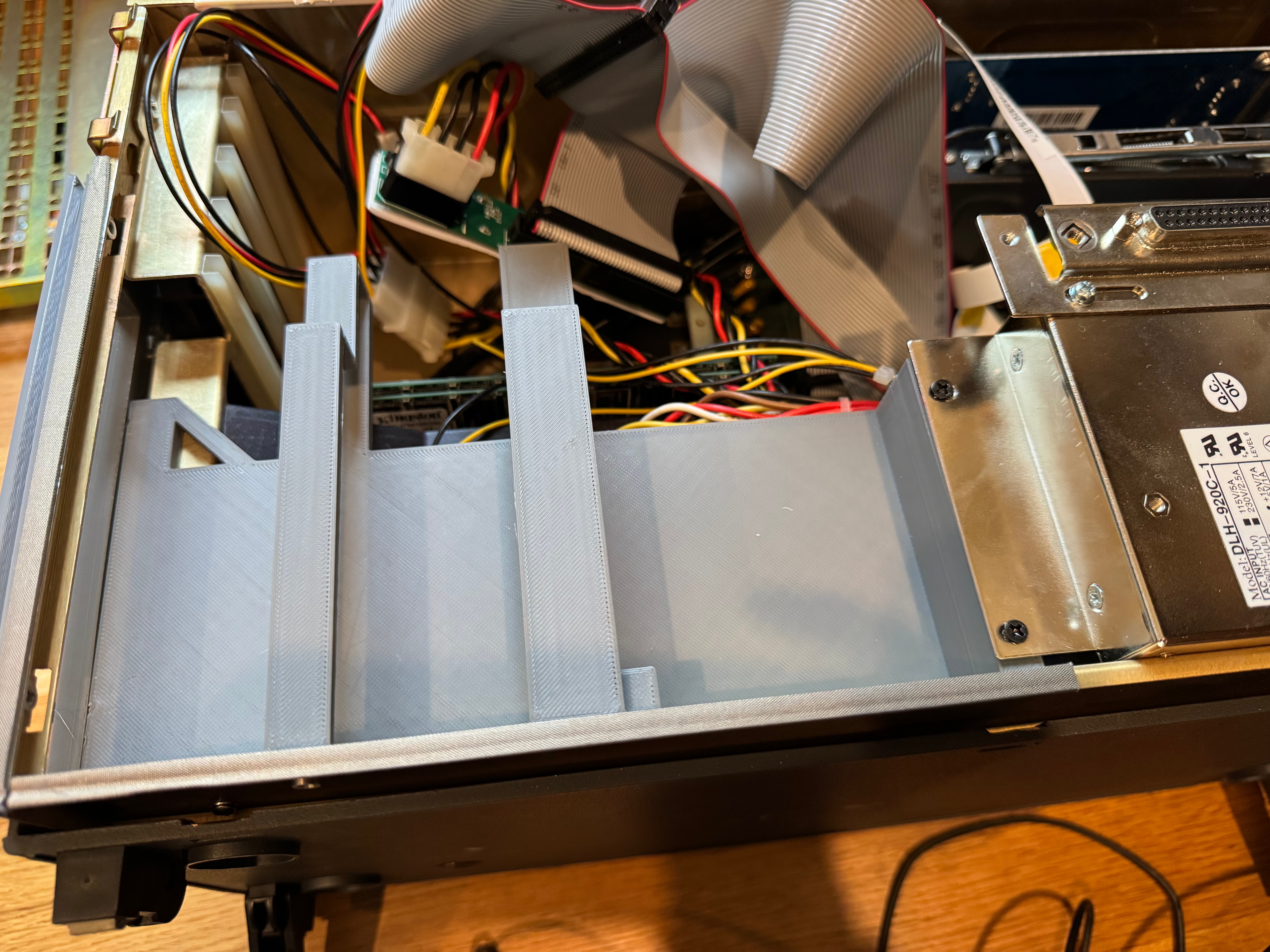
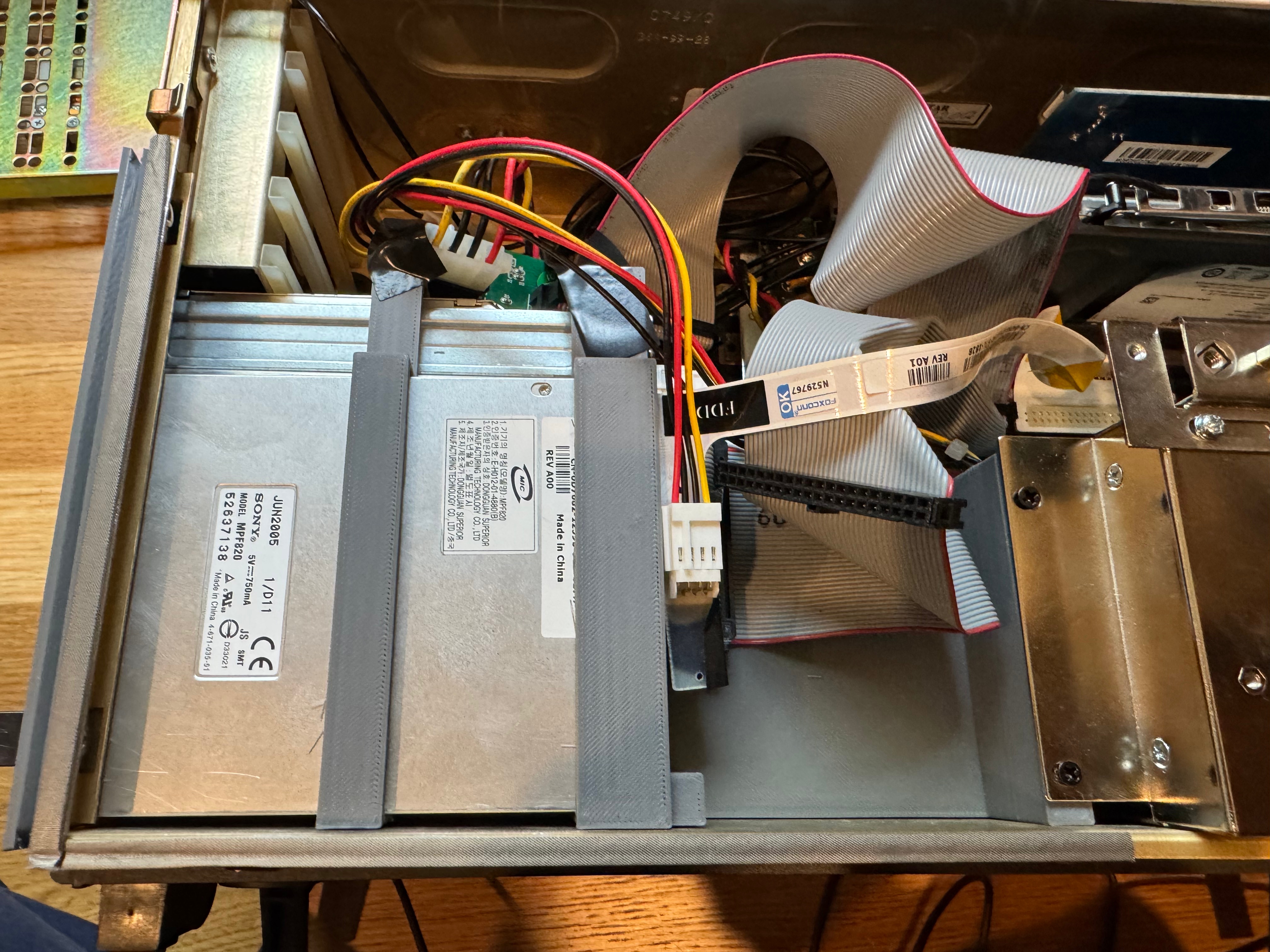
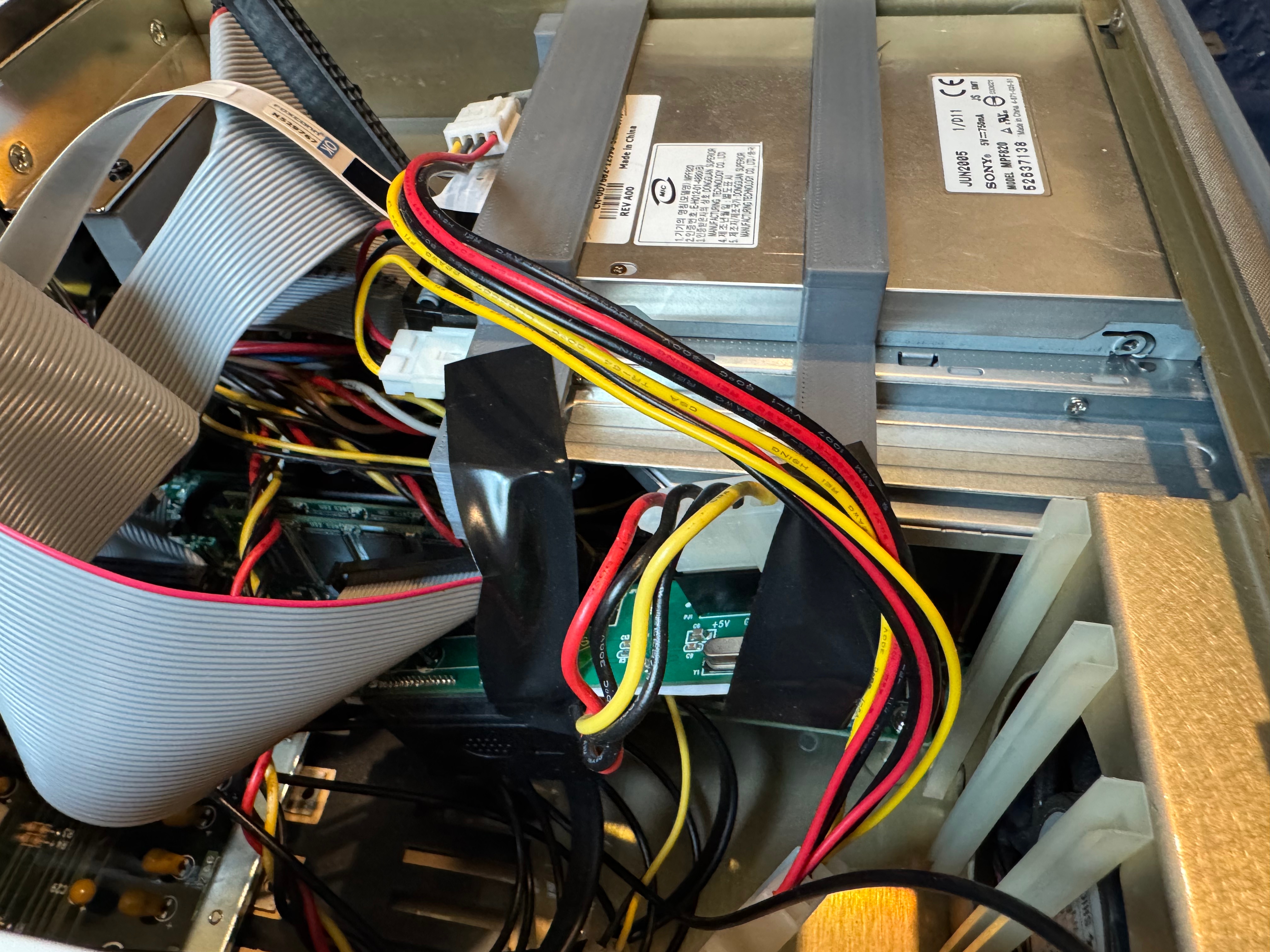
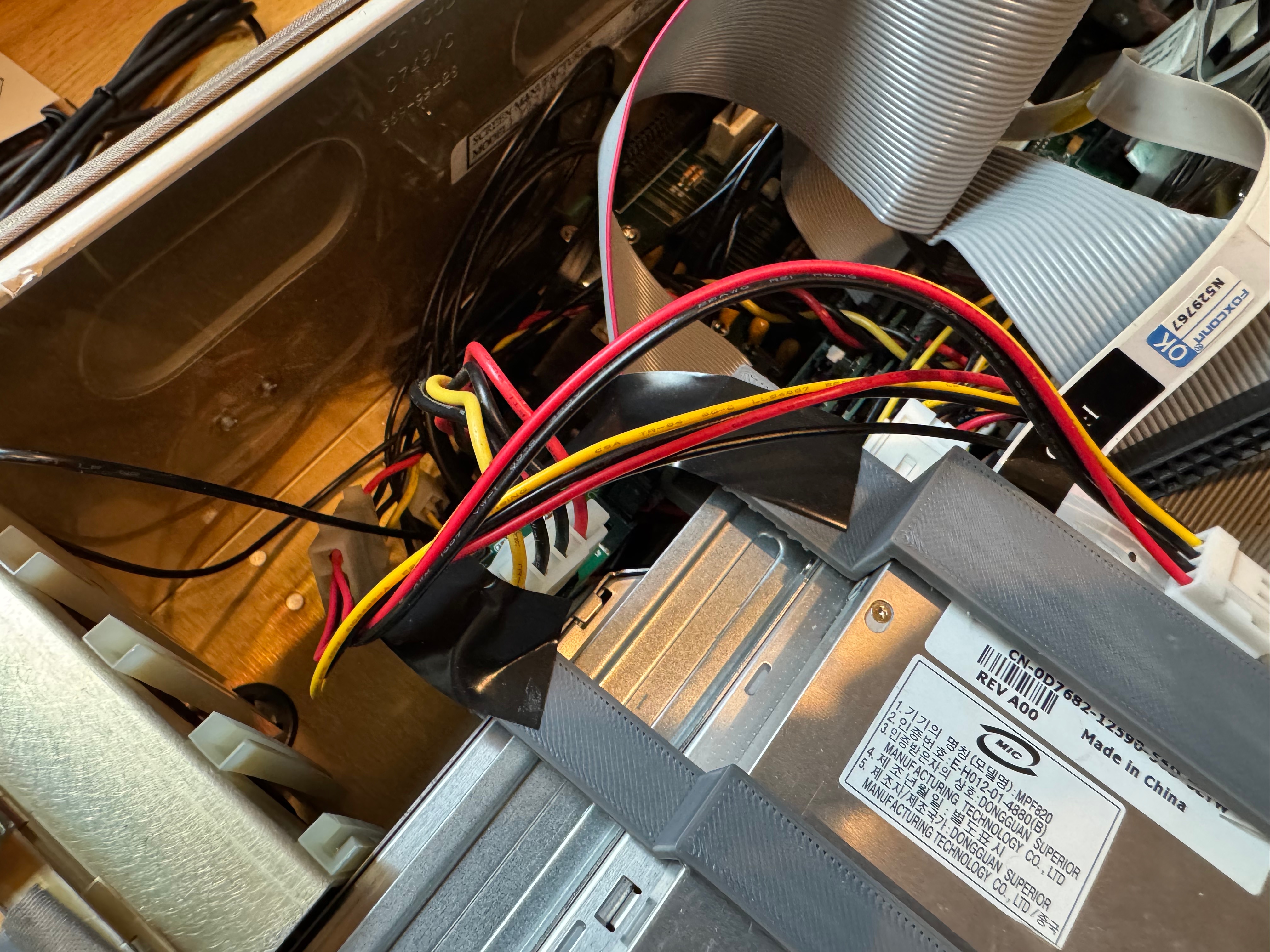
I then went to find some additional expansion cards to make my life easier, starting with a Belkin F5U220 USB 2.0. With USB mouse and storage support added, working within Windows 98 would be much easier. The little nub mouse works on the keyboard, but it’s not the most comfortable thing to use.
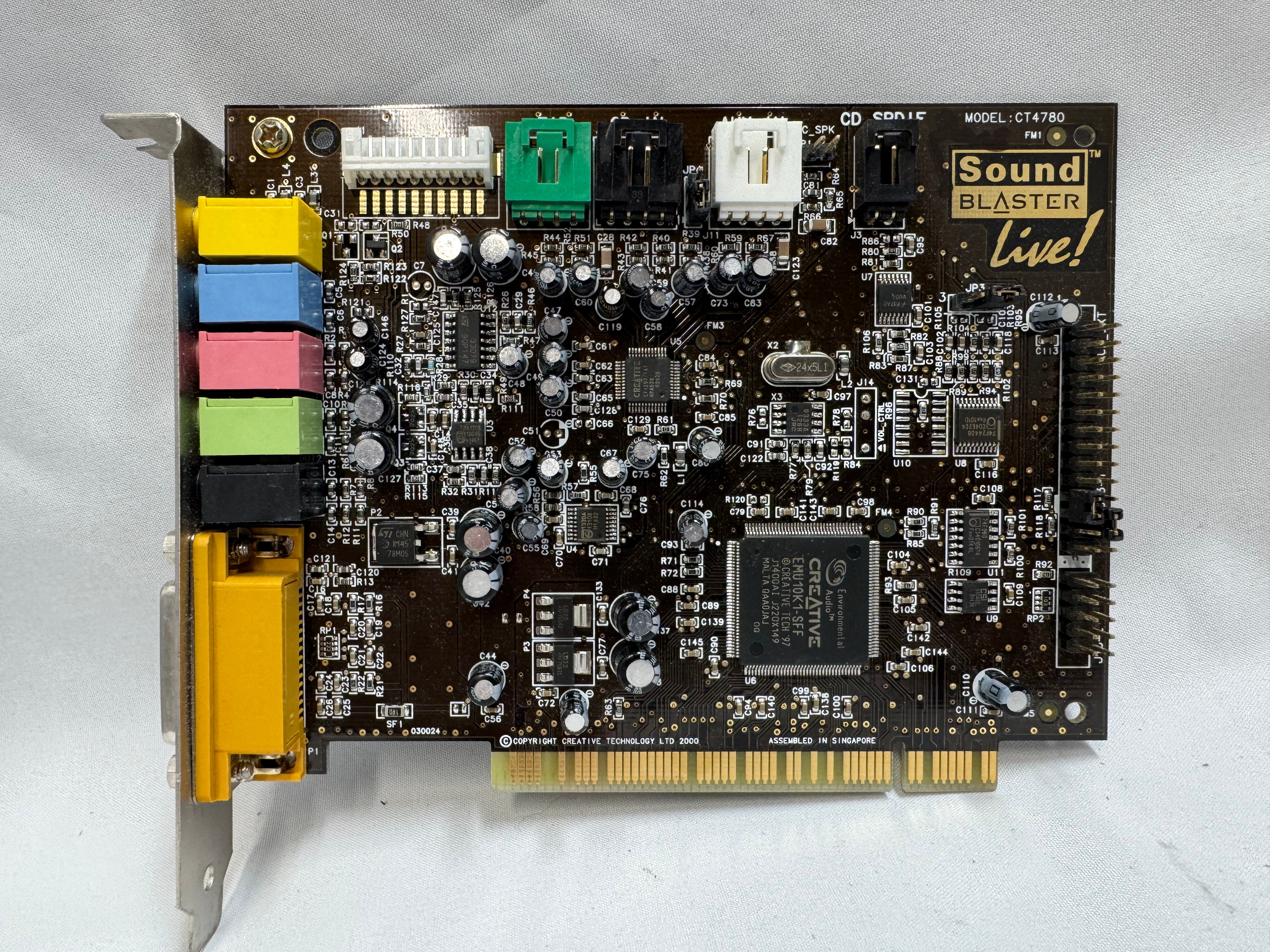
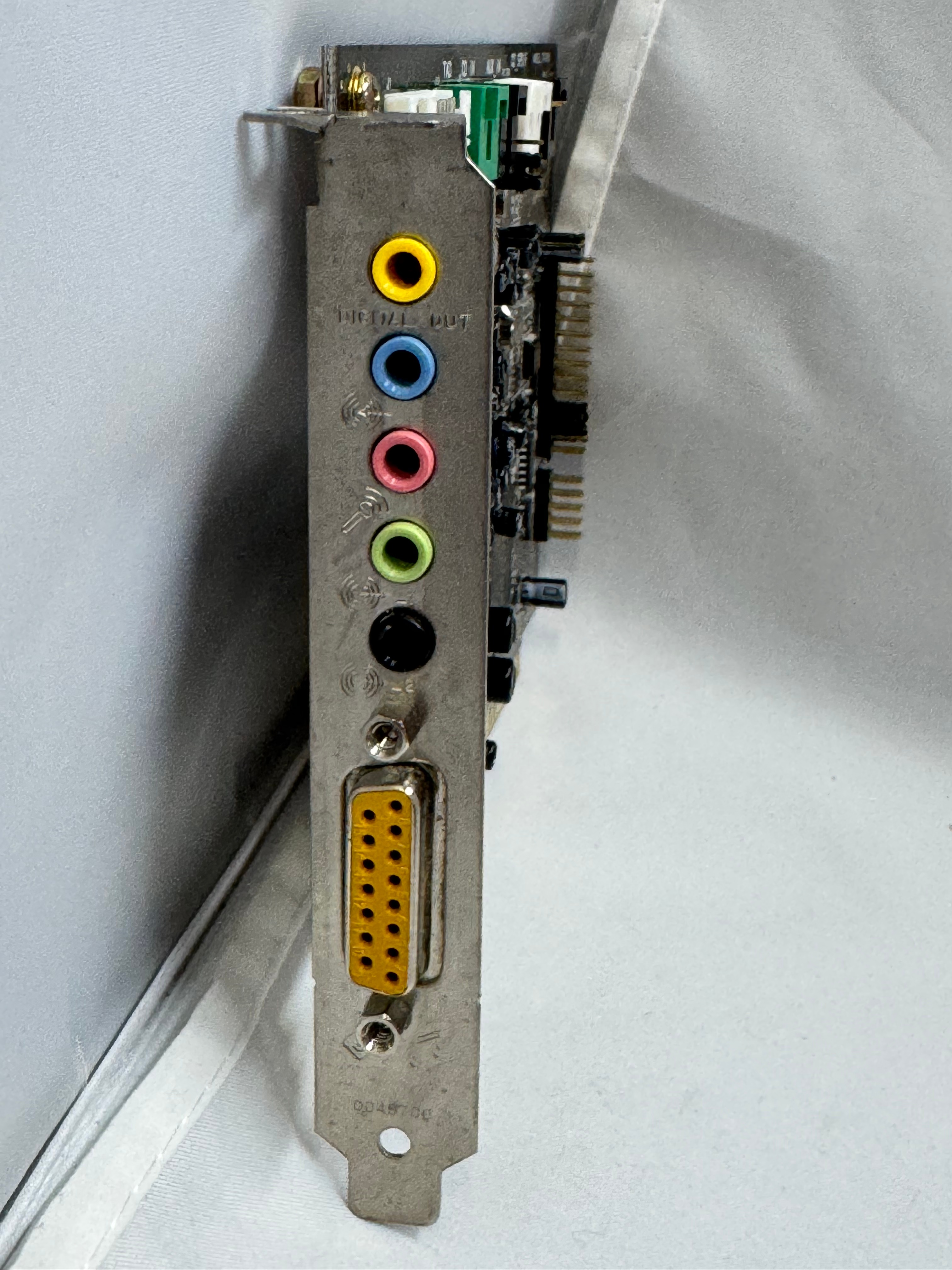
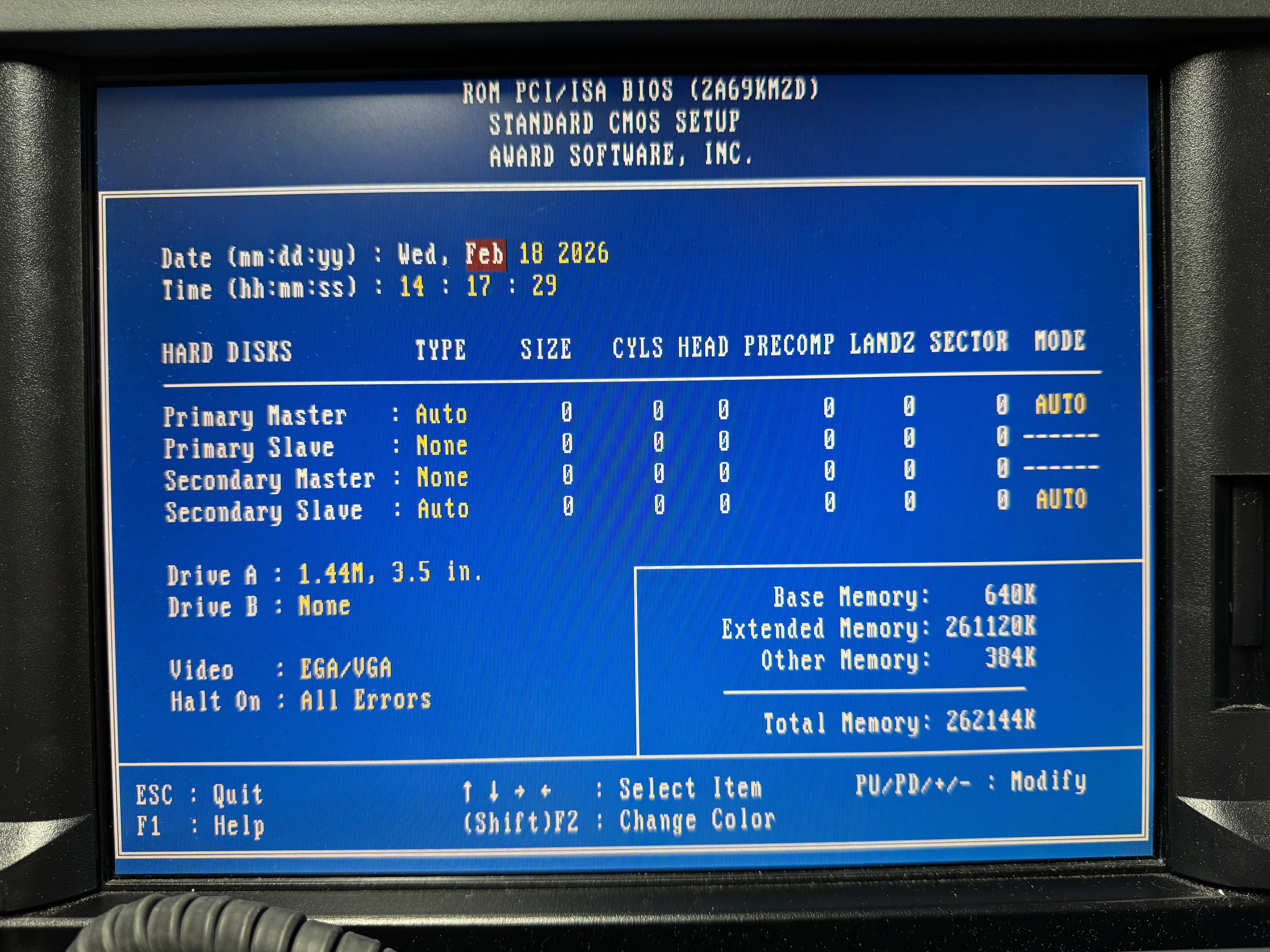
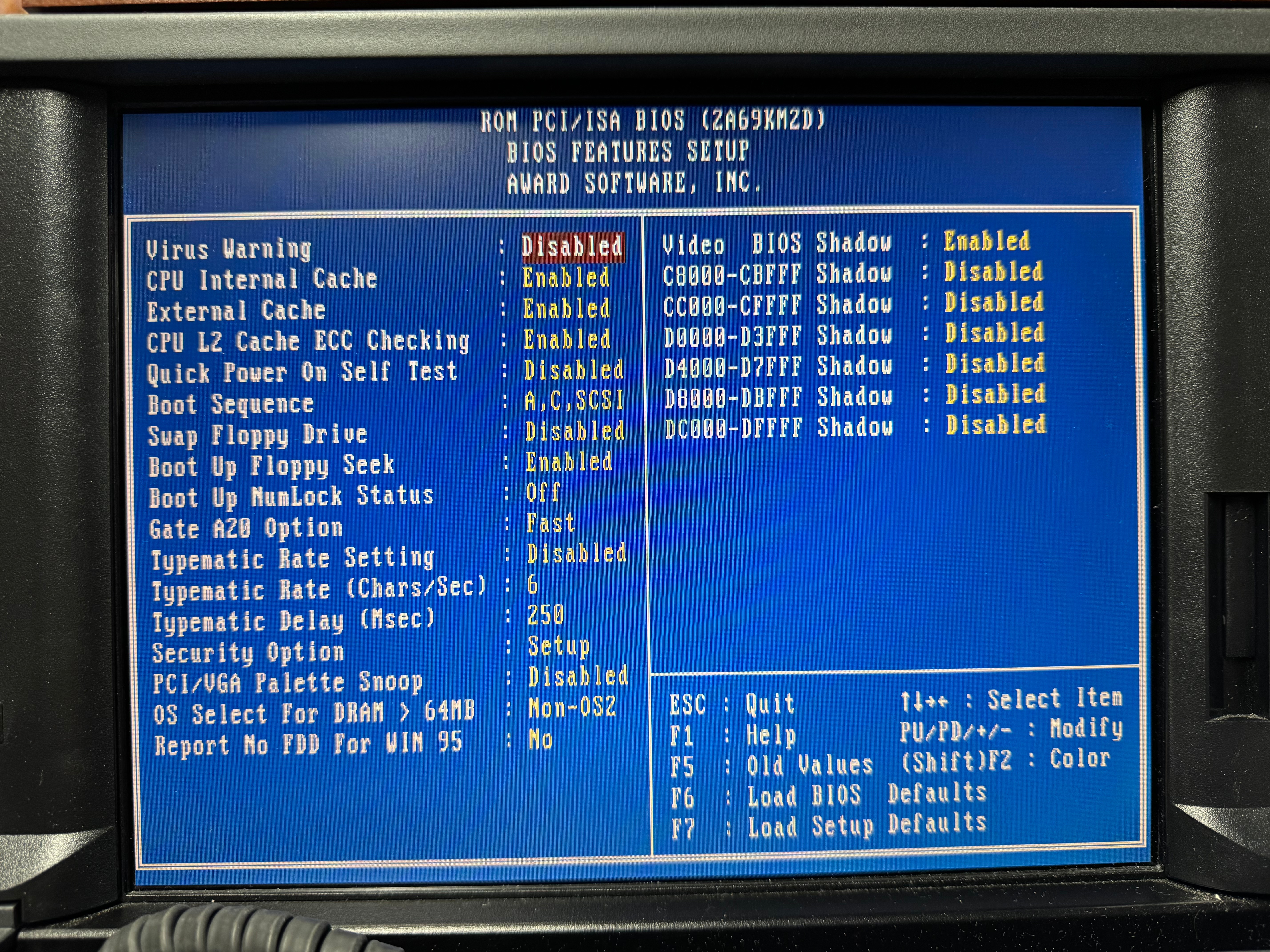
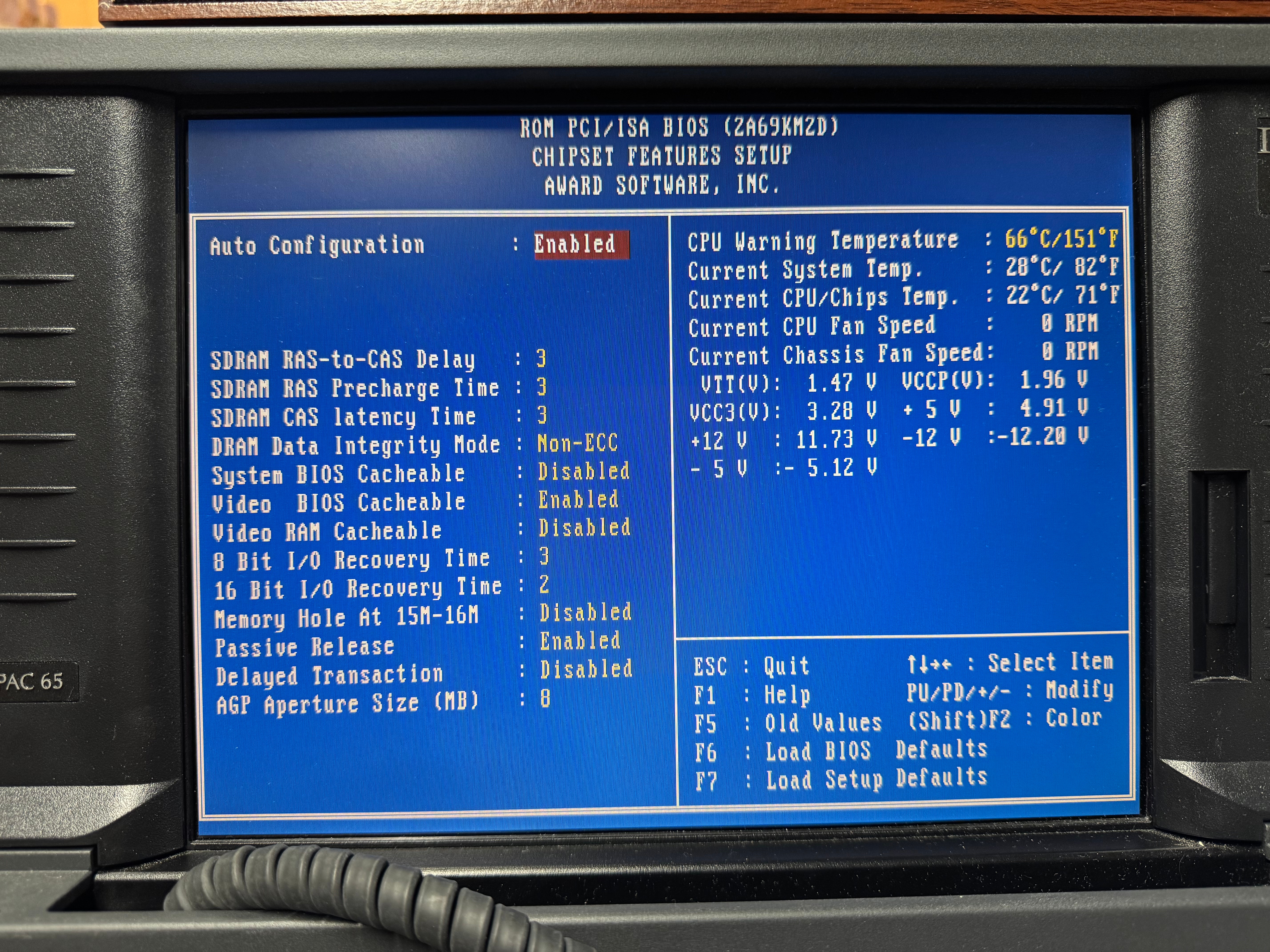
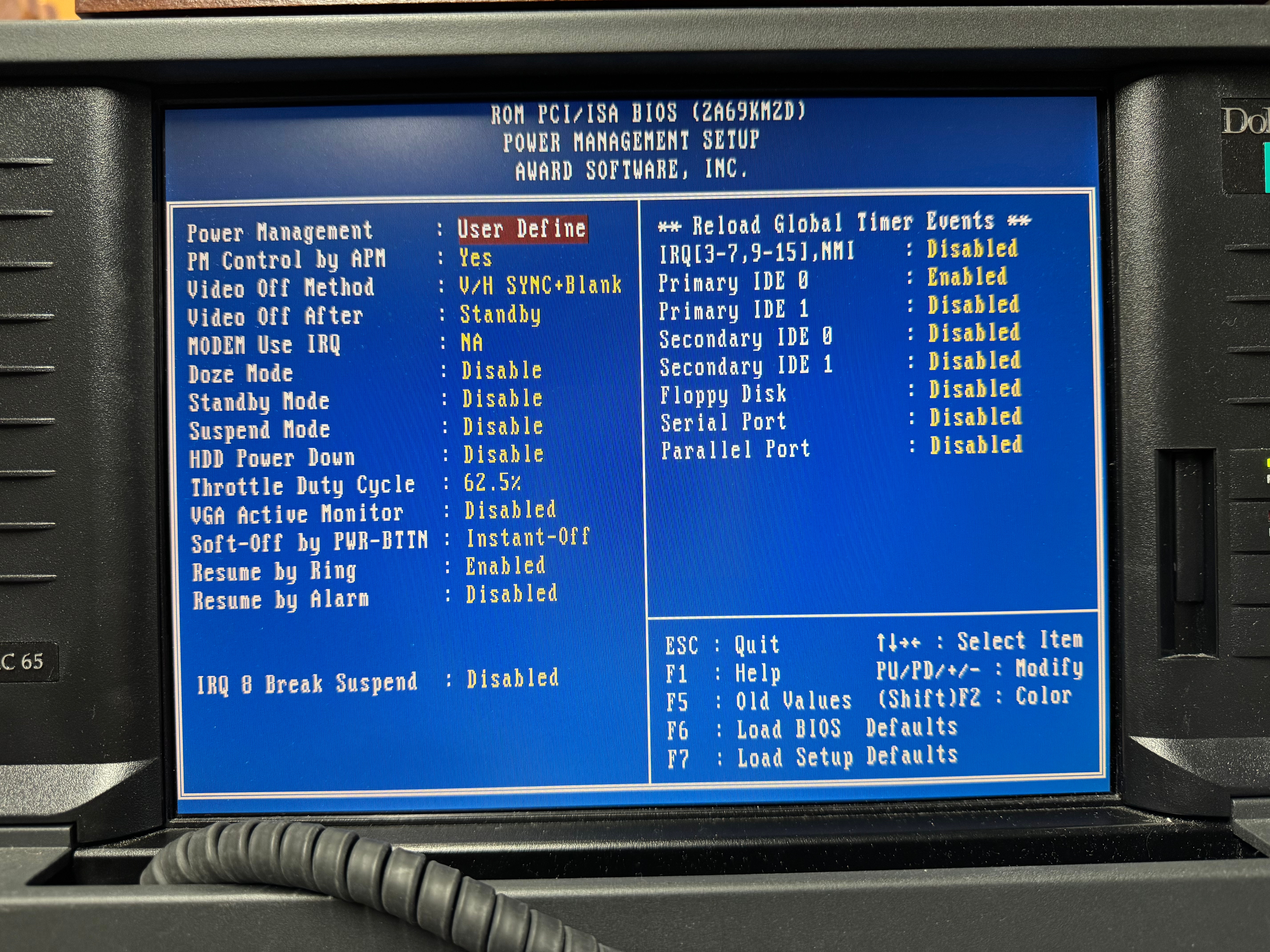
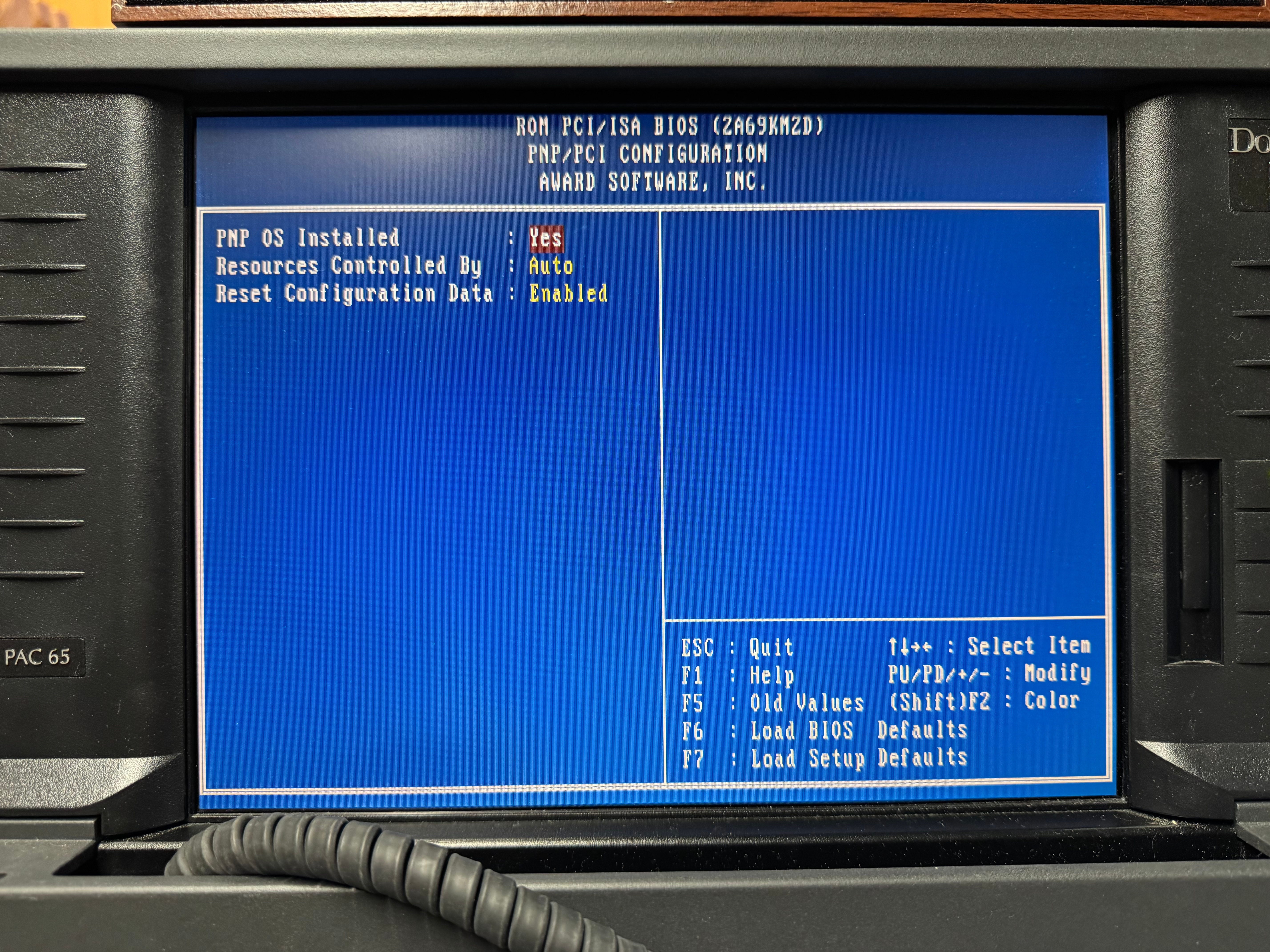
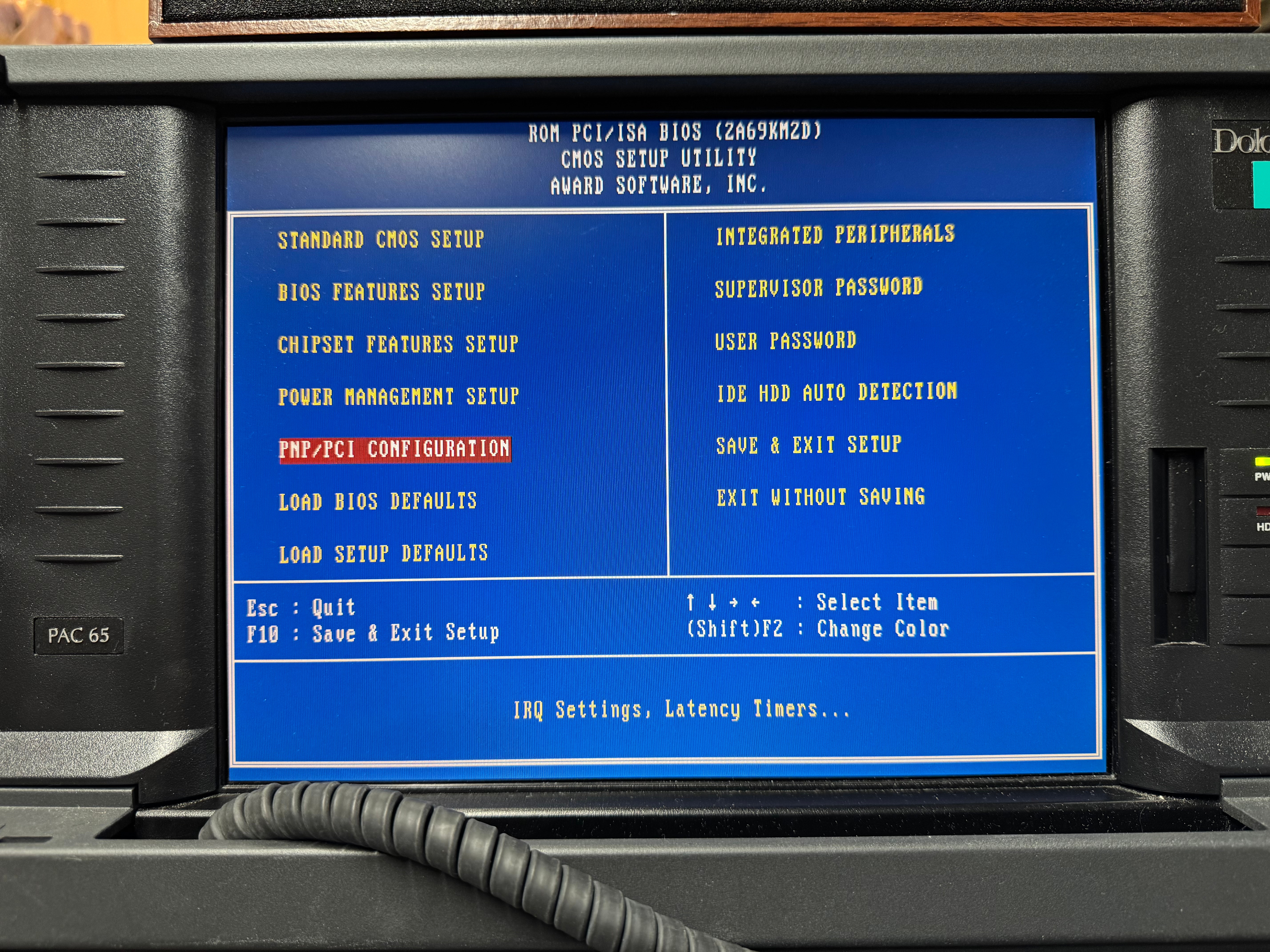
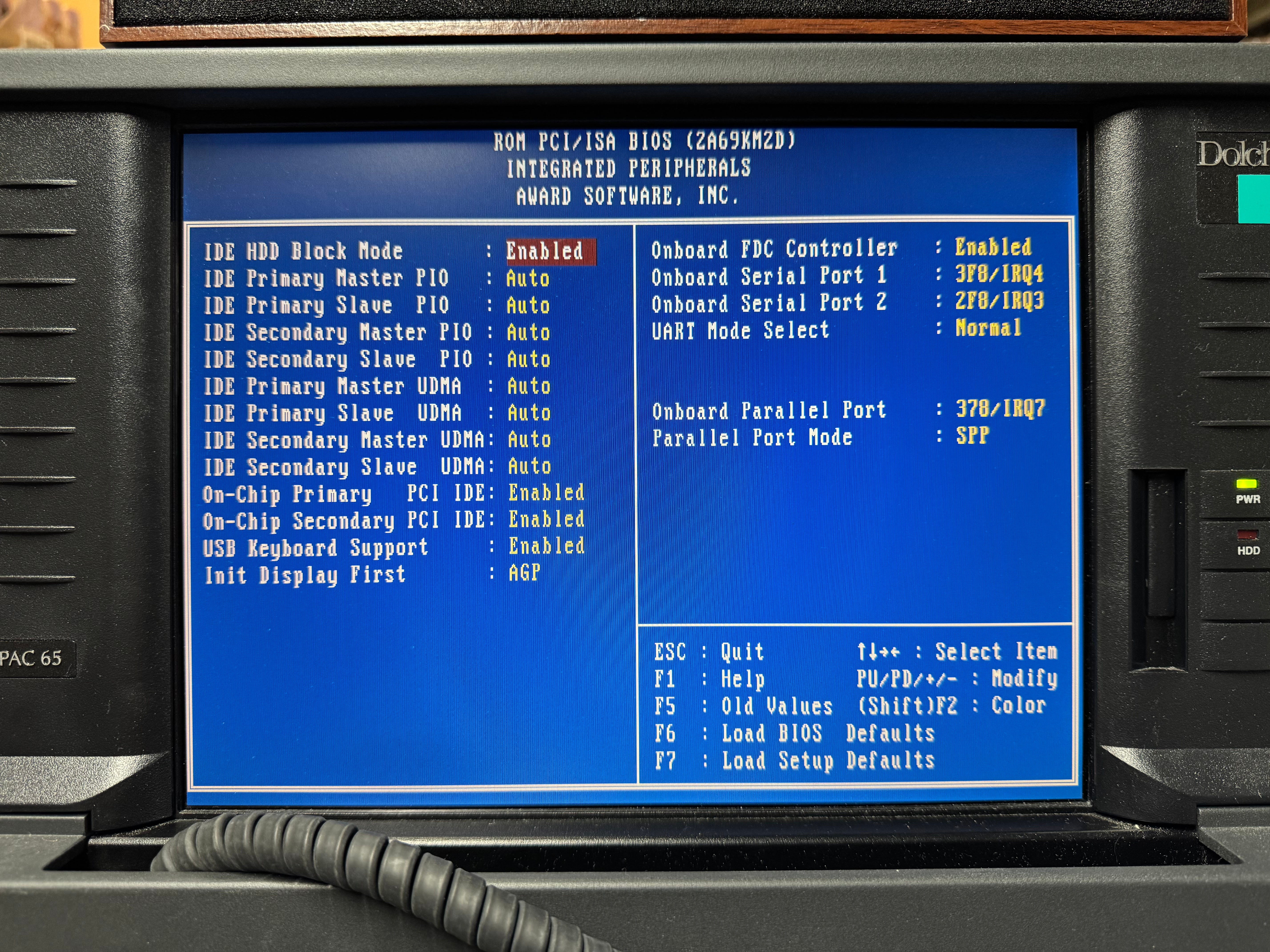
I wanted to get a Creative Sound Blaster, and I did off eBay. It was an authentic, old, ISA one that would work perfectly with all my DOS games. The issue I ran into was the ISA slot did not want to work. I am not sure if this is a later model, or maybe there is a jumper I couldn’t find on the motherboard that needs to be set for the ISA slot to work. There are many BIOS screens (screenshots below). I tried manually setting IRQ, automatic, no matter what Windows didn’t even see the card existed. After battling that for a little while, I gave in and got a PCI Sound Blaster. Using Windows 98 made this easier than older operating systems would have. That one worked immediately when plugged in.
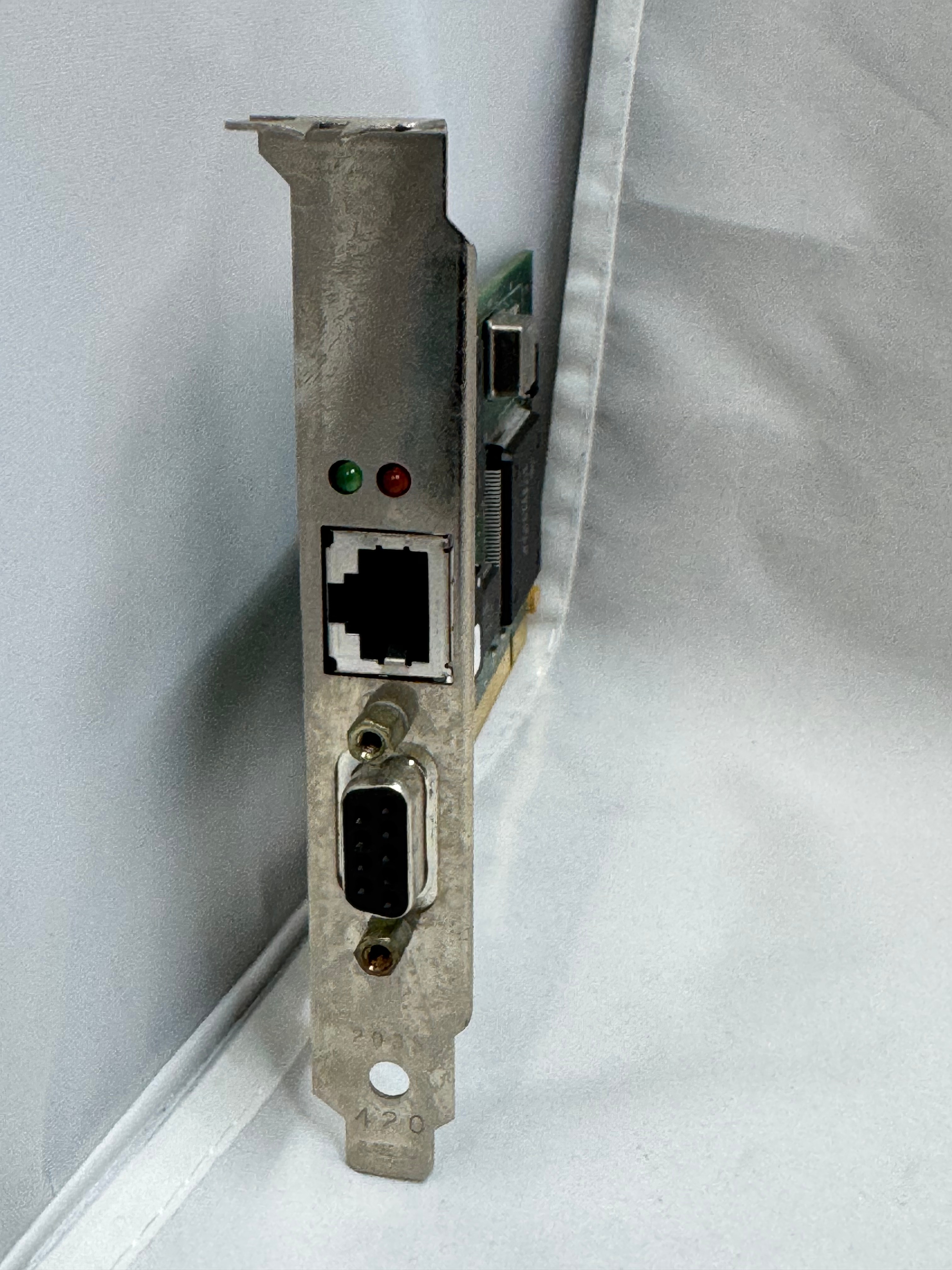
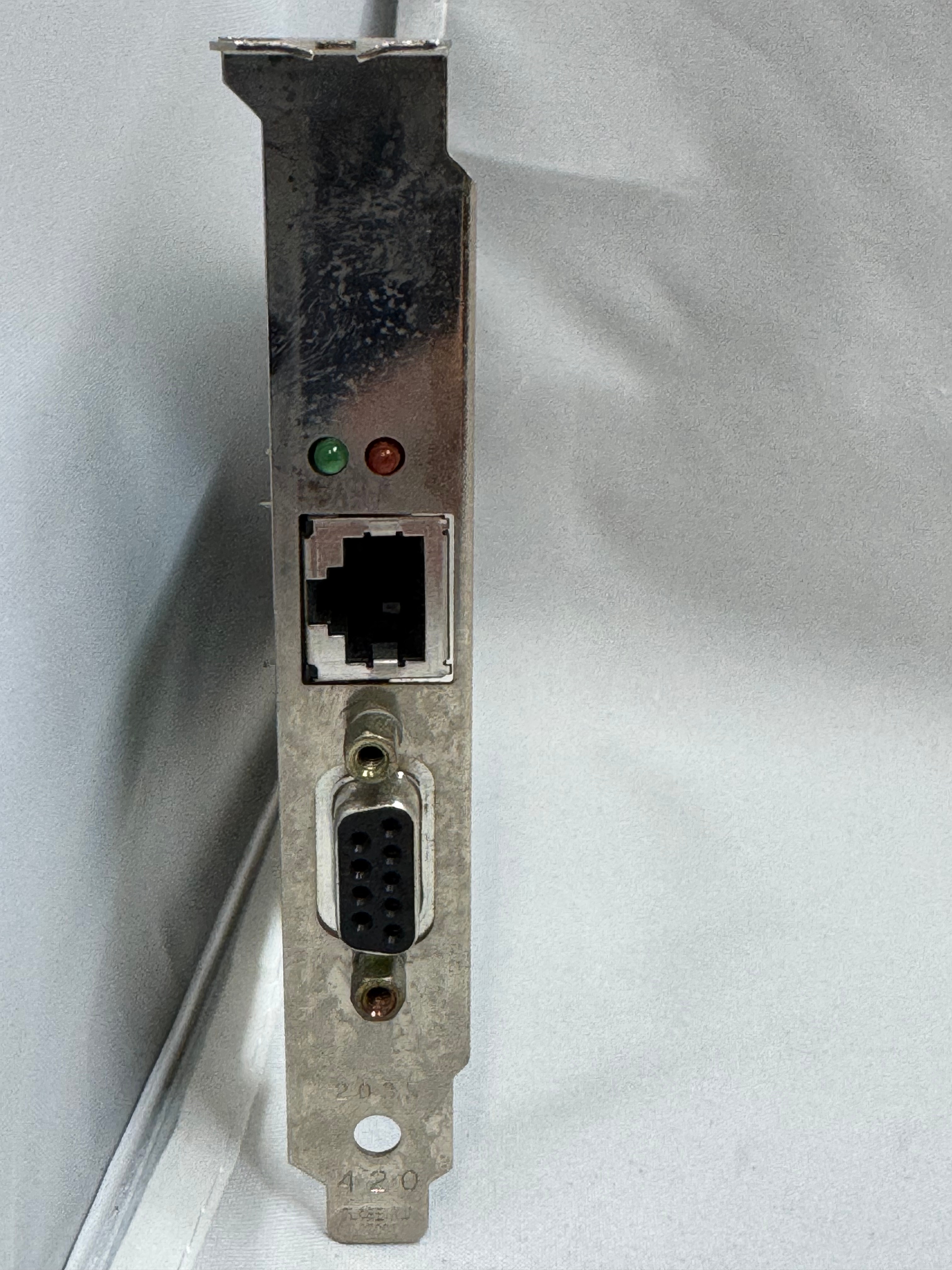
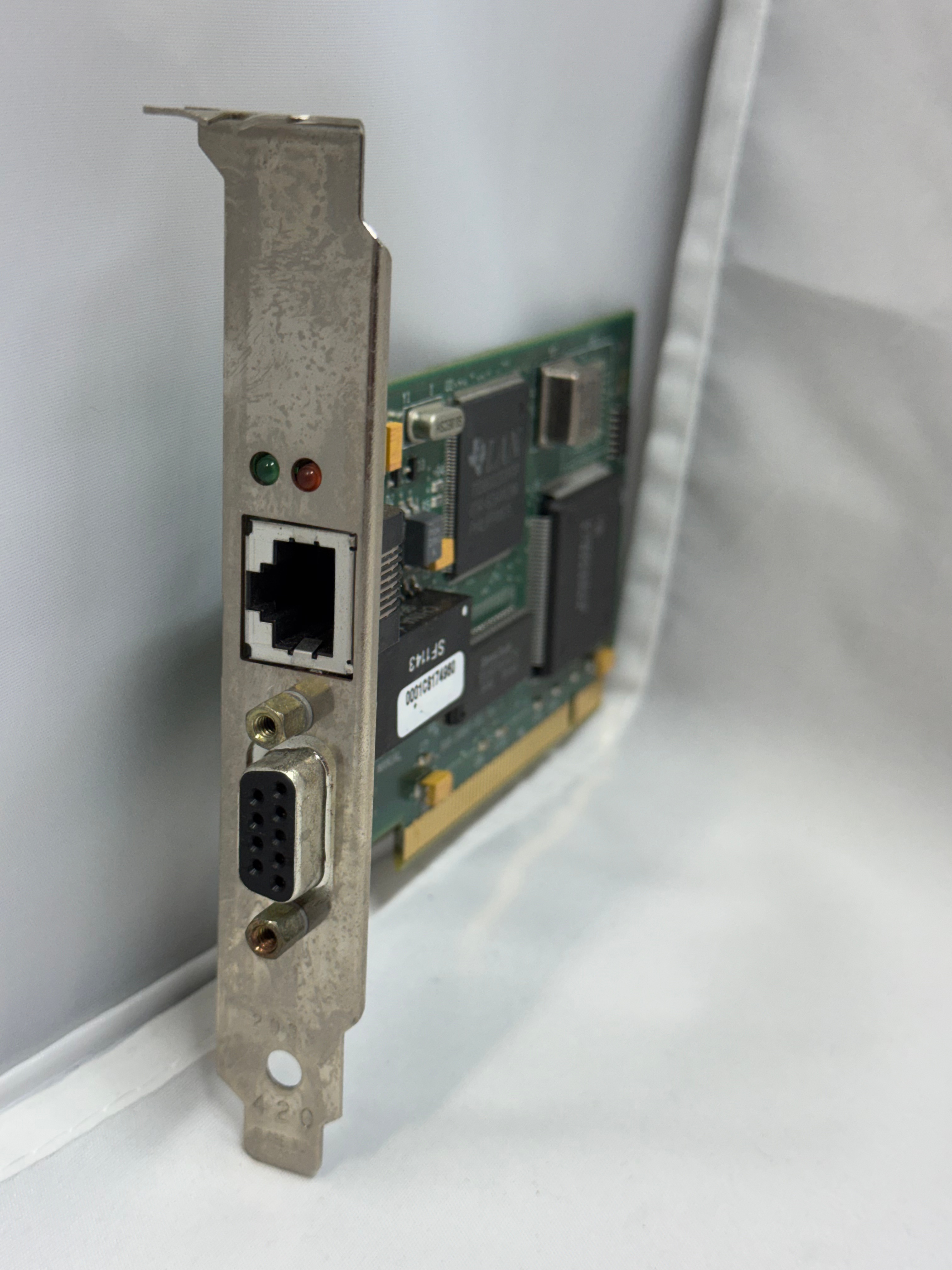
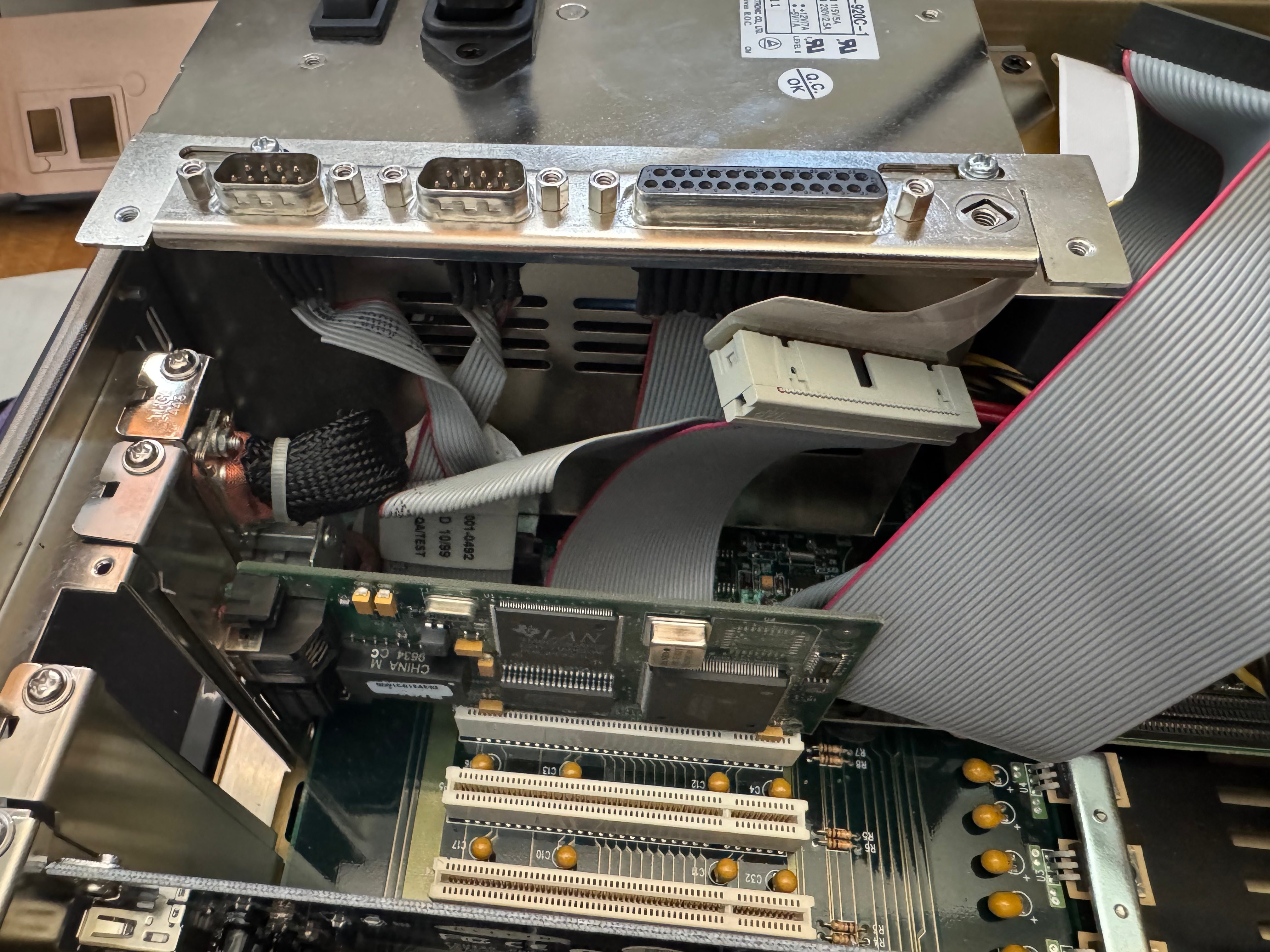
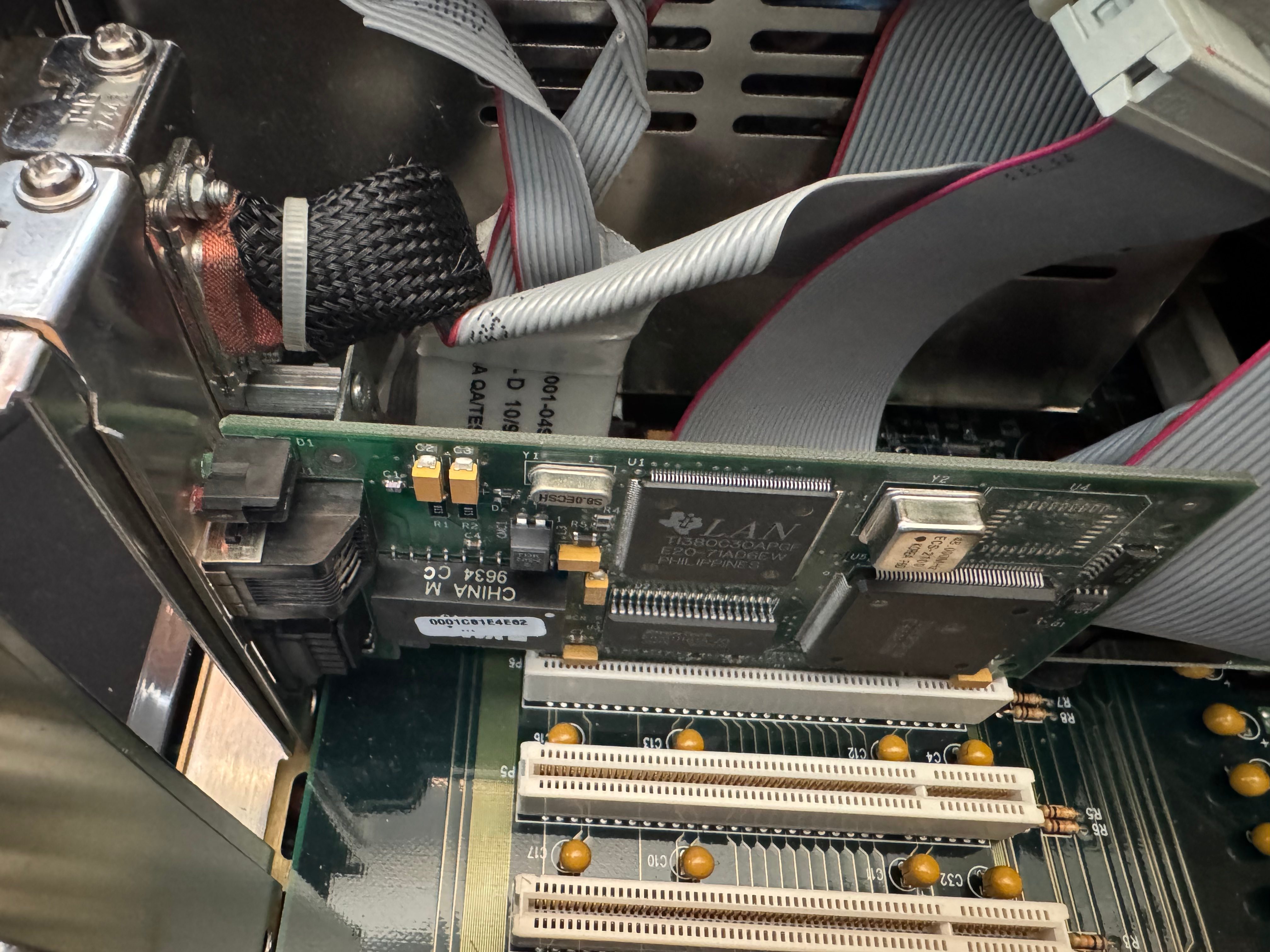
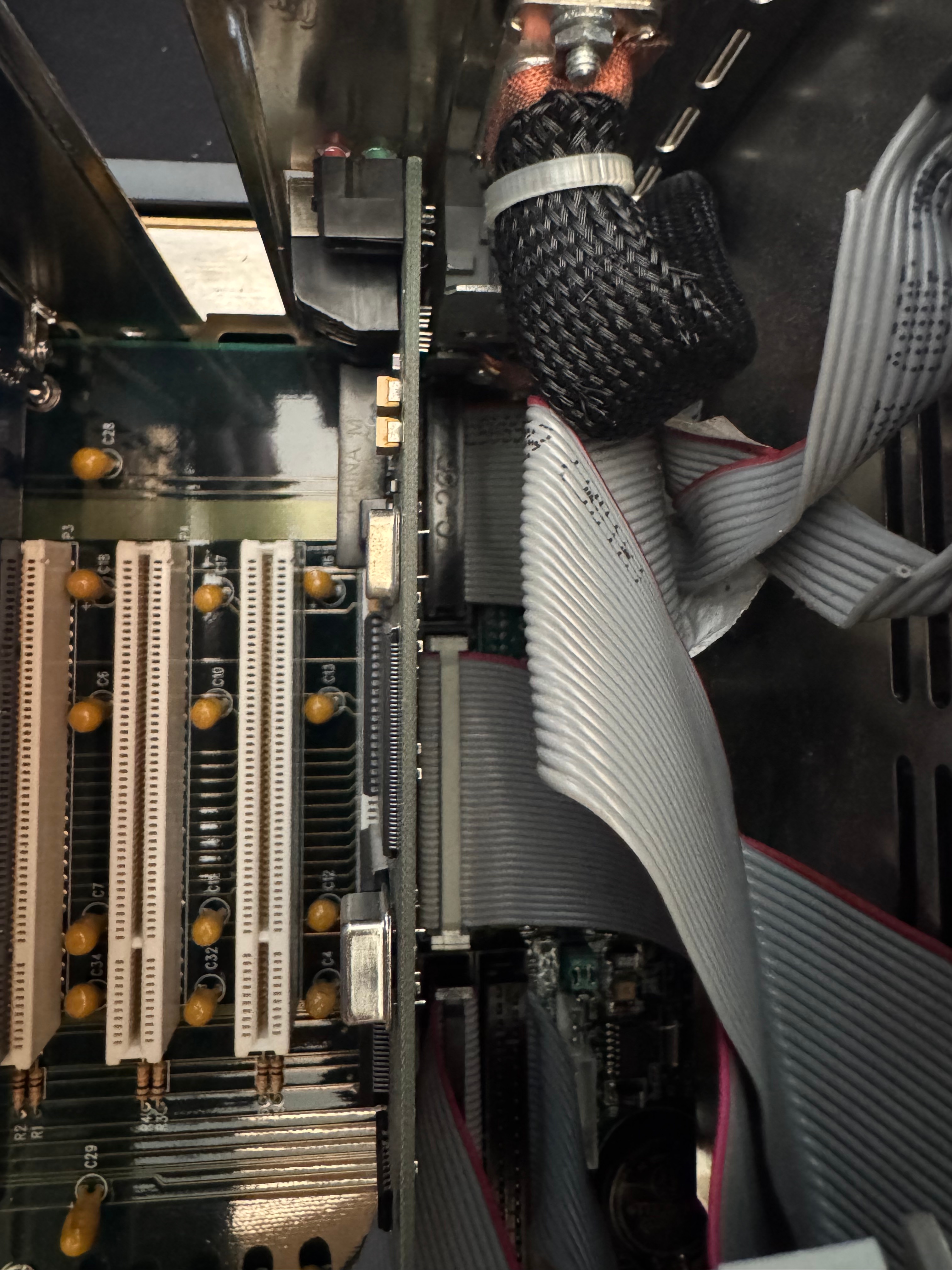
Last, but not least, I got a Thomas Conrad PCI Token Ring card for the system. It has 10/100Mb ethernet on the motherboard and in a breakout slot. But for the true retro rack road warrior, I needed the Token Ring to go with the rest of my Token Ring gear. There was one downside to this card, the same issue others have mentioned with Token Ring cards… The driver attempts to join the ring when the system boots; if it can’t, you get a 30-second or so delay, then an error message. Every. Boot. But that’s the price to be awesome and have Token Ring.
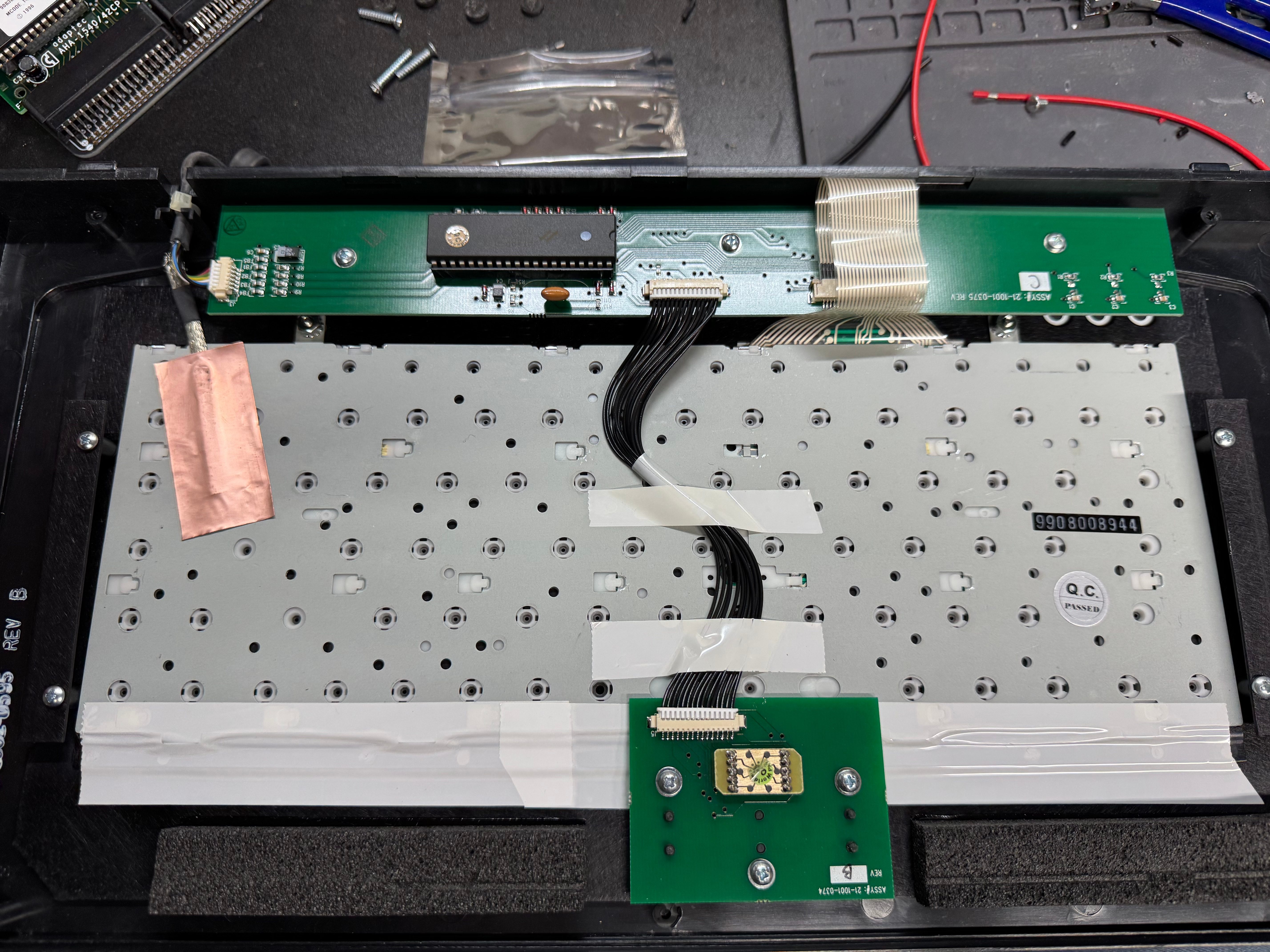
I had been using the system for a little while, and the keyboard had some sticking keys, so I took it apart and gave it a good cleaning. I think it still needs some work, but overall, it does what it needs to do. I can always use a USB keyboard now.
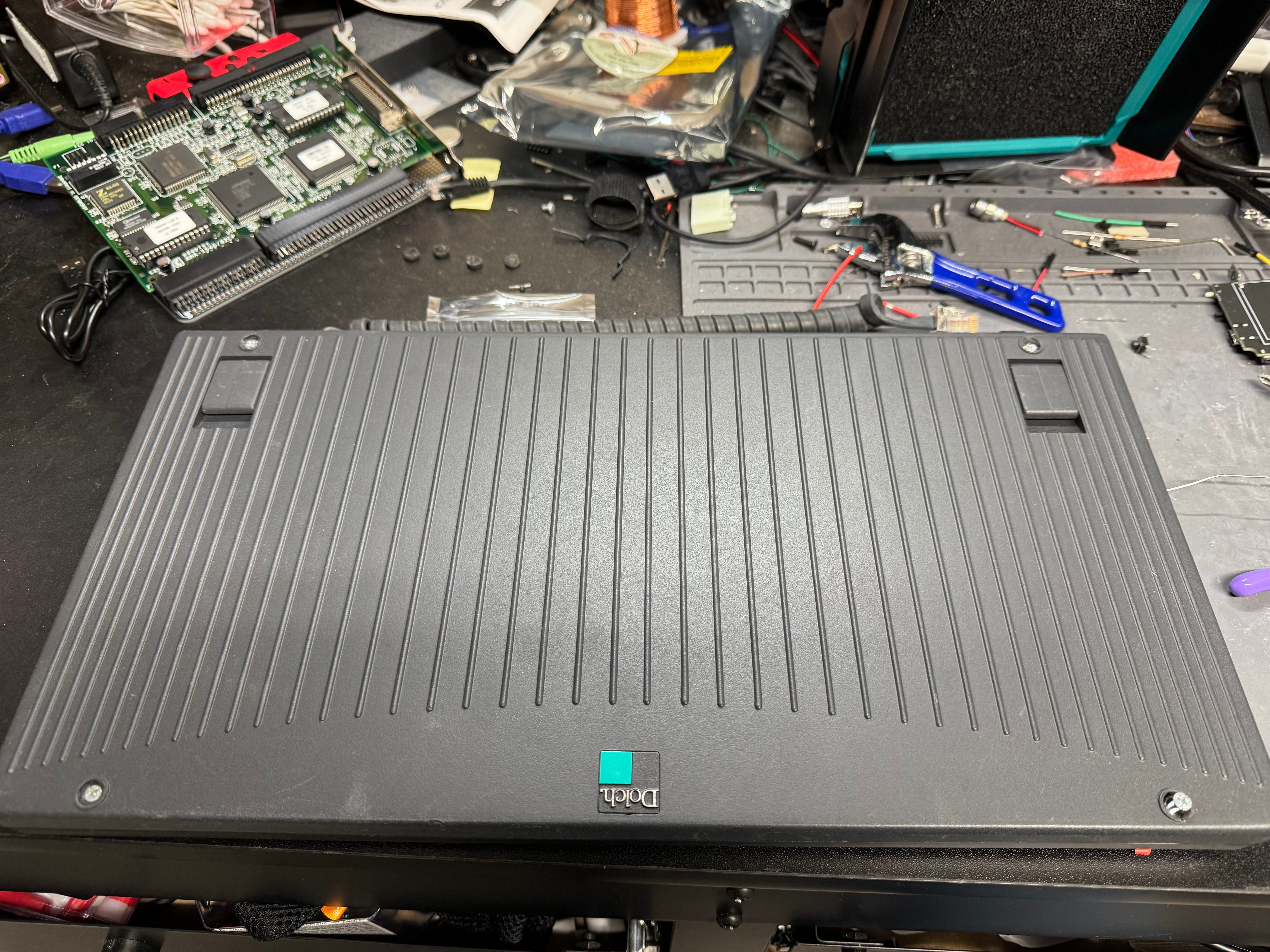
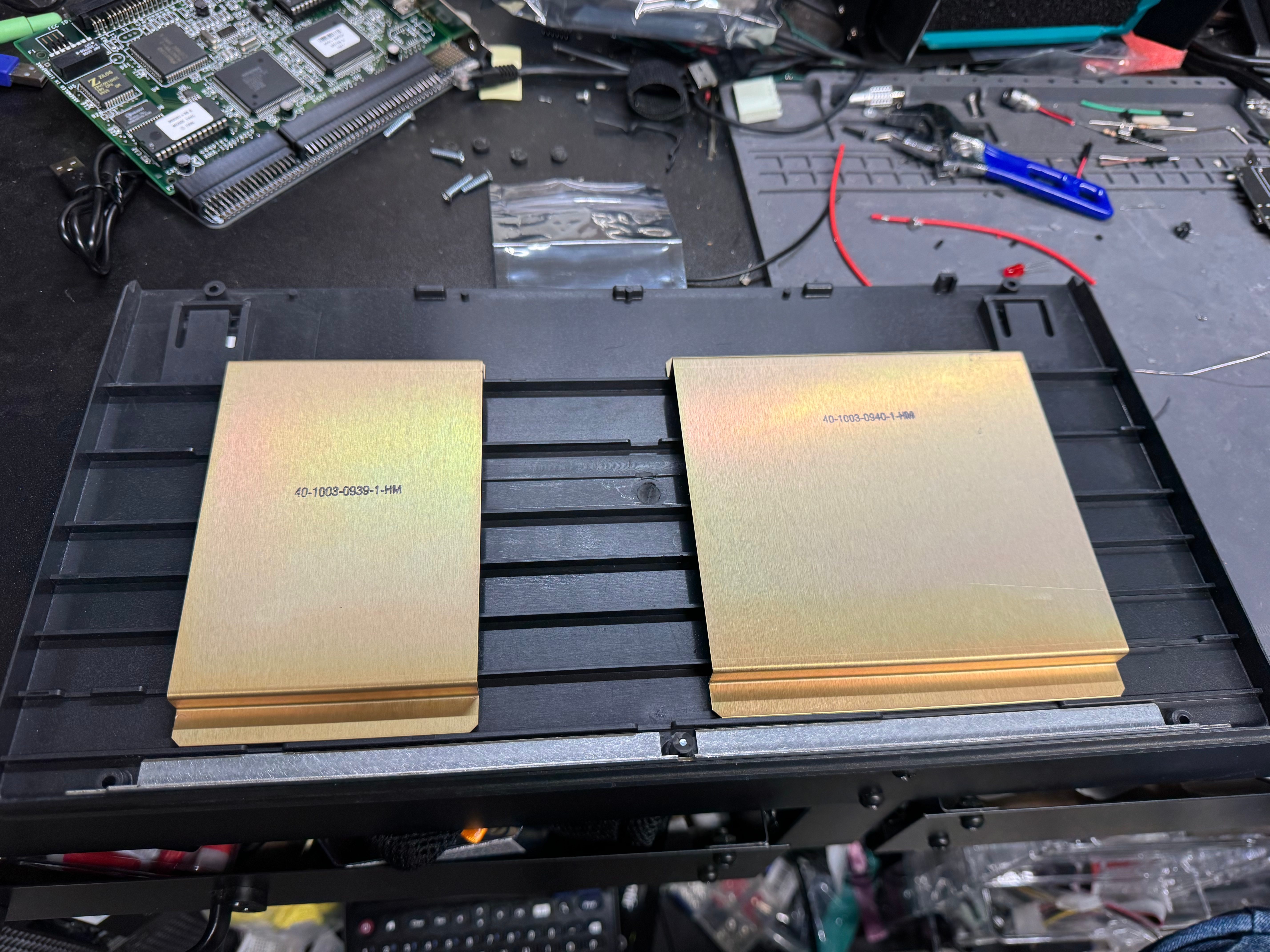
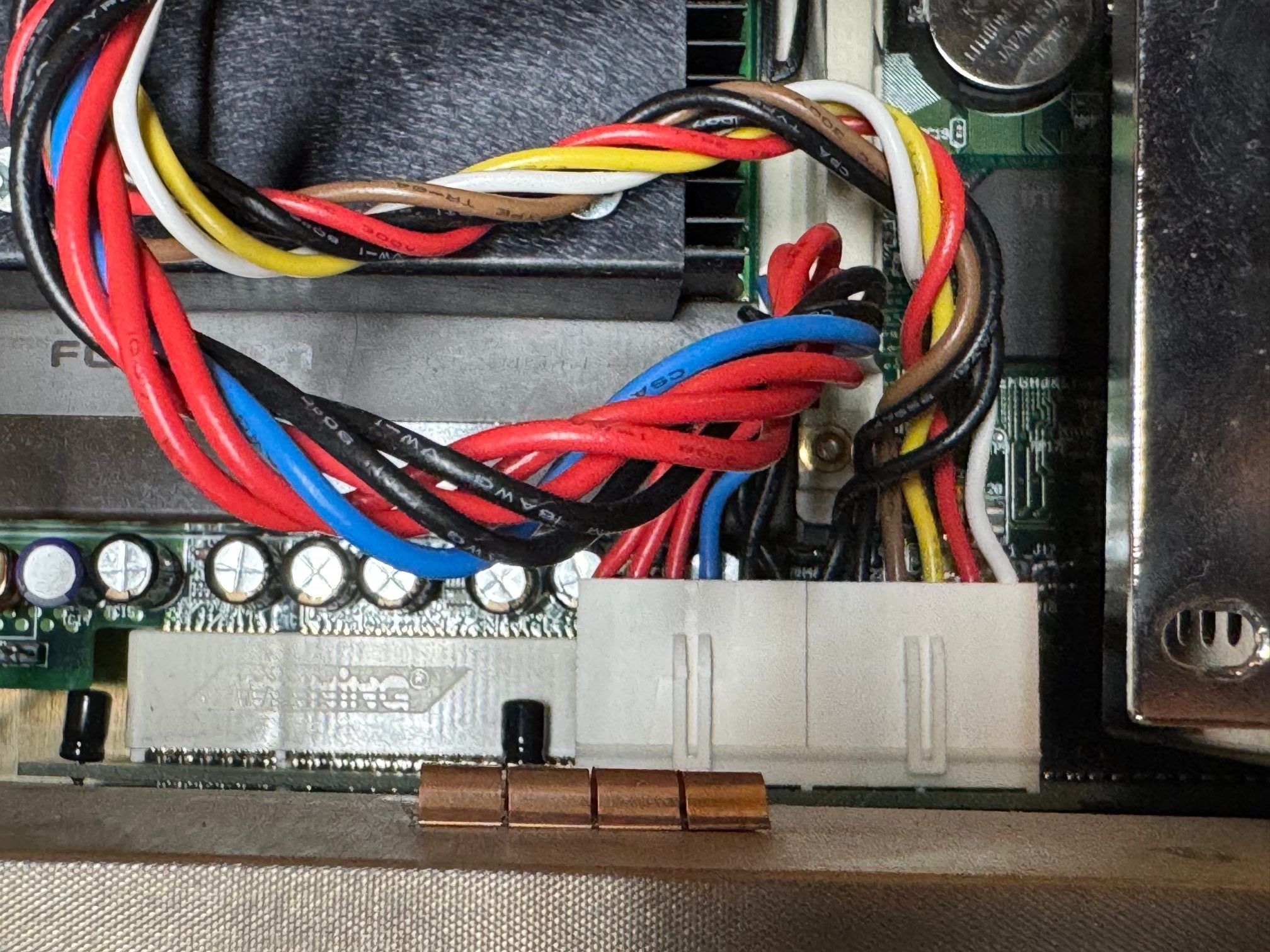
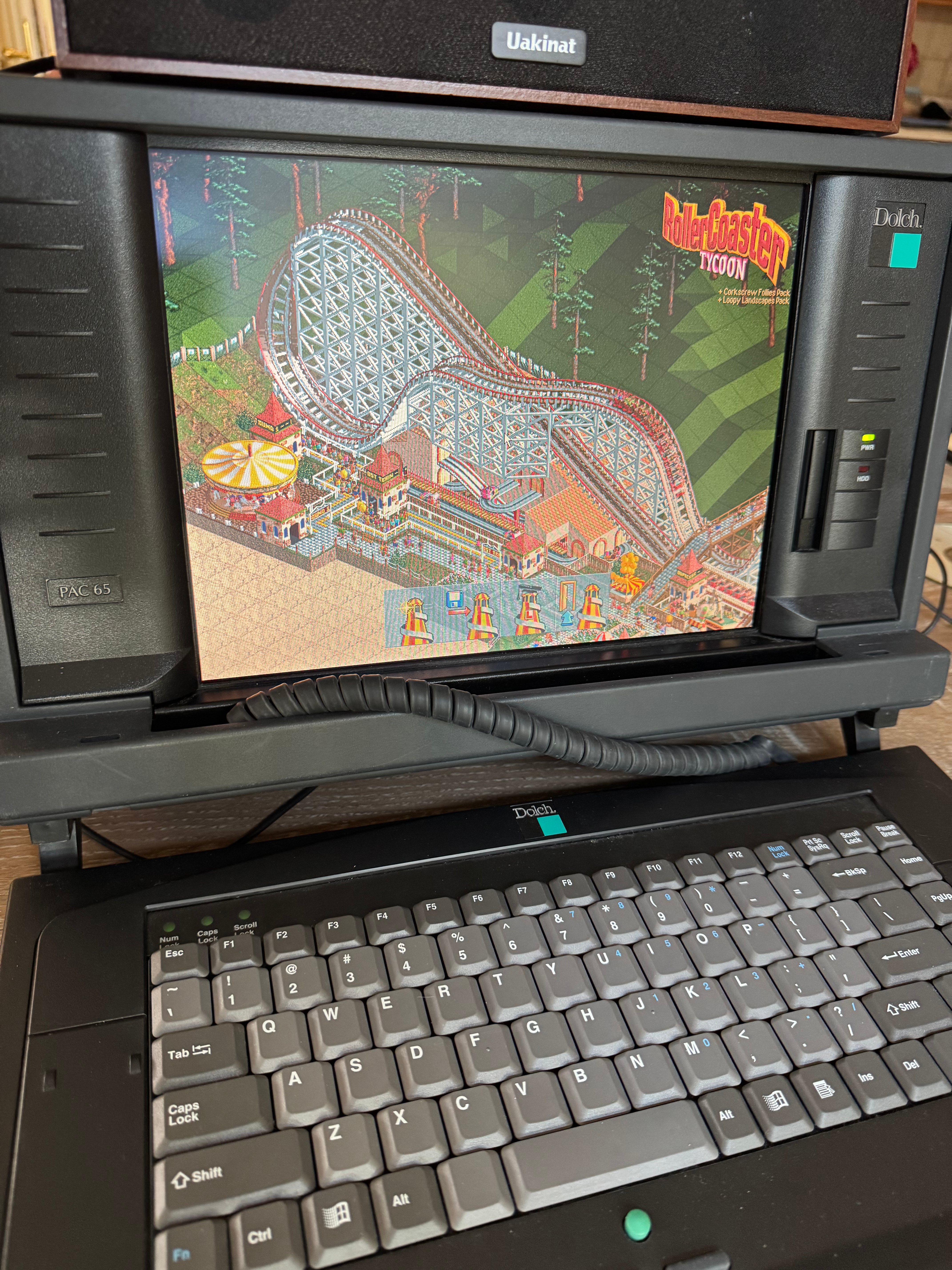
It’s a fun machine, I’m glad I got it. The nice part about portable systems is I can fold it up and put it in the corner. It’s my new go-to retro system. When I want it, I just pick it up, plug in a power cable, and I am back in business. There are some outstanding items: the power supply hasn’t been serviced and could explode at some point, the motherboard capacitors are 30 years old, and the ISA slot won’t recognize cards. We are going to ignore those for now and play RollerCoaster Tycoon instead!
 BuildingTents